dusk bot 0.2.32, 26 November

Every UI change and flow from today, before and after, grouped by area, with what changed and what to check. Shots come from the tracks' own runs and fresh shots of dev; all data is synthetic. Tap an image for full size.

Test results

go0.2.32 at 8795b22da4updated 27 Nov 2026

Go for 0.2.32 from dev 8795b22da4, on two conditions: the renderer smoke CI job goes green (a UI agent is on it), and release-notes.ts 0.2.32 --apply runs before tagging. Everything else passed, and 6 regressions found today are fixed on dev with tests.

CheckResultDetail
CI vitest (GitHub)passRequired gate green on run 45893030857 (fix/telegram-watch-delivery, built on dev): typecheck+lint, 8/8 Ubuntu vitest shards, macOS and packaged smokes. Renderer smoke still red. dev's own run 45907891199 on 8795b22da4 still running. link
typecheckpasspnpm typecheck on 8795b22da4
lintpasspnpm lint (oxlint, deny warnings) on 8795b22da4
i18n checkpass16 languages, 10290 English strings
smoke flowspartialonboarding 8/8 and connect-later 3/3 pass. account-entry 3/6 and account-handoff fail: the app waits on Finish setting up in your browser while the preview website runs its own name step. Same flow also failed on the 0.2.31 tree, so not new today.
user-sim vs baselinepass55 scenarios: pass 52.7 to 58.2%, task success 61.8 to 69.1%, judge 3.49 to 3.71, memory recall 71.4 to 90.5%, failed turns 3 to 0
user-sim vs 0.2.31passPass 60 to 58.2% (one scenario, within noise), task success 69.1 to 69.1%, judge 3.6 to 3.71, tone 4.29 to 4.42, recall 88.1 to 90.5%. Compaction subset on 64cb183db5: 7/9 pass, recall 14/14
push-pairing e2epass15/15 checks on 8795b22da4: pair --phone ios --public-url, redeem, register, duskbot push test reaches the relay
release dry-runpassrelease-all.ts 0.2.32 --dry-run runs end to end. Still needed before tagging: changelog.json entry (release-notes.ts --apply), tag and signing key
cloud-wake testspasshome-window-wake node tests and CloudAsleepHome dom test pass
ai-login testspassai-signins-carry, cloud-account-clouds, claude-stored-login, cloud-signed-ai-signins pass. Electron node suite 2192 tests: 1 flaky fail on the first run, 0 on the rerun
manual flowspassFirst run (4 variants), queue/steer, attachments, model chip, room rename, Settings updates and What's new, pairing, island/dock setting, phone 390 walked headless. Phone layout check 40/40. Today's changed tests: 87 files, 1529 tests pass

User-sim, judged by gpt-6.2-sol

MetricBaselinebaseline, origin/dev cb02aa0f24 (24 Nov)0.2.310.2.31, d94984cd89, each scenario twiceNow0.2.32 dev b4c78f2449, 55 scenarios
Scenarios run5511055
Pass rate52.7%60%58.2%
Task success61.8%69.1%69.1%
Judge score3.493.63.71
Quality3.583.653.73
Tone4.164.294.42
Memory recall15/21 (71.4%)37/42 (88.1%)19/21 (90.5%)
Median turn22.3 s23.8 s27.0 s
Failed turns300

Risks

Fixed during QA

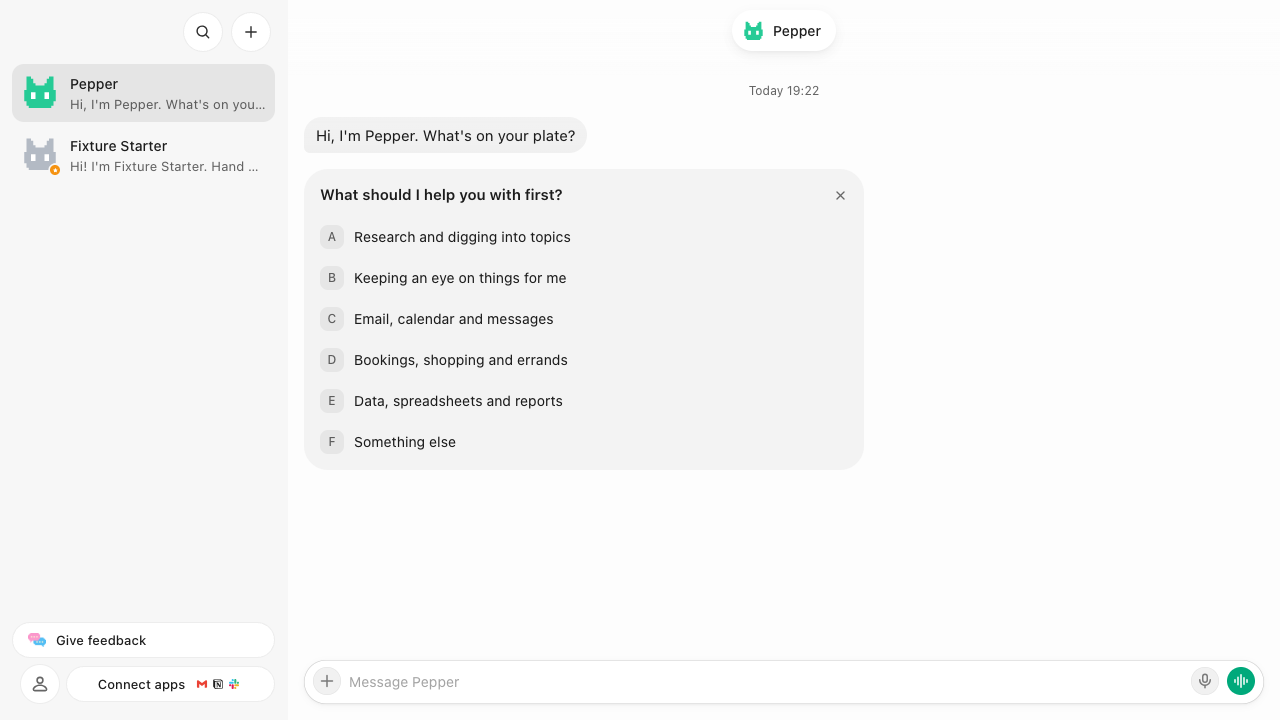
First run and sign in

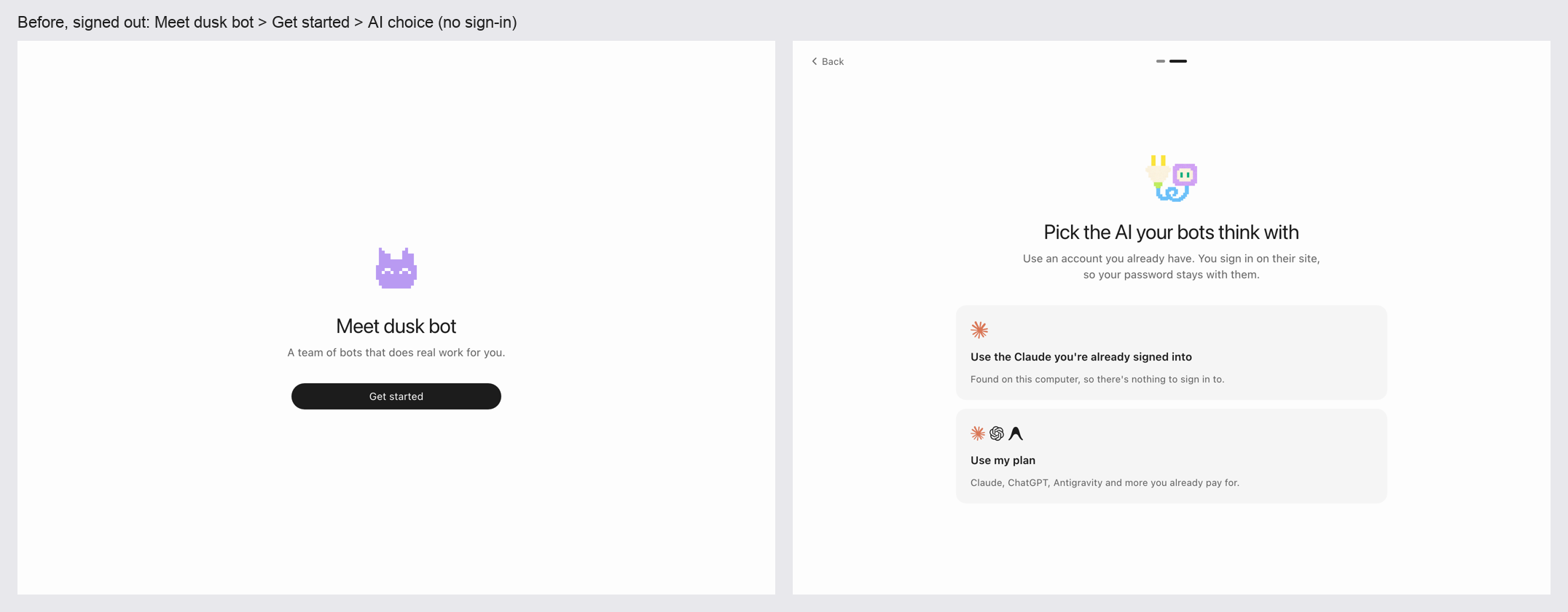
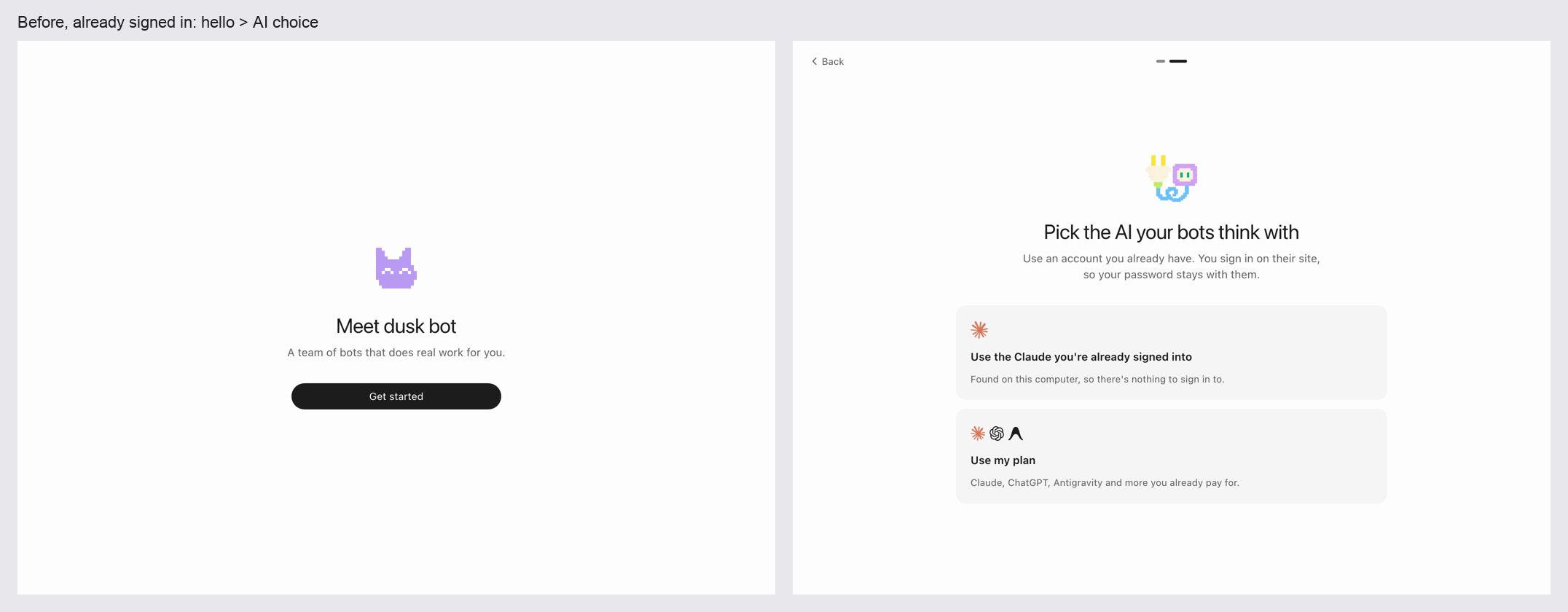
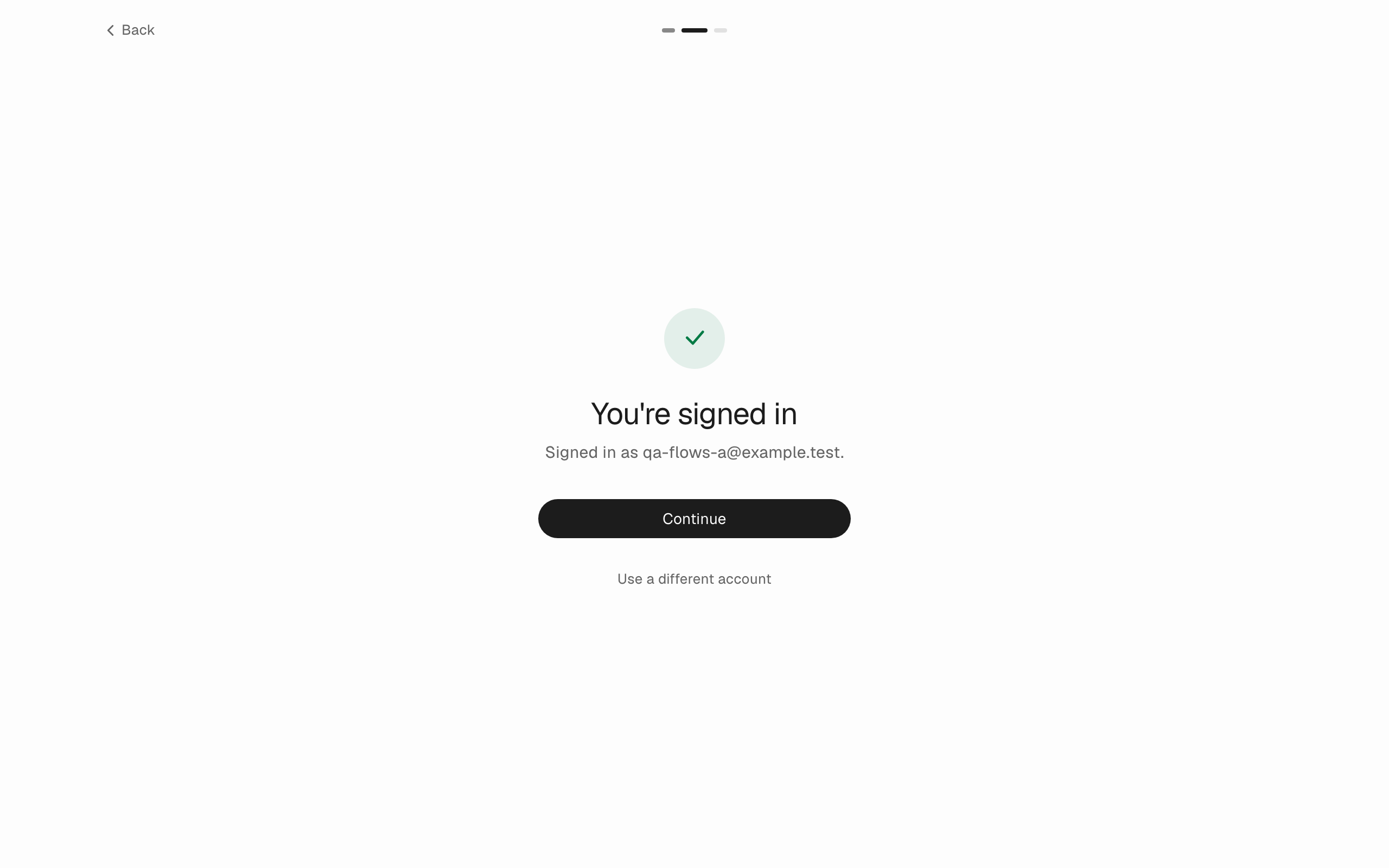
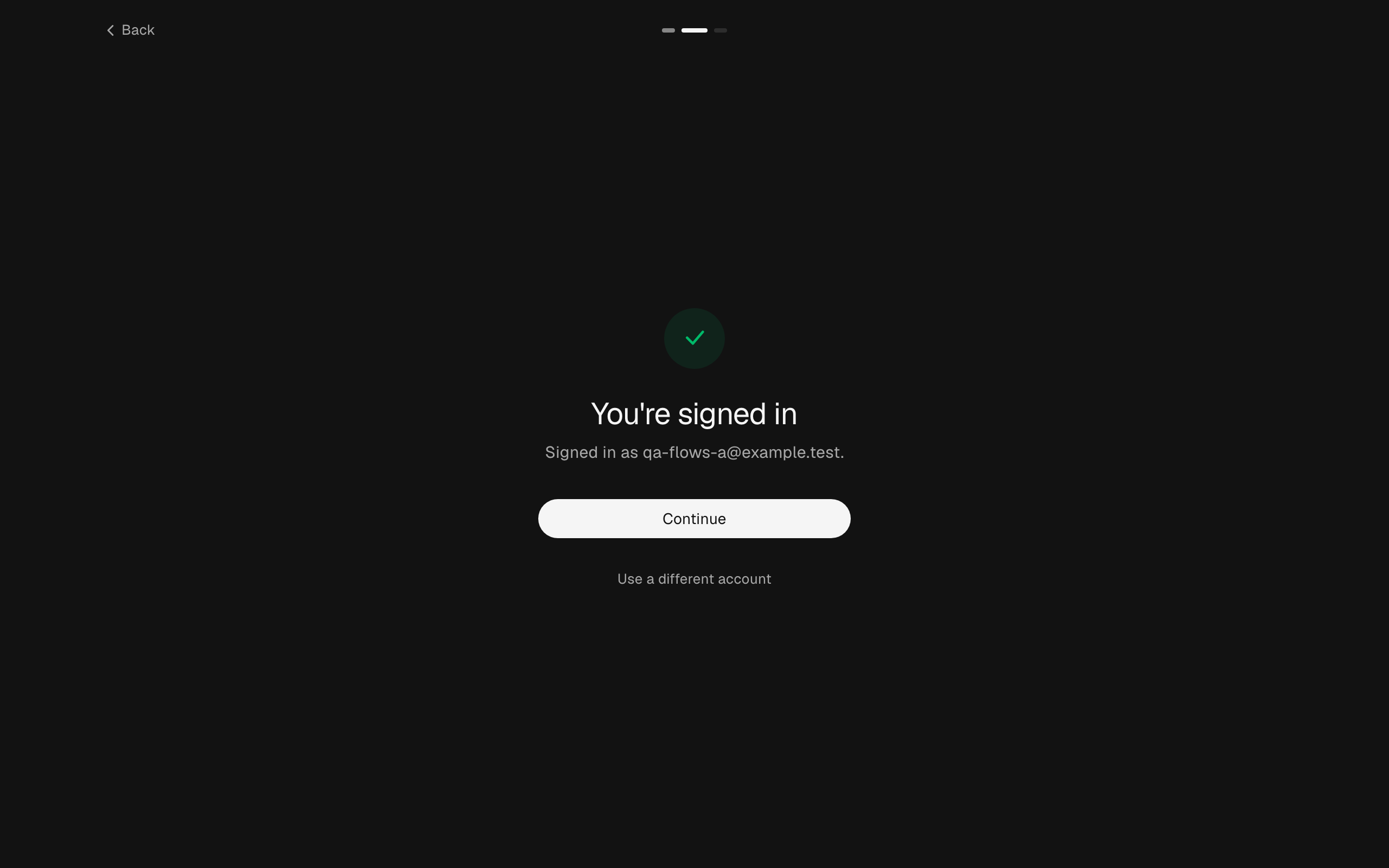
Sign in now comes right after Get started, and an AI already signed in on this computer takes you straight to a chat.

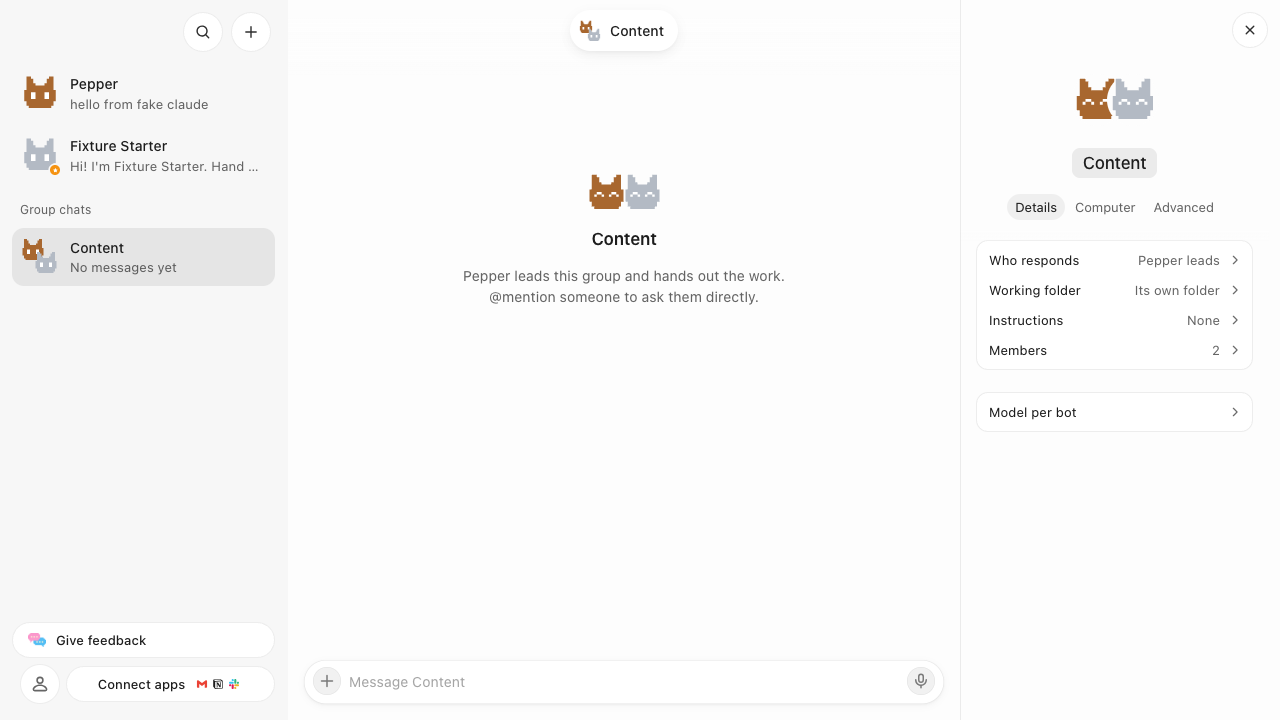
Sign in comes right after Get startedfresh shot

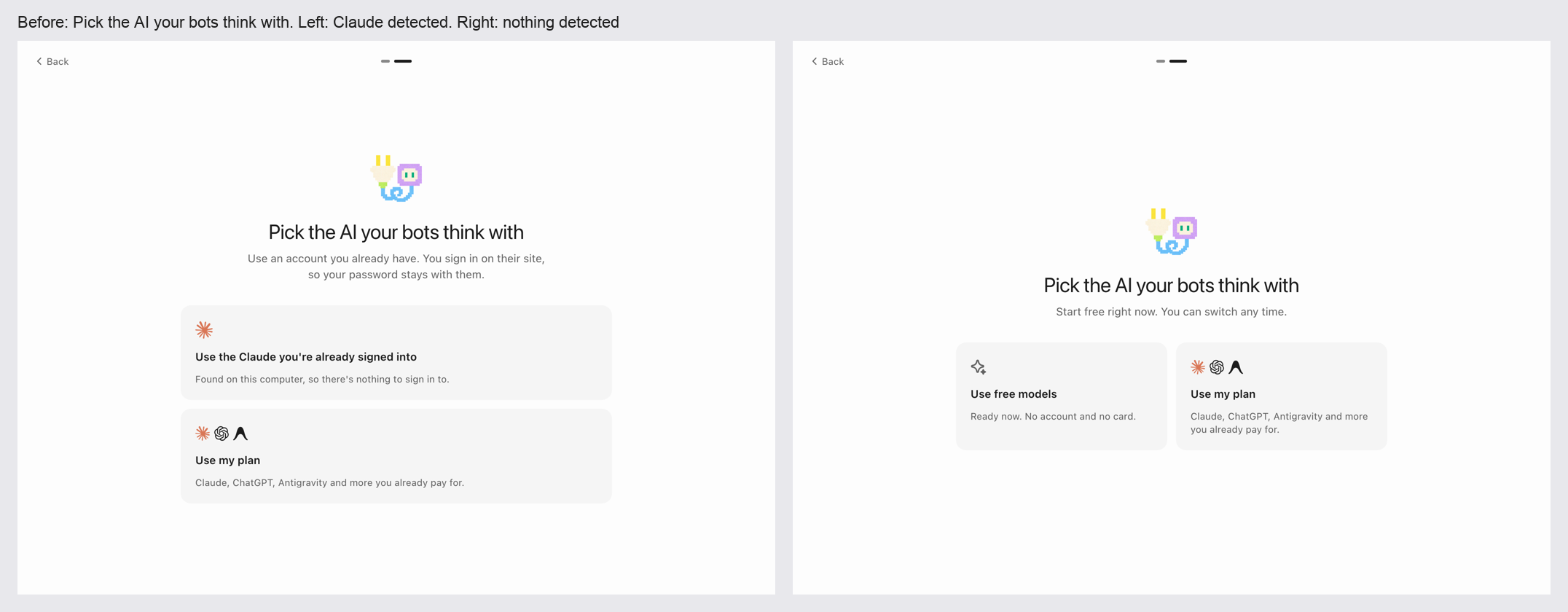
What changed Welcome, then Sign in to dusk bot, then Connect your AI. Before, a signed-out first run skipped sign-in and went straight to the AI choice.

What to check Fresh install, signed out, no AI on the Mac: Get started opens sign in (Continue without an account top right), then the AI grid; Continue runs on the free model.

Before
Before
Afterthe empty grey chip in the last panel was fixed after this shot (8f50e1f563, shows Choose model)
After
fa-01-firstrun-a-signed-out-no-ai-darkthe empty grey chip in the last panel was fixed after this shot (8f50e1f563, shows Choose model)
fa-01-firstrun-a-signed-out-no-ai-dark

An AI already on this computer goes straight to chatfresh shot

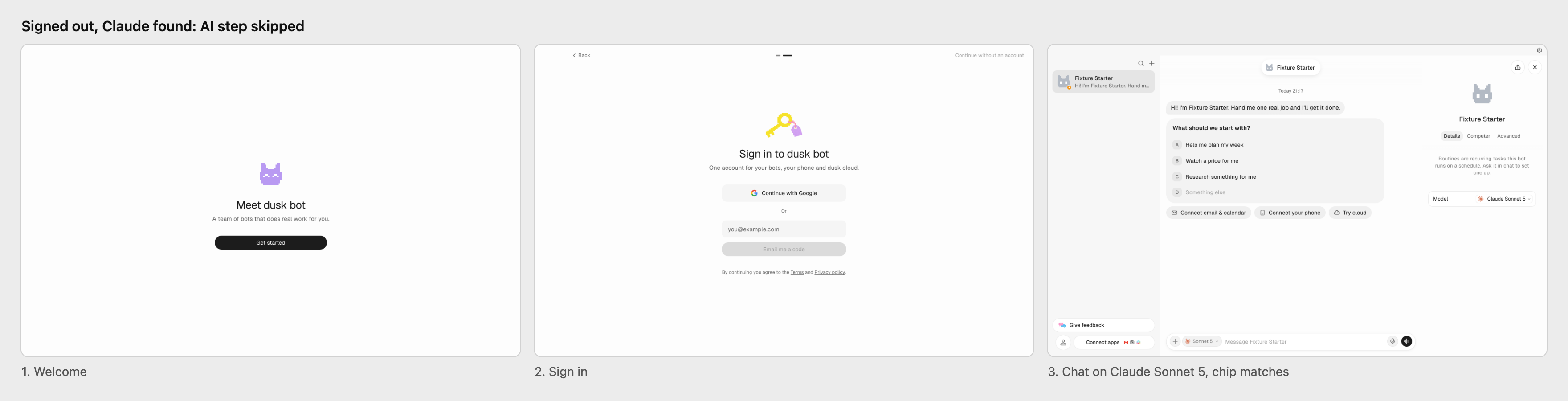
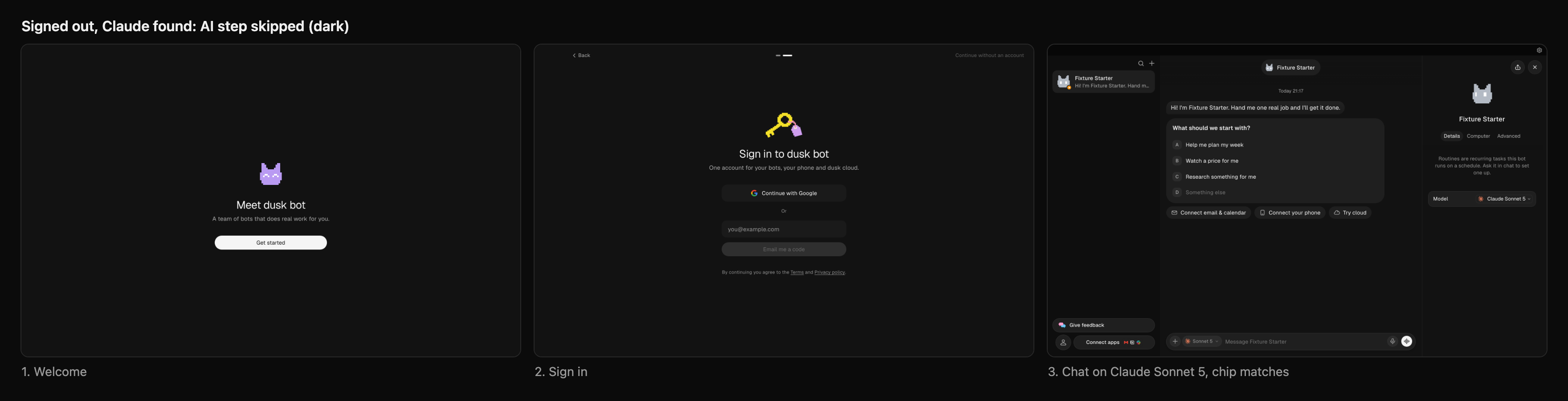
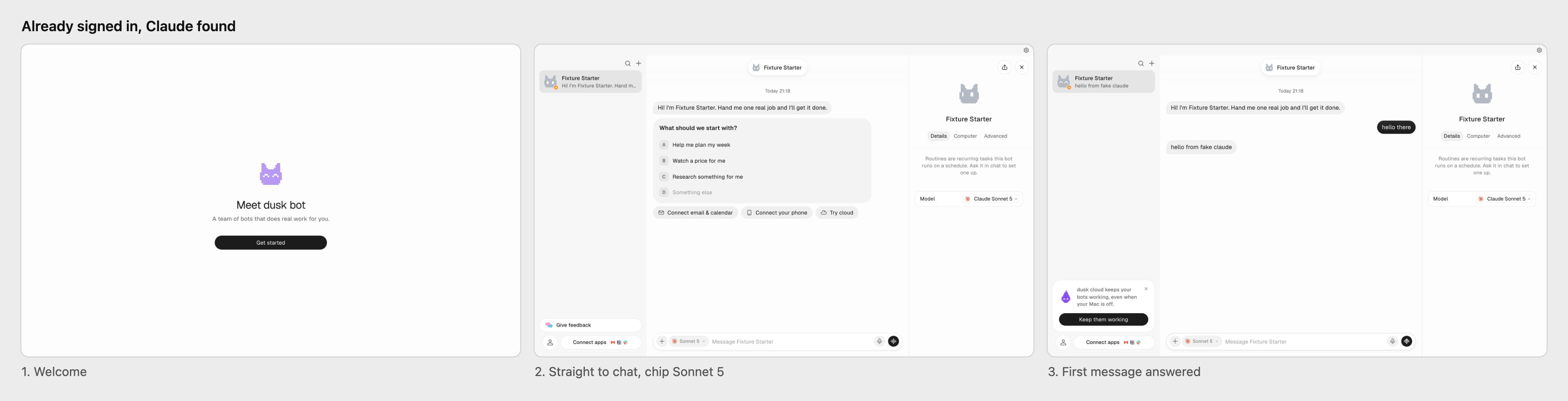
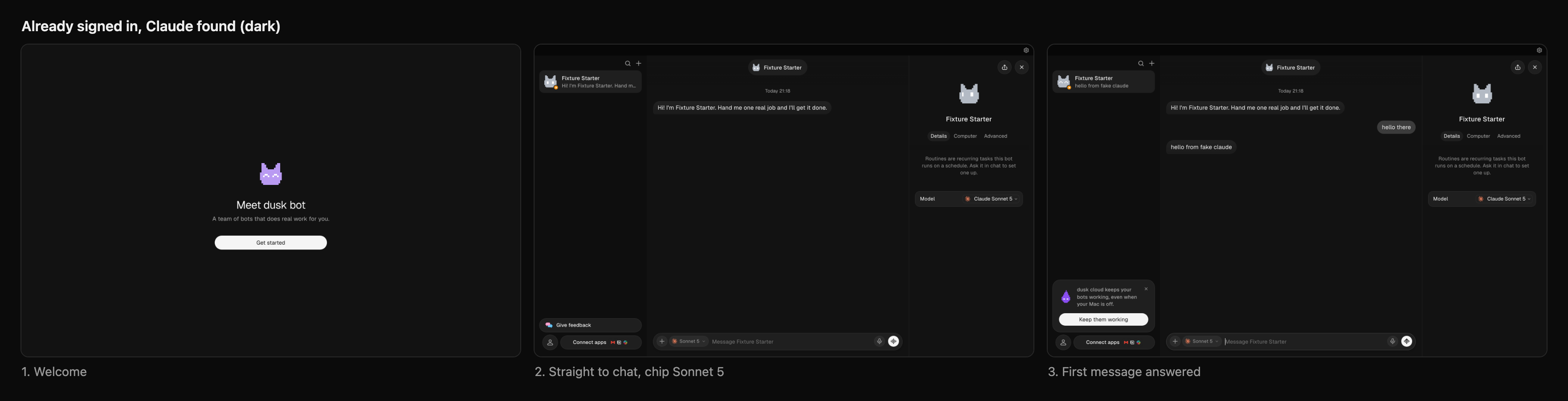
What changed With Claude, ChatGPT or another AI signed in here, the first run goes from sign in straight to a chat on it, with no AI step.

What to check On a Mac with Claude Code signed in: welcome, sign in, then the first chat, and its first reply comes from Claude.

Before
Before
After
After
fa-03-firstrun-c-signed-out-ai-found-dark

Already signed in skips the sign-in stepfresh shot

What changed Someone already signed in (a handoff from the website, an account from before) goes from hello to the AI step without a sign-in screen.

What to check Sign in on dusk.bot and open the app from there, with and without an AI on the Mac: no sign-in step.

Before
Before
After
After
fa-02-firstrun-b-signed-in-ai-found-dark
signed in, nothing detected; the empty grey chip was fixed after this shot (8f50e1f563)

The sign-in screen

What changed Reads Sign in to dusk bot, one account for your bots, phone and dusk cloud, with Continue without an account at the top right where an account is optional.

What to check Light, dark and the smallest window (768x520): nothing clipped, Google, Apple and email code all work.

Before
Before
After
After

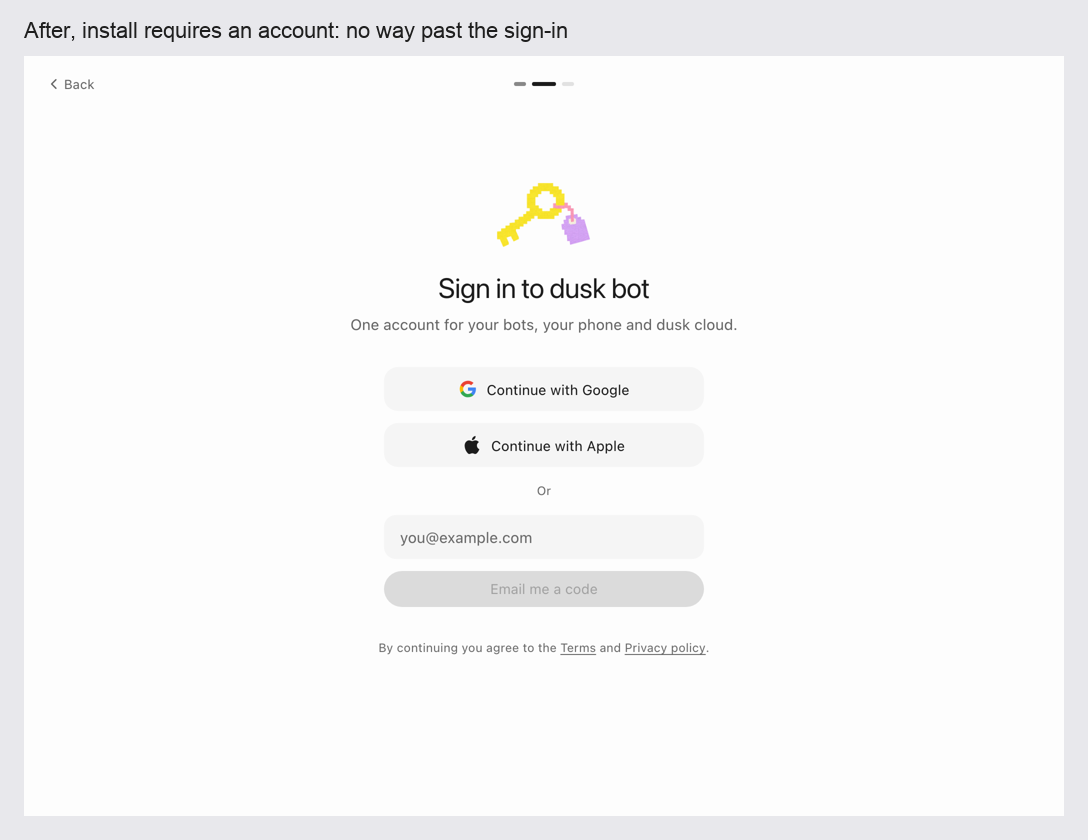
Installs that need an accountafter only

What changed Where the install requires an account there is no Continue without an account, so there is no way past the sign-in.

What to check Required-account install: only Google, Apple or the email code move you on.

After
After

Back from Connect your AI after signing inafter onlyfresh shot

What changed Back from Connect your AI right after signing in with a code stays on the sign-in screen (You're signed in, Continue); it used to jump straight back to the AI step the first time.

What to check Sign in with an emailed code, press Back on Connect your AI: you stay on You're signed in.

After
After
fa-05-firstrun-back-after-signin-fixed-dark

Chat and composer

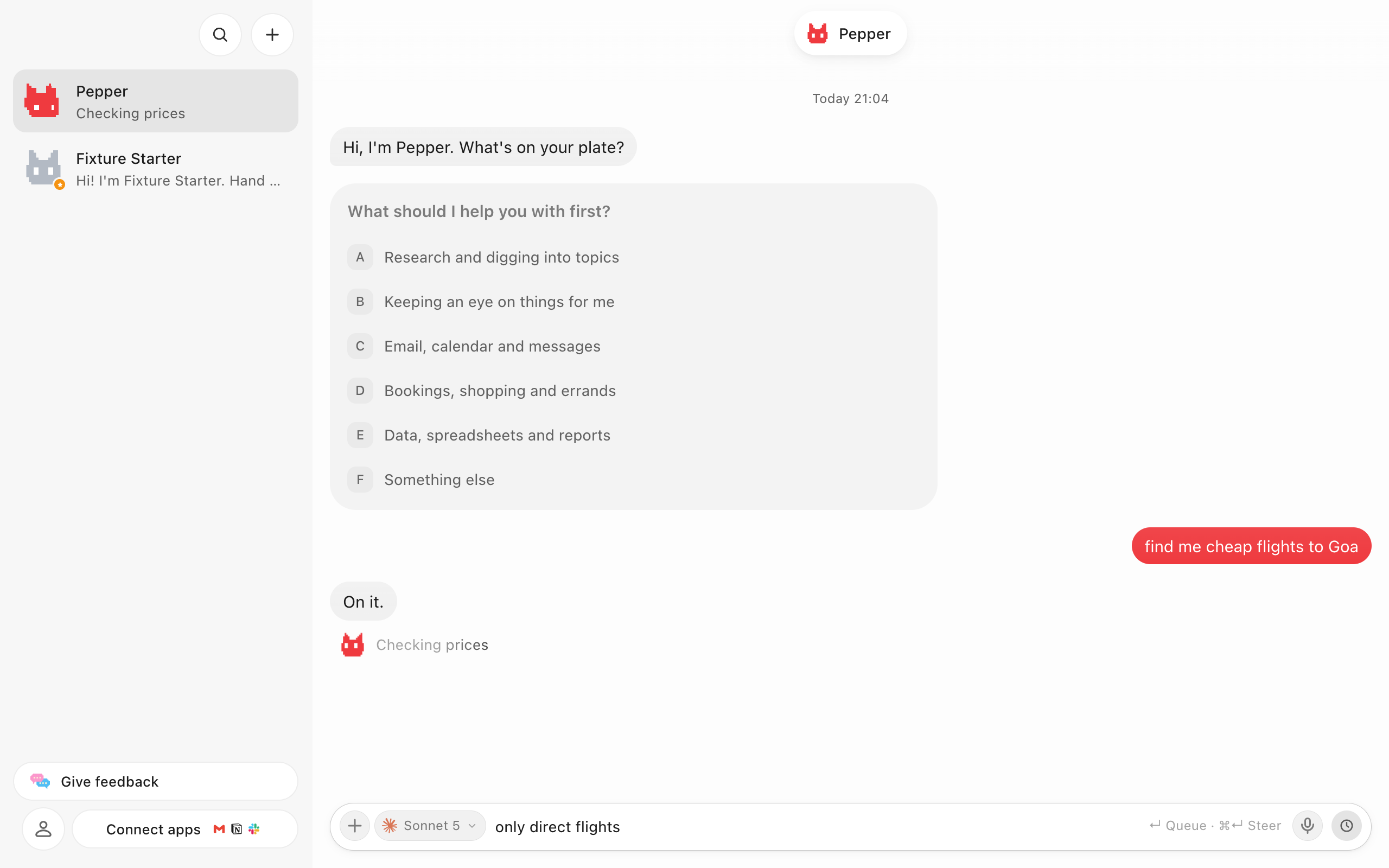
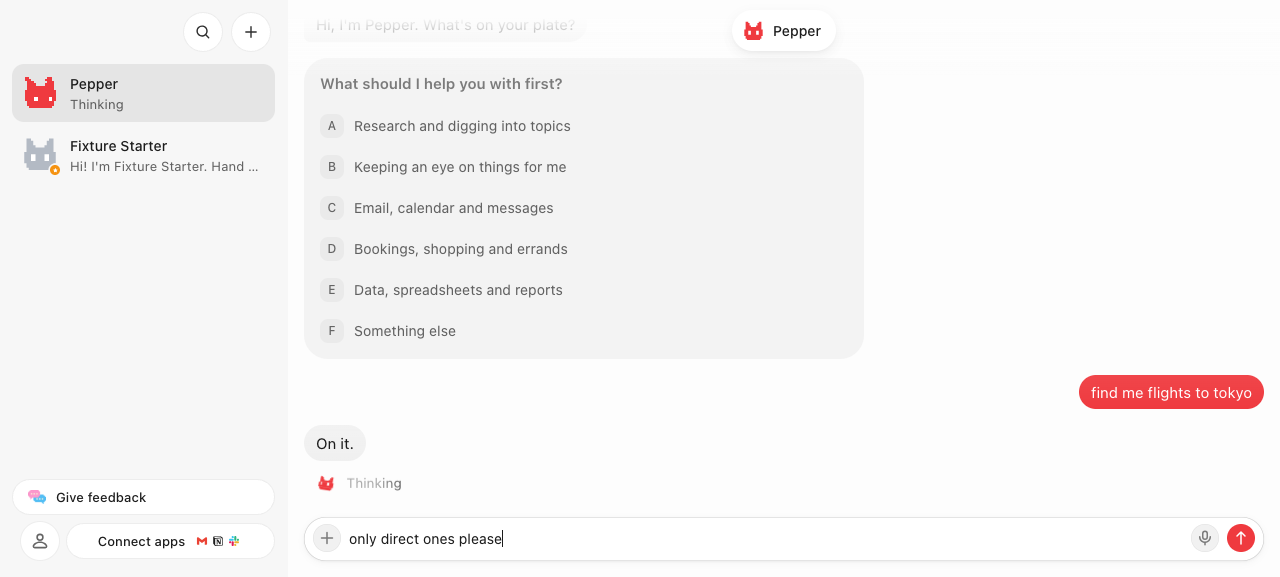
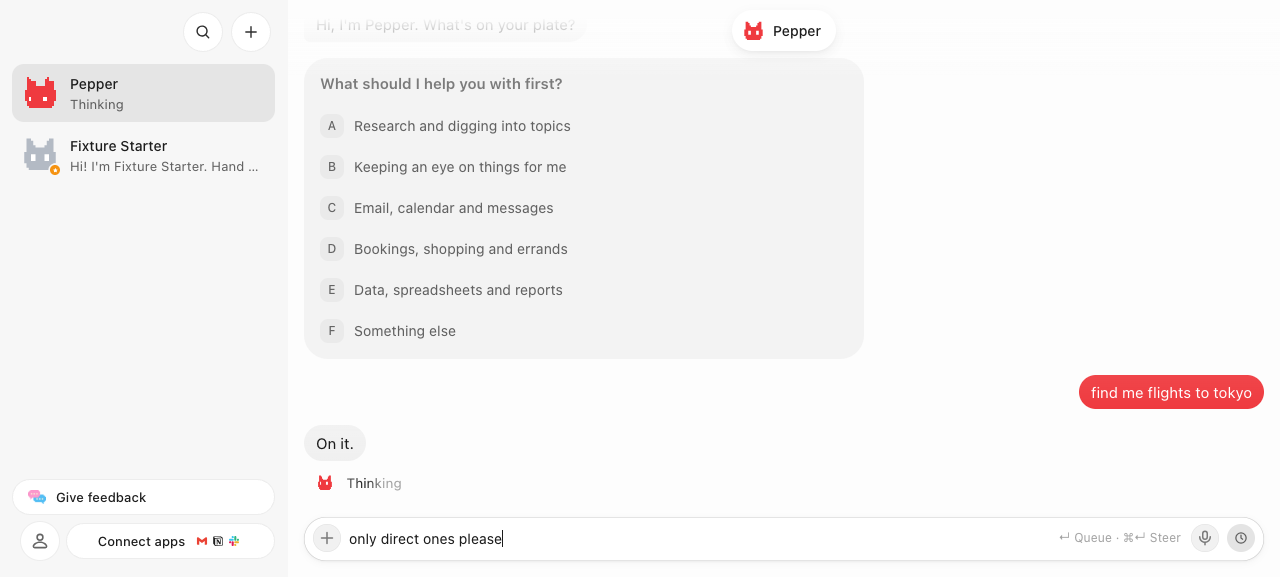
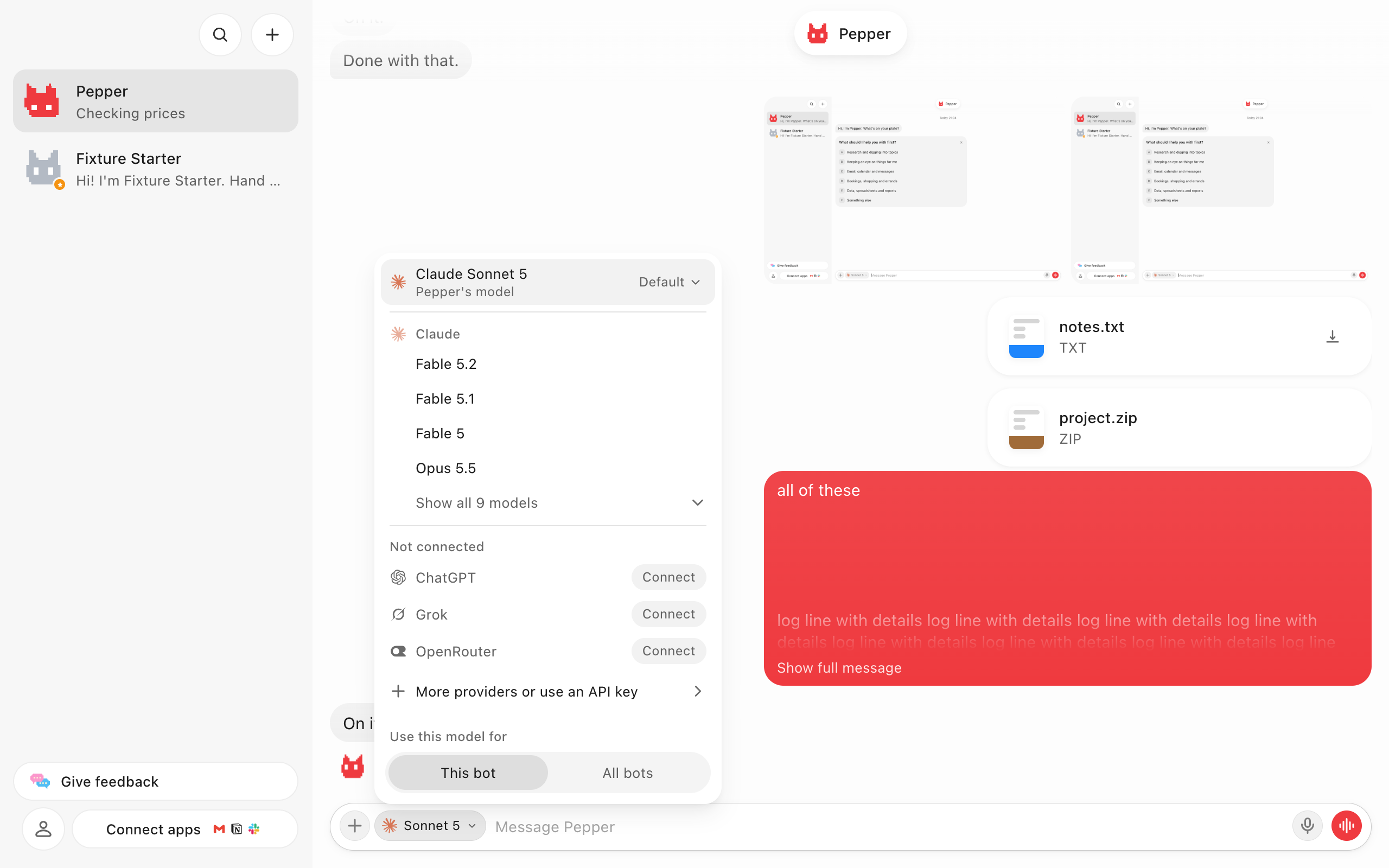
Queue or steer is now visible and chosen, pastes and drops say what happened, and zip, code and HEIC files attach.

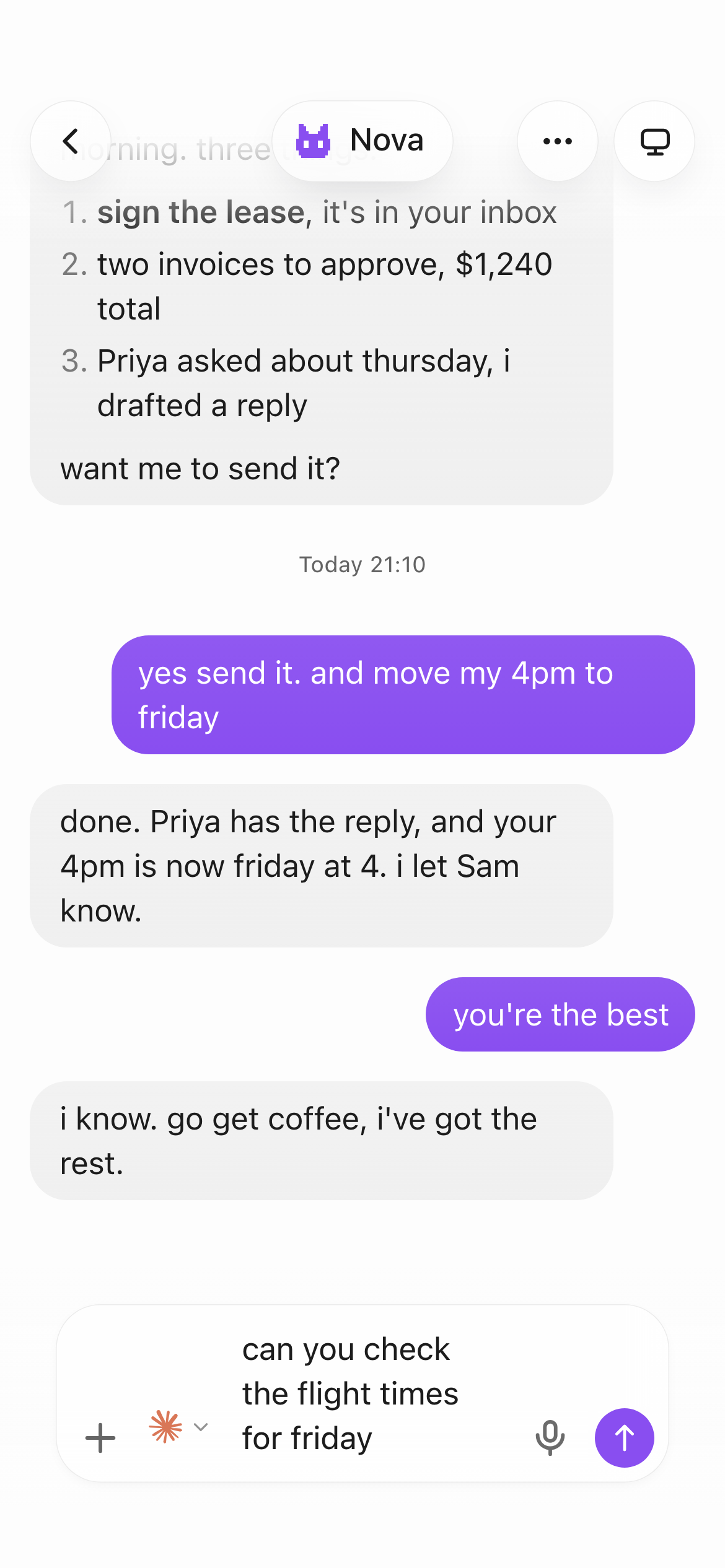
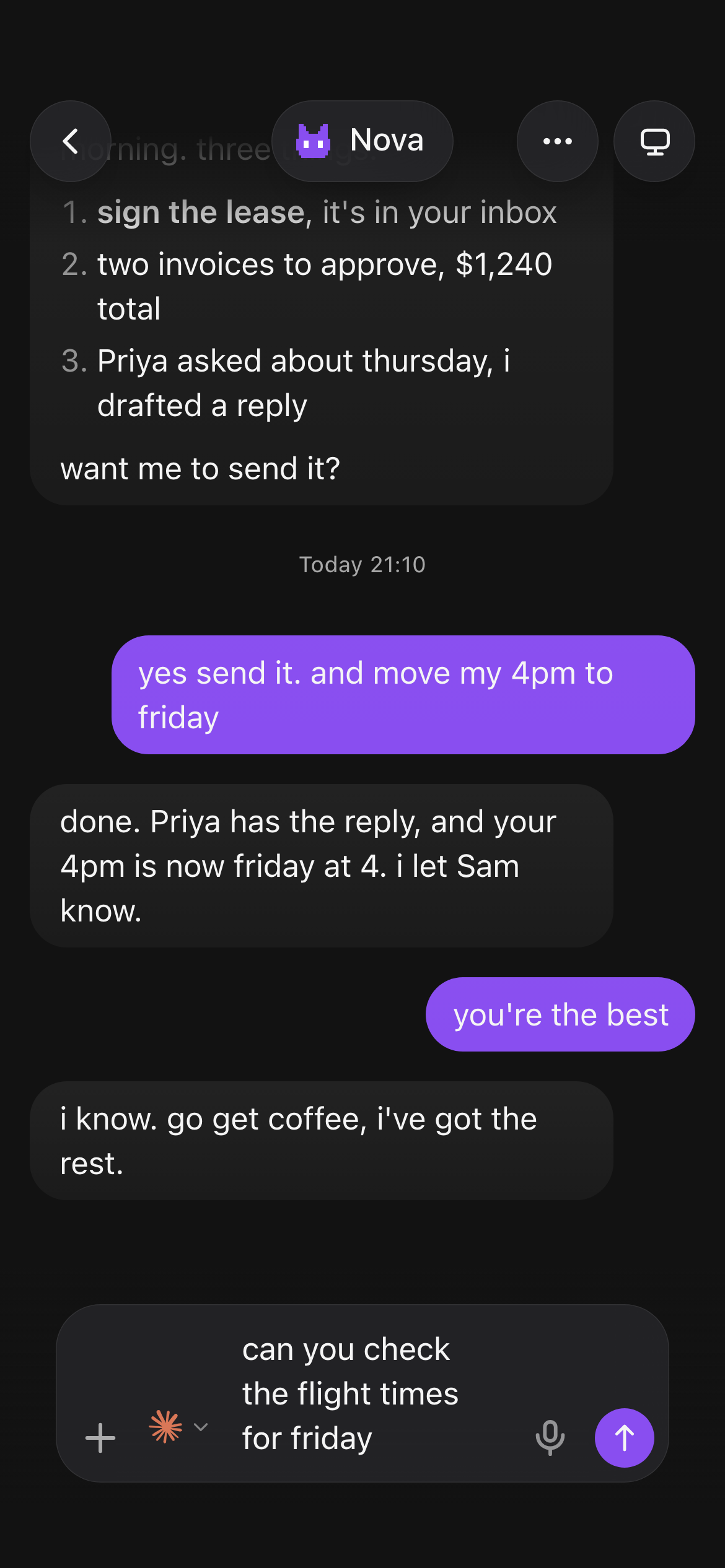
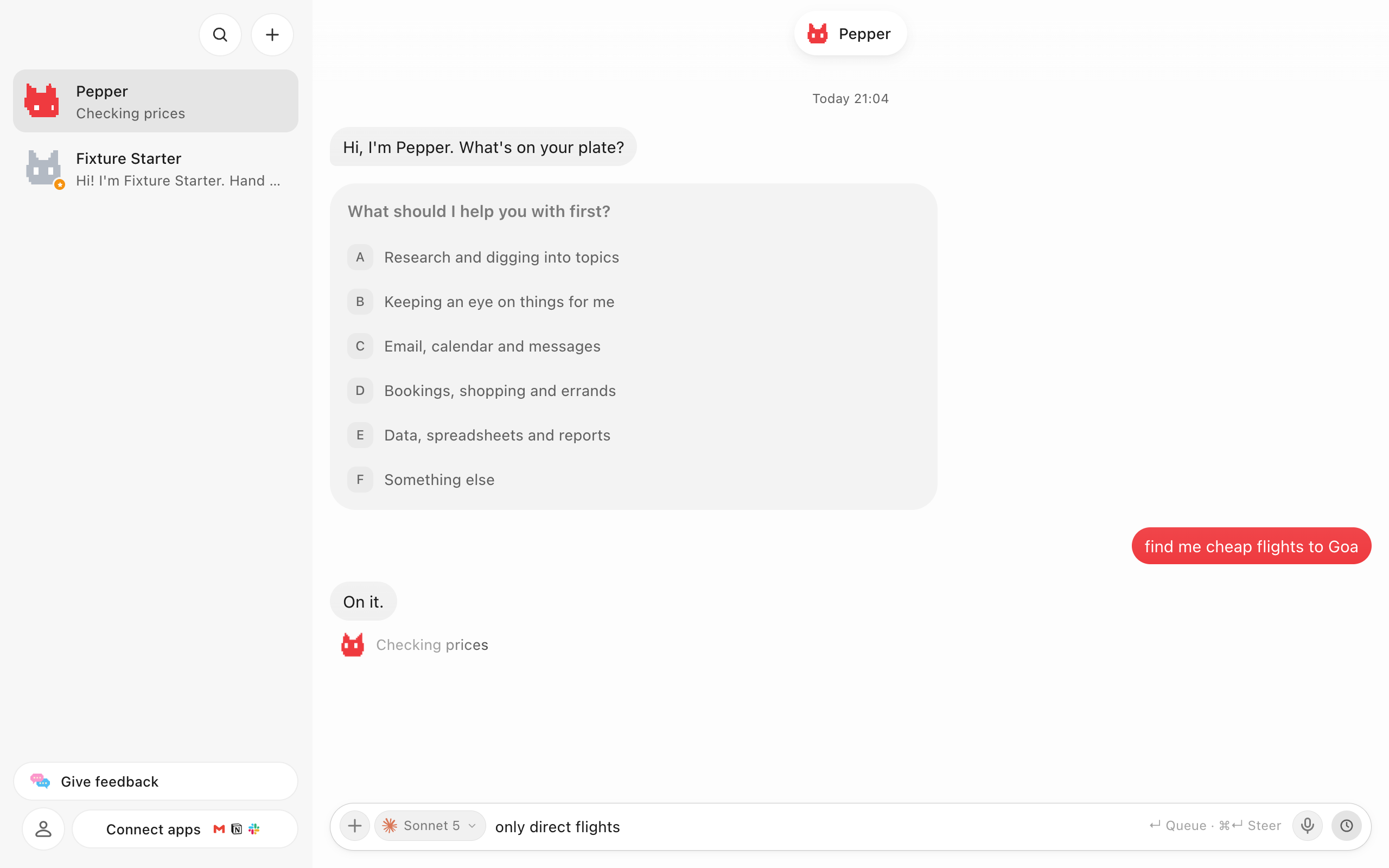
Model chip and steer hint togetherafter onlyfresh shot

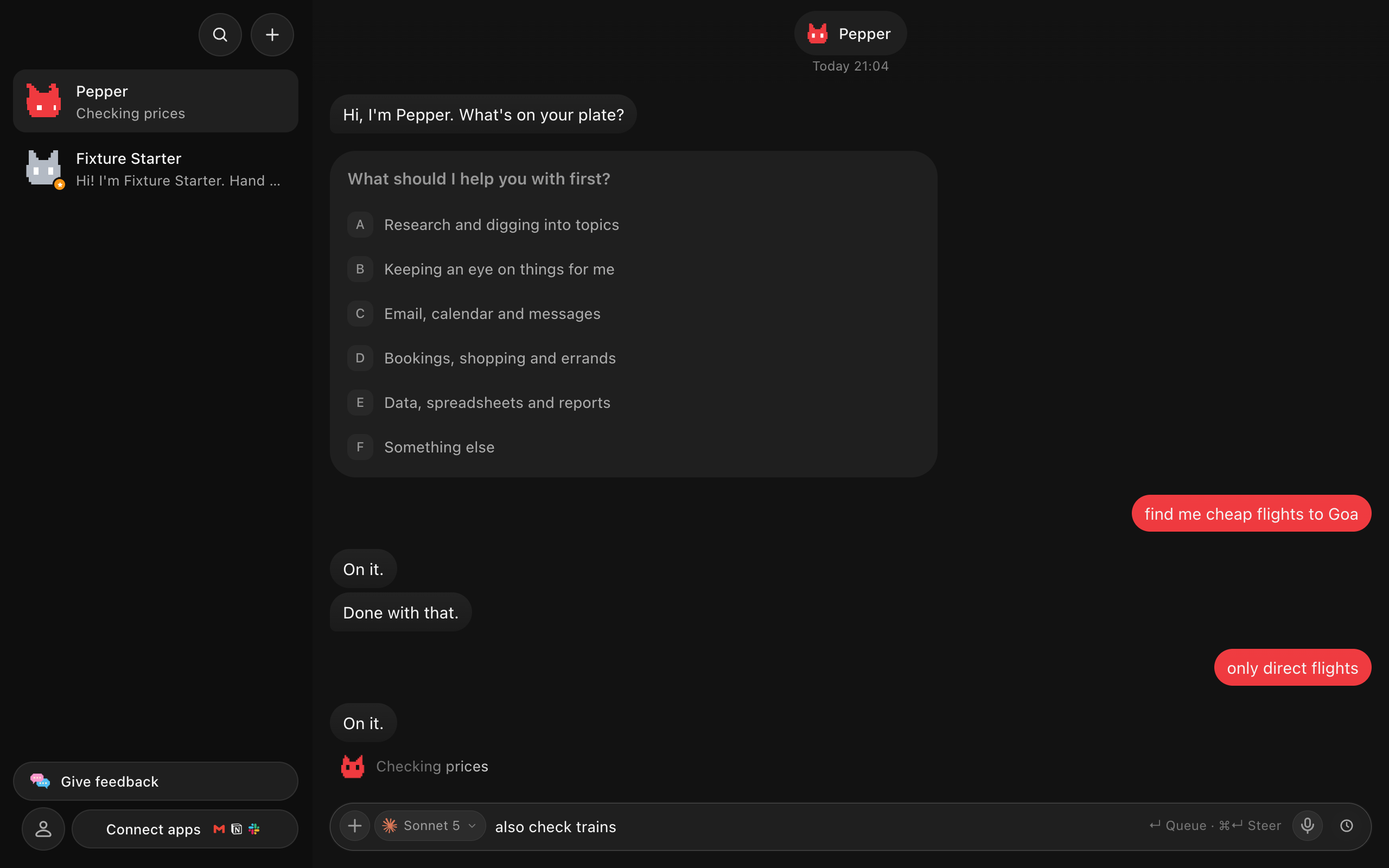
What changed While a bot works, the composer shows the model chip on the left and the Enter queues, Cmd+Enter steers hint beside Send, on the same line.

What to check Light and dark, a working bot, a typed message: chip, hint and Send fit with no wrap and the composer does not grow.

After
After
fb-02-composer-chip-steer-hint-dark

Enter queues, Cmd+Enter steers

What changed While a bot works, Enter queues and Ctrl or Cmd+Enter steers, and the desktop says so beside Send. A setting can swap them.

What to check Type while a bot is thinking: the hint shows; Enter adds a queued row, Cmd+Enter joins the running turn.

Before
Before
After
After

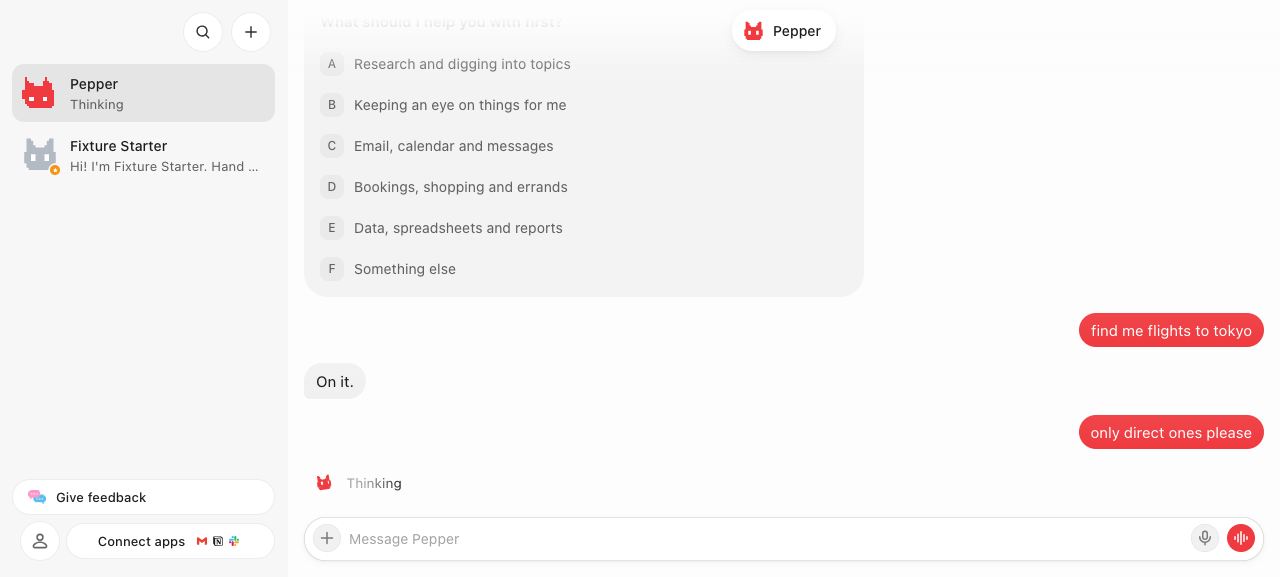
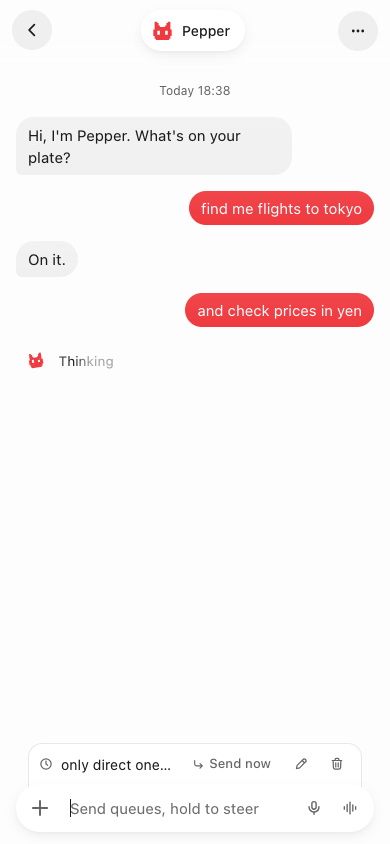
Steer joins the turn, queue waitsfresh shot

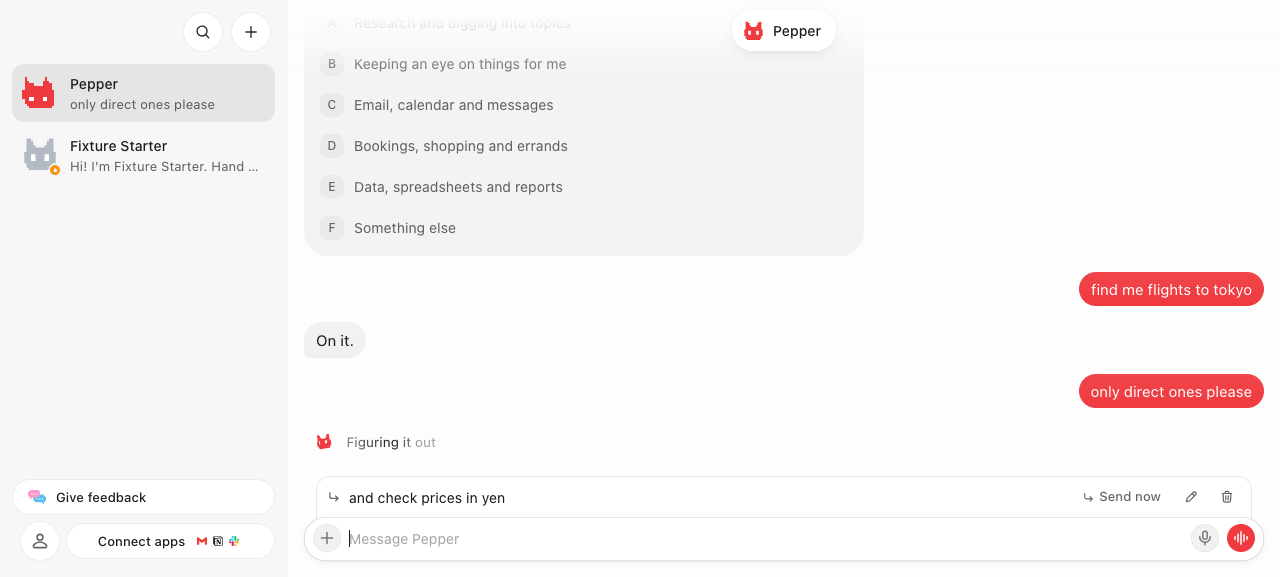
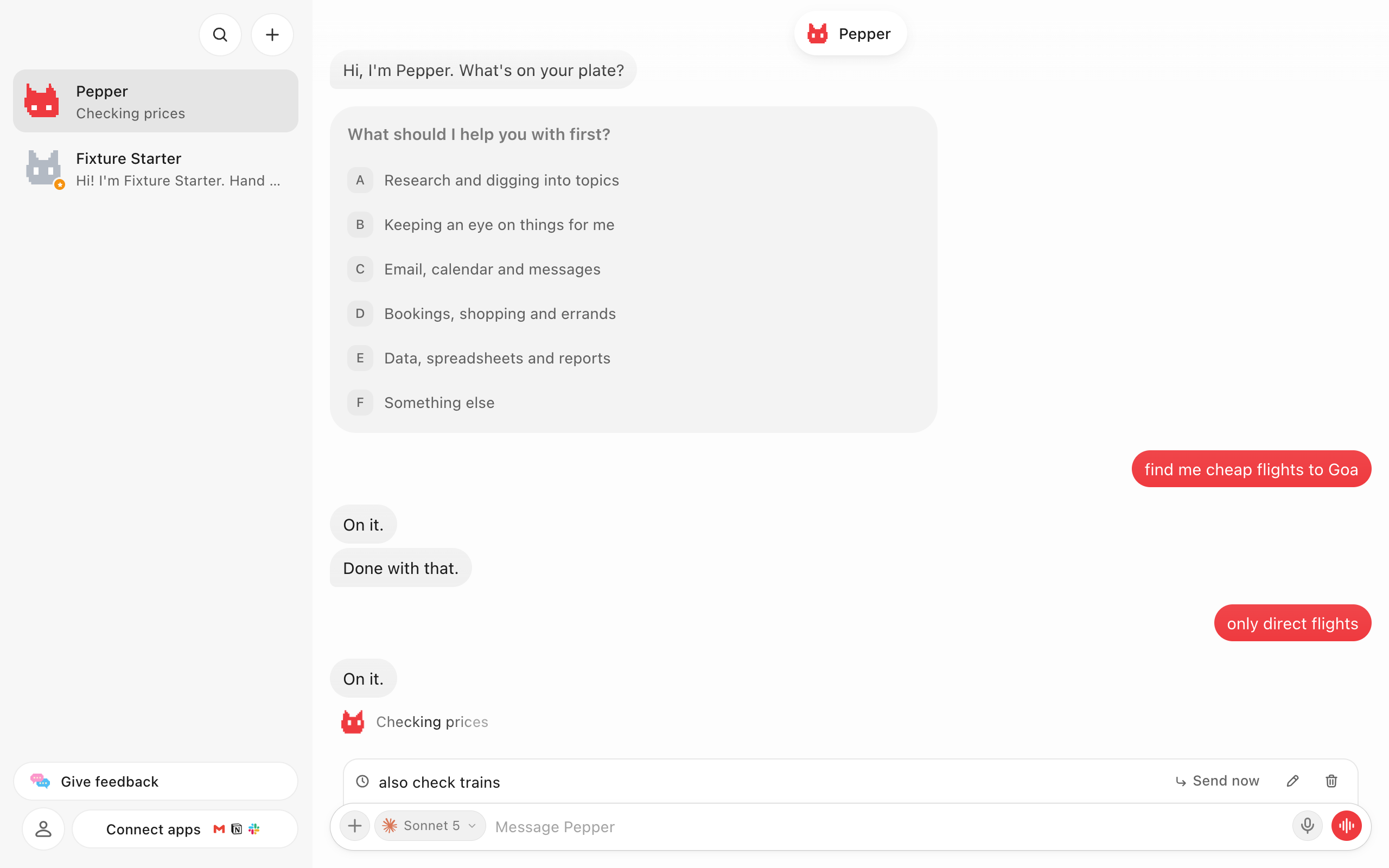
What changed Before, Enter always sent and steered. Now the steered message lands in the turn and the queued one waits above the composer with Send now.

What to check Steer one message and queue another during one turn: the bot answers the steer in this turn and the queued one after.

Before
Before
After
After

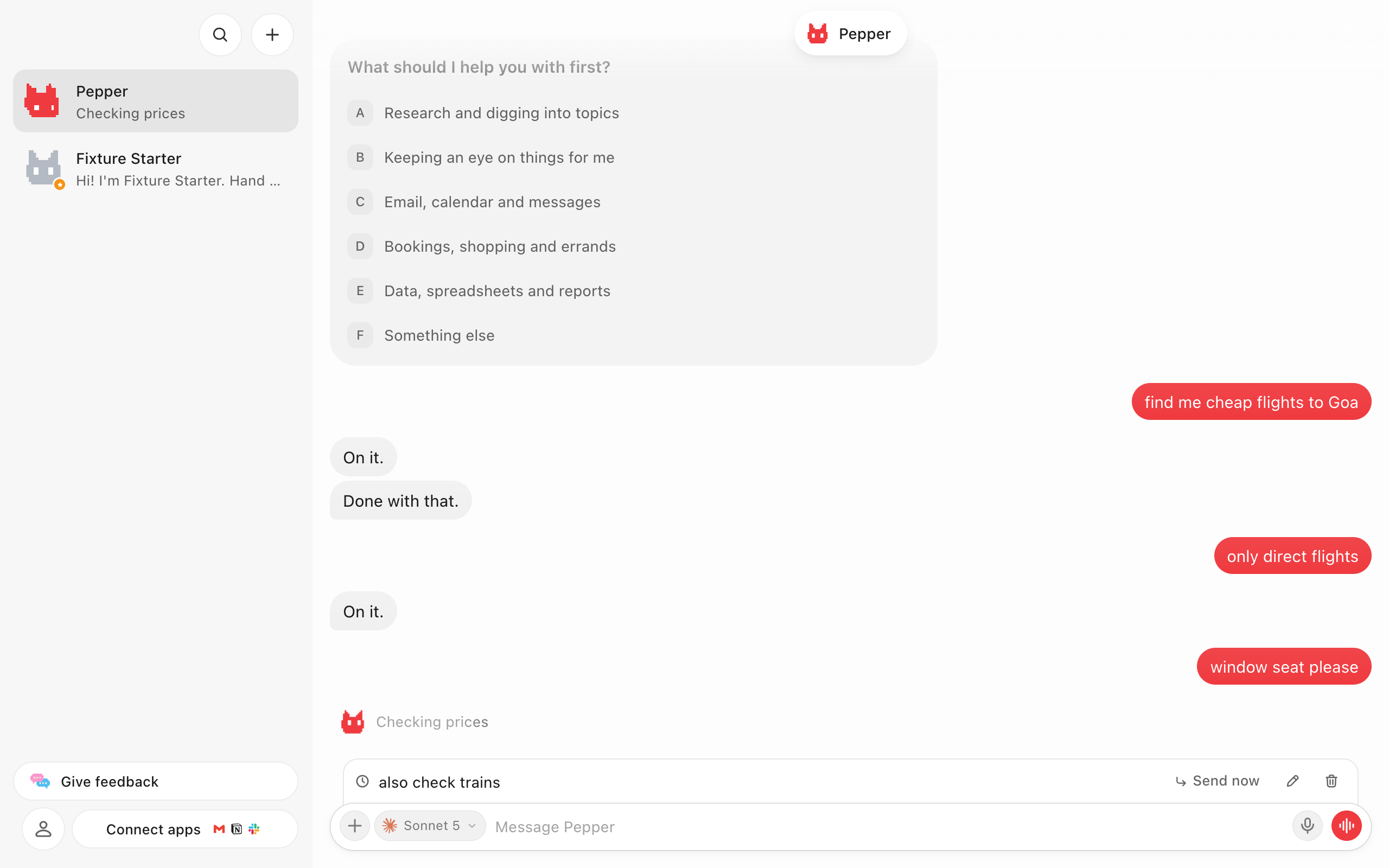
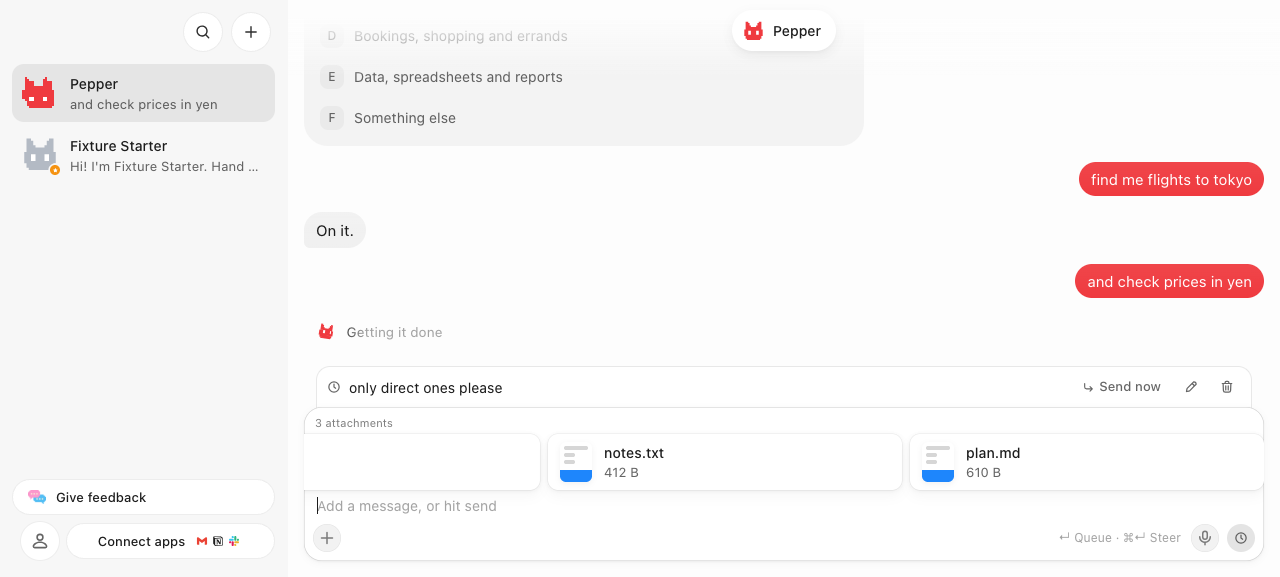
Queued messages wear a clockfresh shot

What changed A queued message shows a clock instead of the reply arrow, so it reads as waiting.

What to check Queue two messages: both show the clock, Send now, edit and delete.

Before
Before
After
After

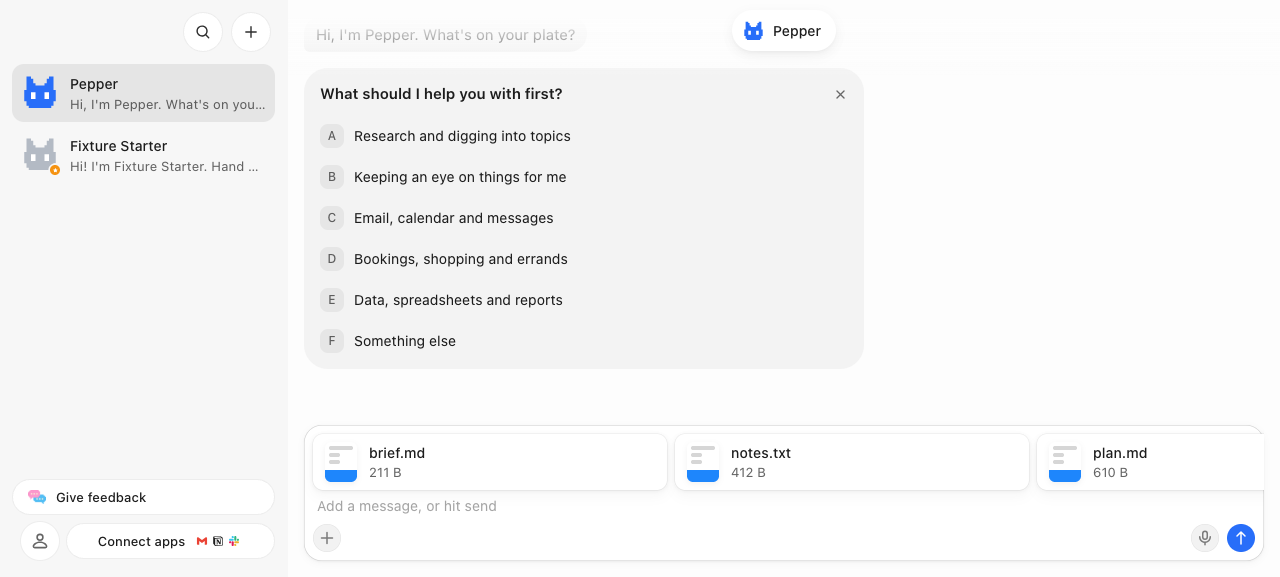
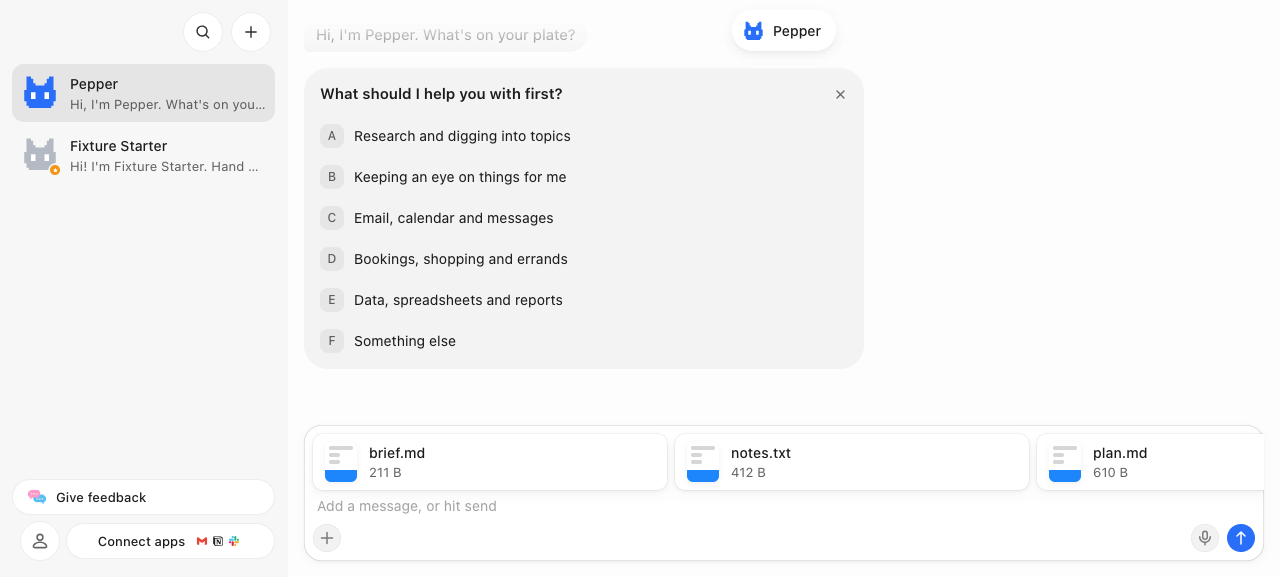
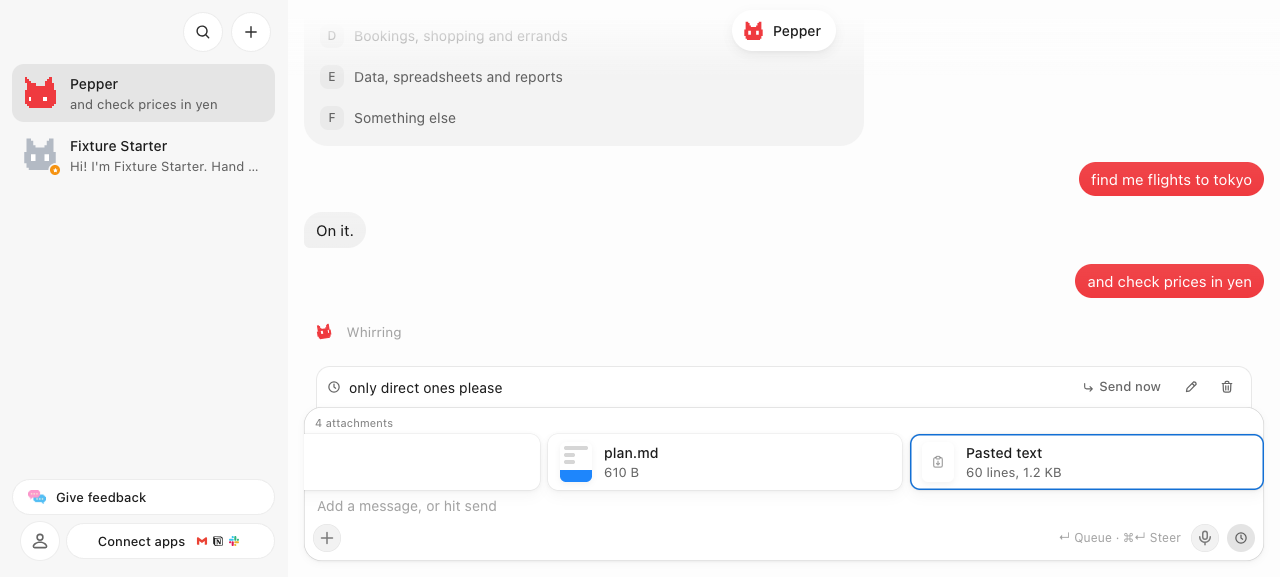
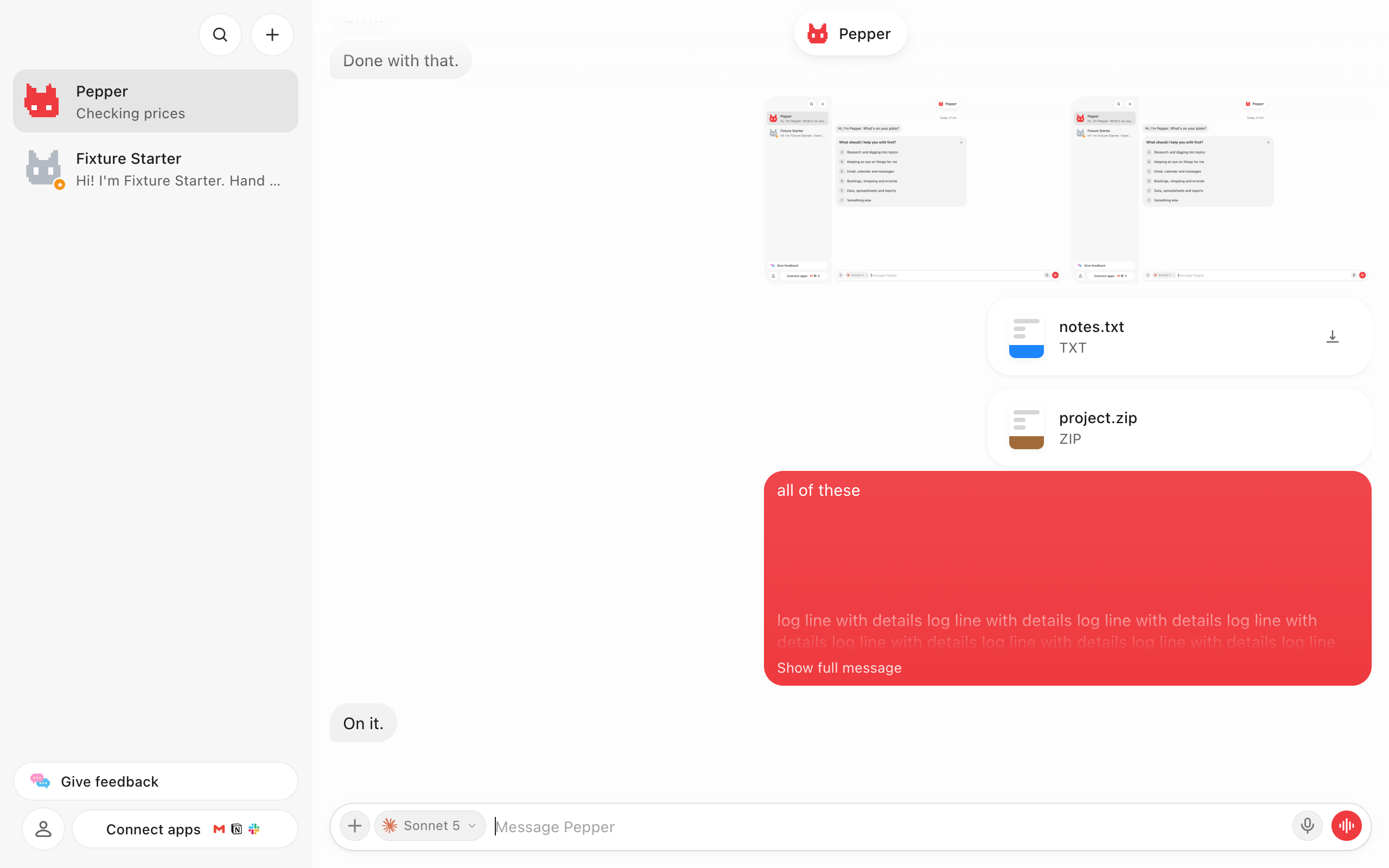
A long paste shows where it wentfresh shot

What changed A long paste becomes a Pasted text card that scrolls into view and is highlighted, even with several attachments already there (Ram pasted three times).

What to check With three files attached, paste 60 lines: the row scrolls to the new card and it is outlined for a moment.

Before
Before
After
After
04-three-attachments

Pasting the same text again

What changed Pasting the same long text again highlights the card already there instead of adding a copy.

What to check Paste the same 60 lines twice: still one Pasted text card.

Before
Before
After
After

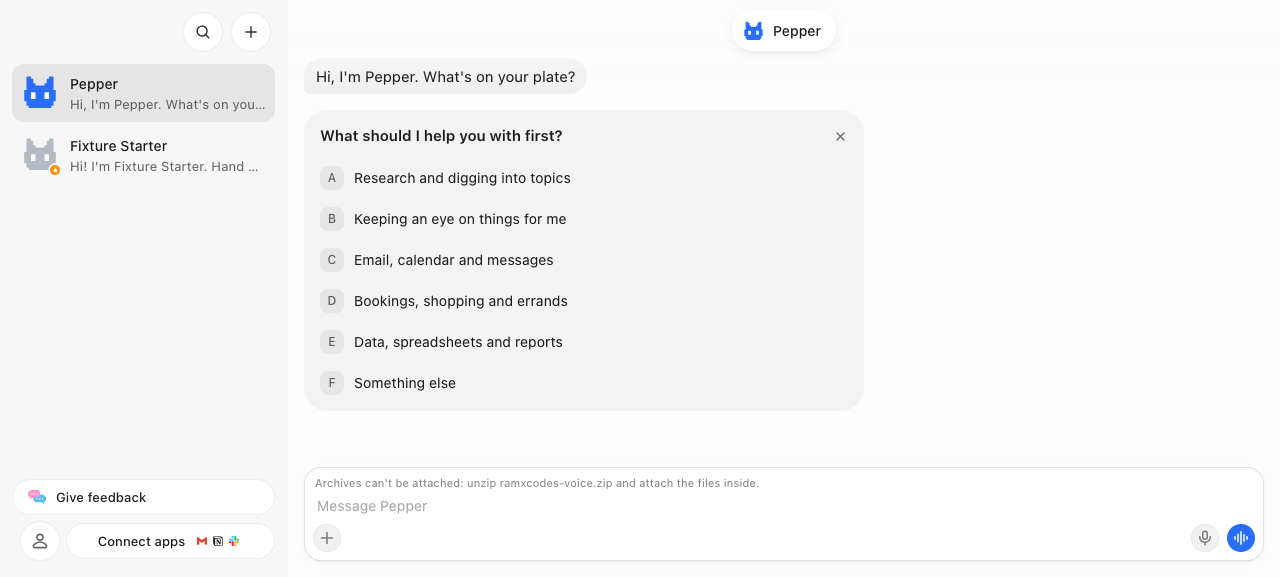
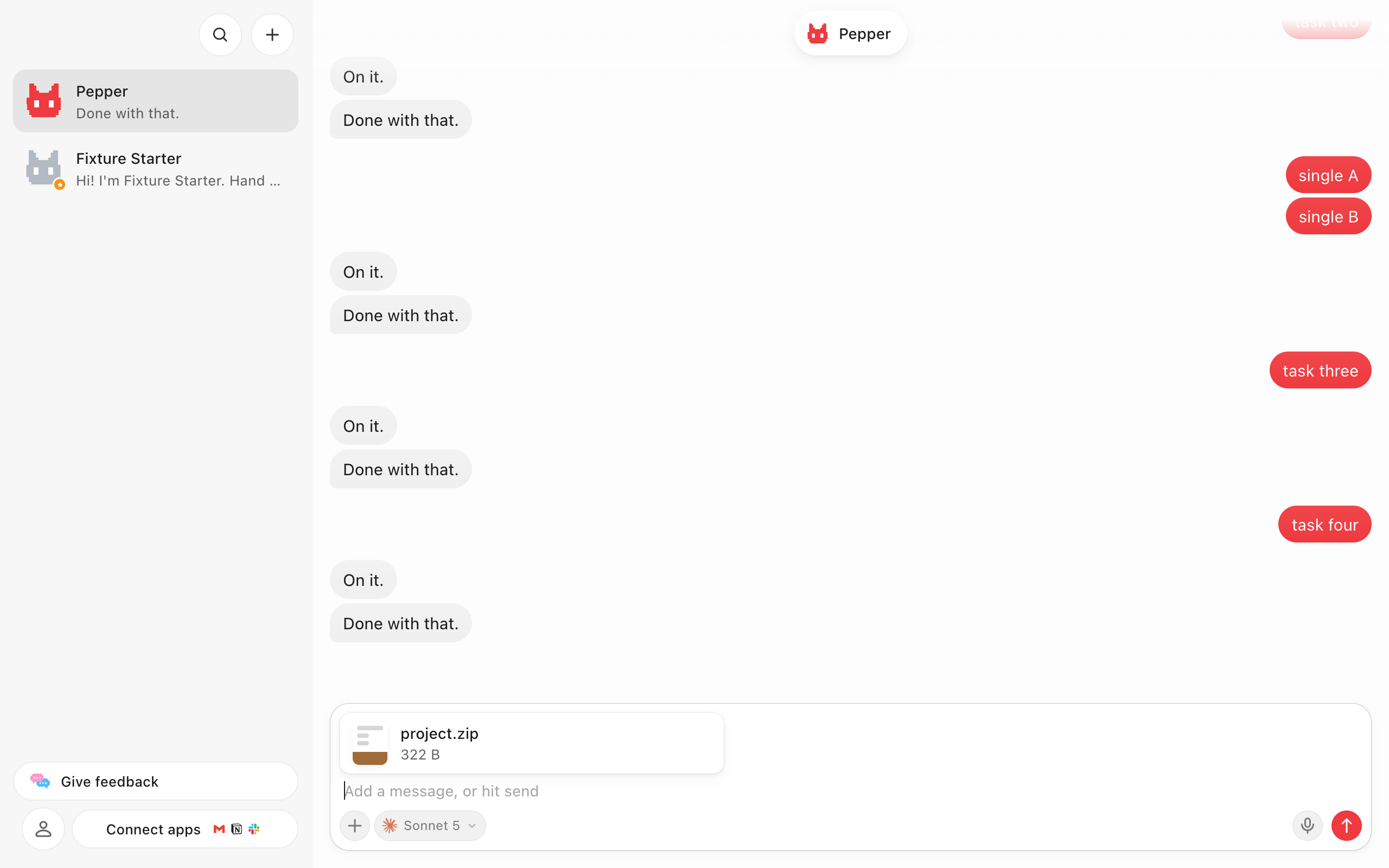
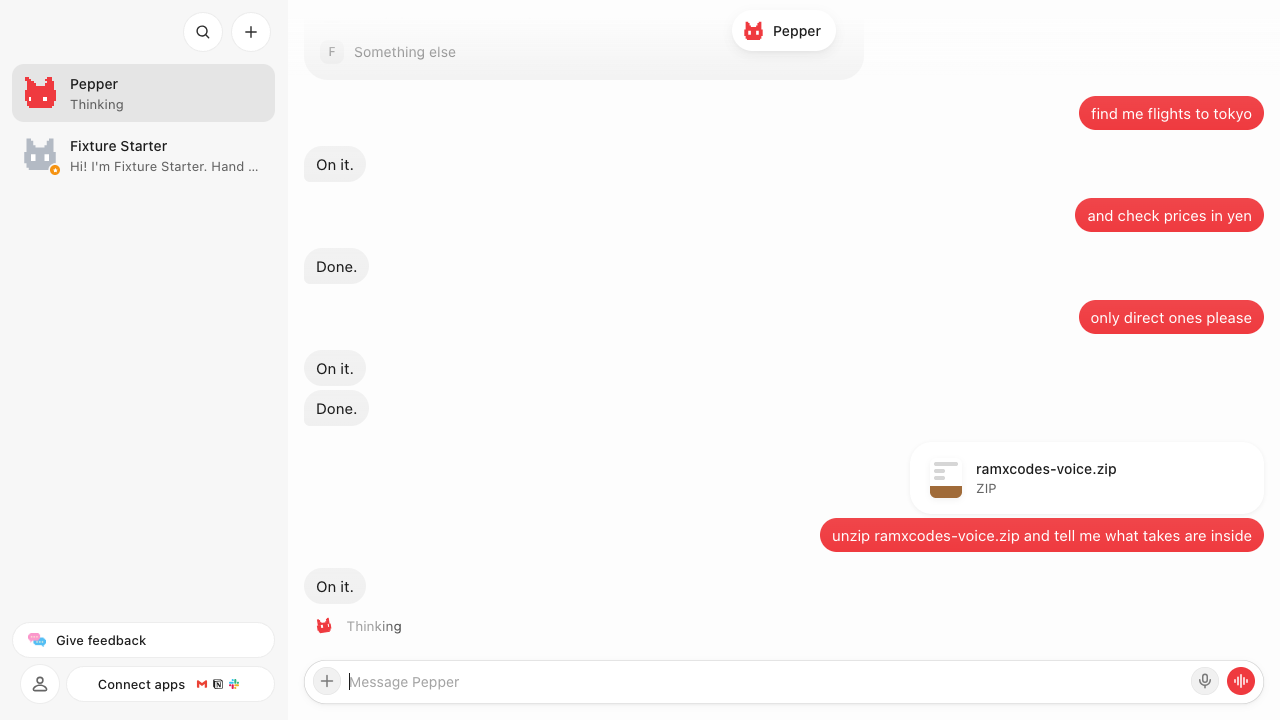
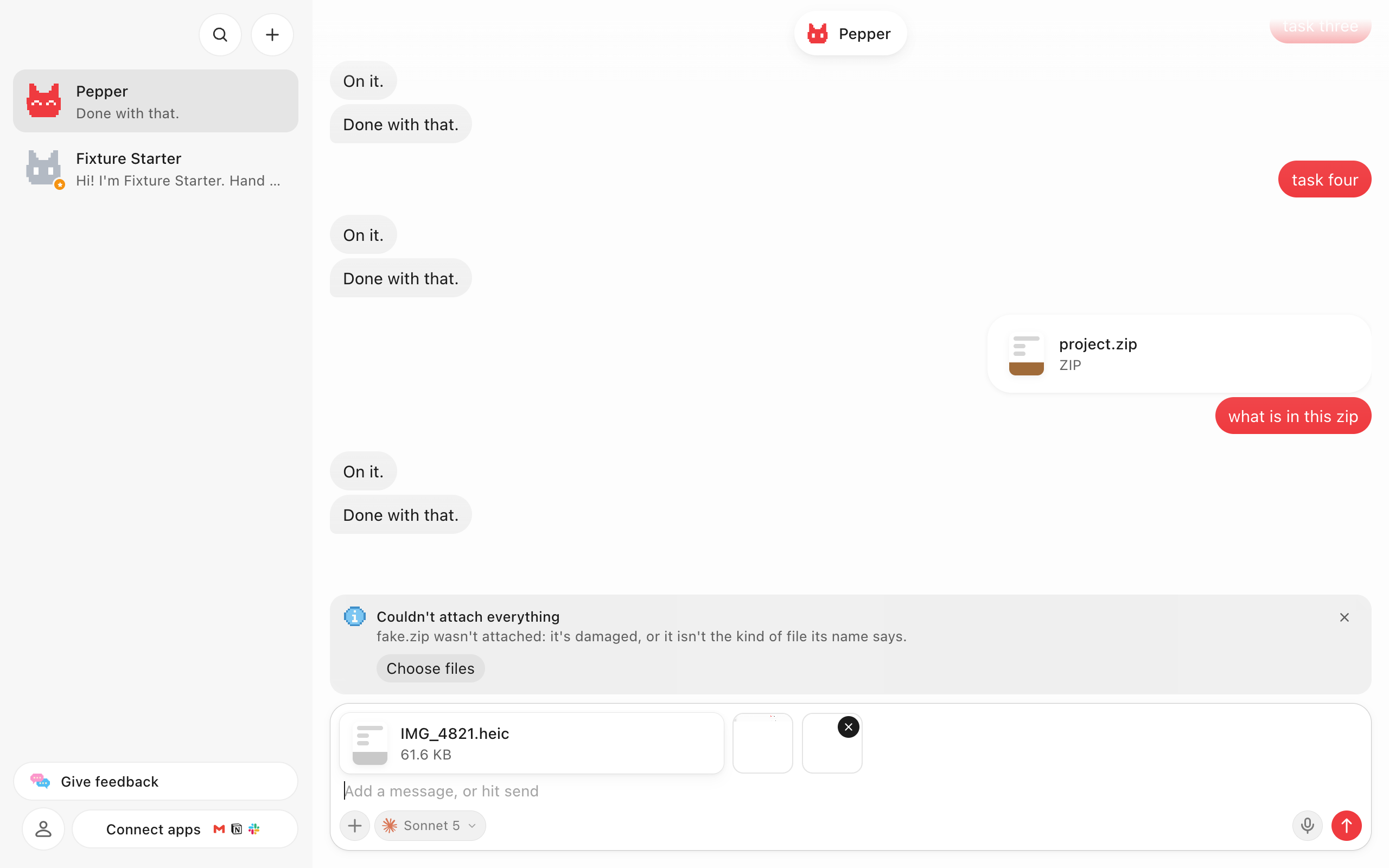
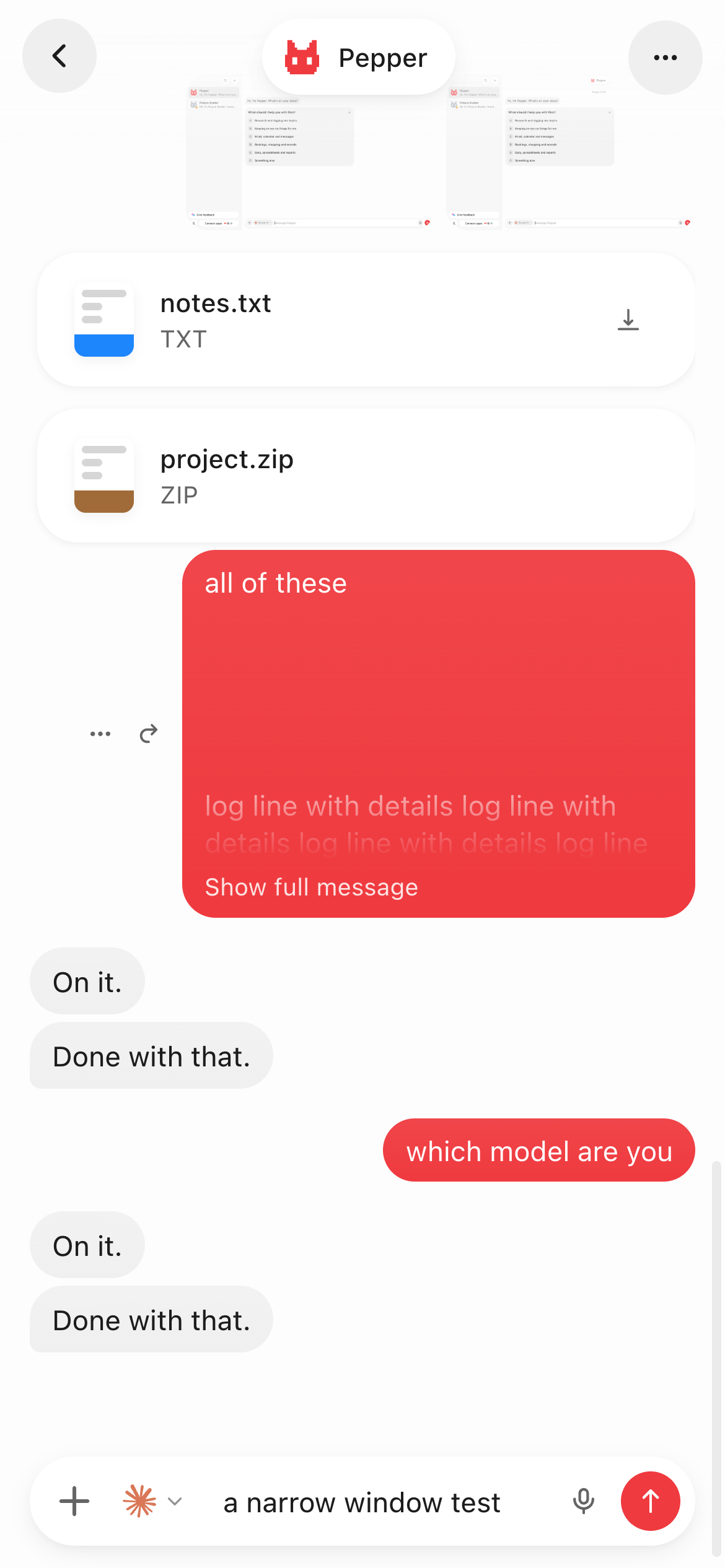
Zip attachmentsfresh shot

What changed A .zip attaches; the server checks it, unpacks it once beside the uploads (no paths outside, no links, 2,000 files and 200 MB at most) and tells the bot where.

What to check Send a zip and ask what is inside: the bot lists the files without unzipping it again.

Before
Before
After
After
10-zip-sent-after
10-zip-sent-after

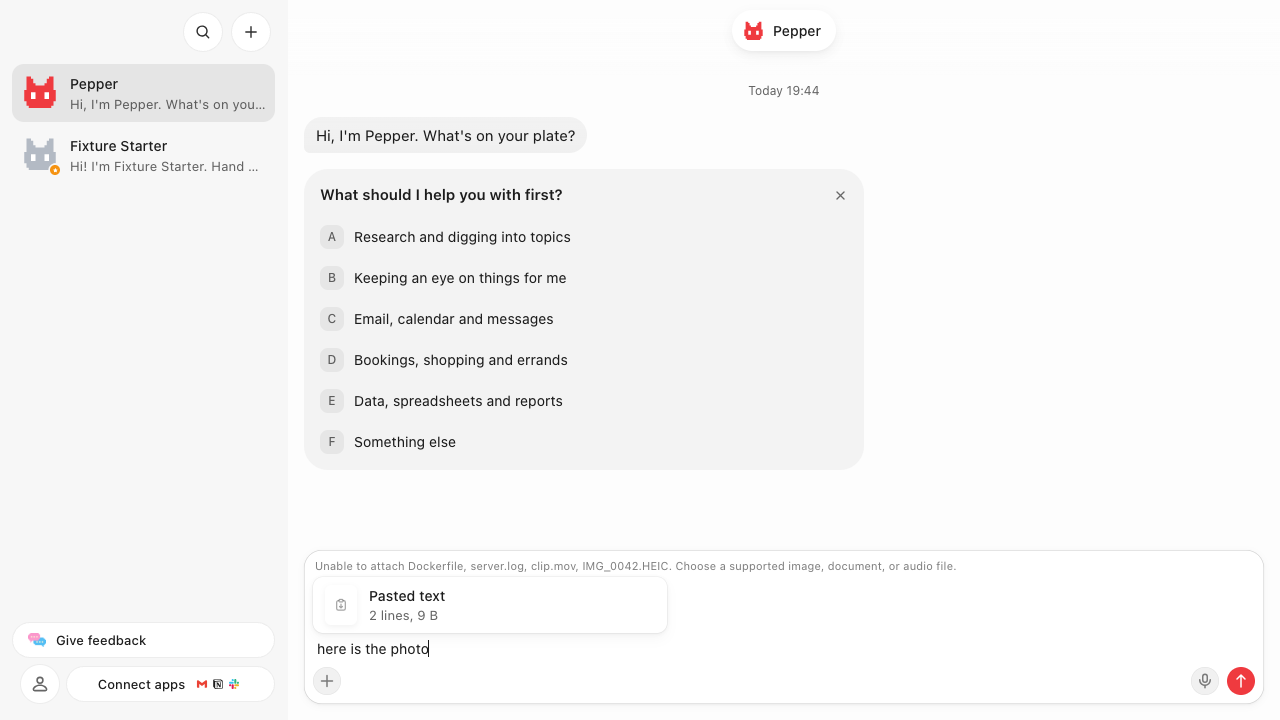
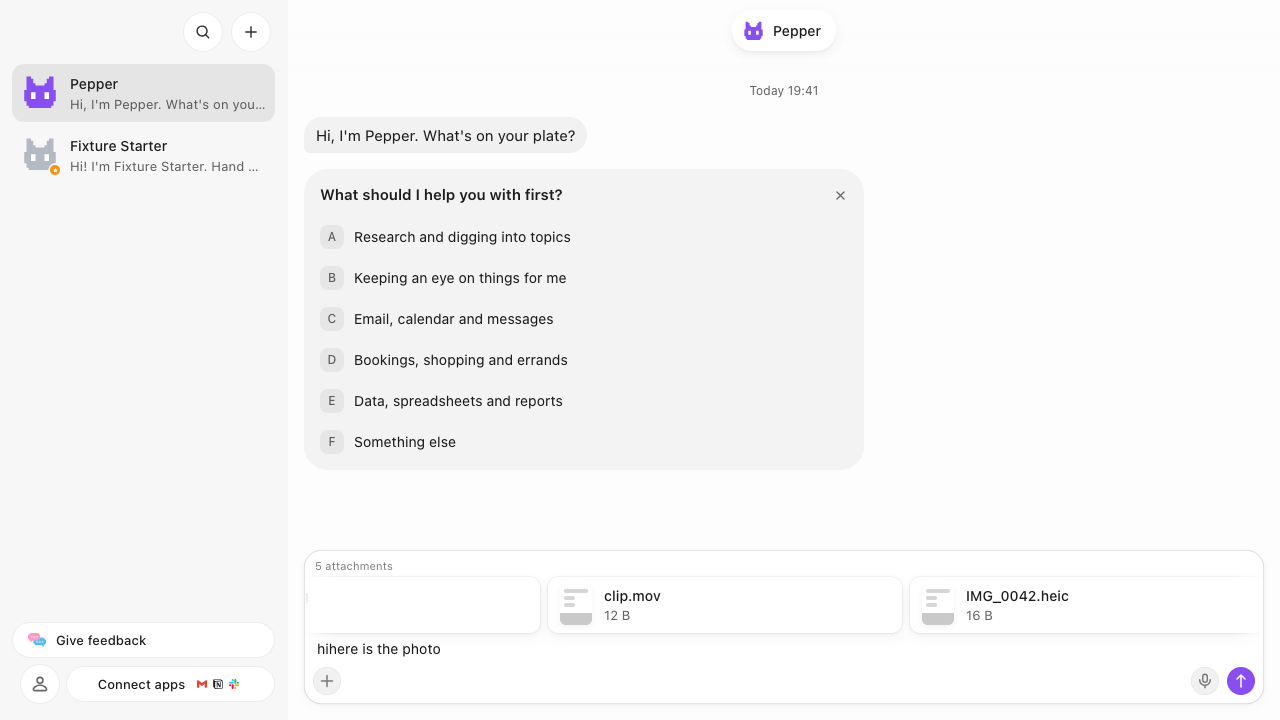
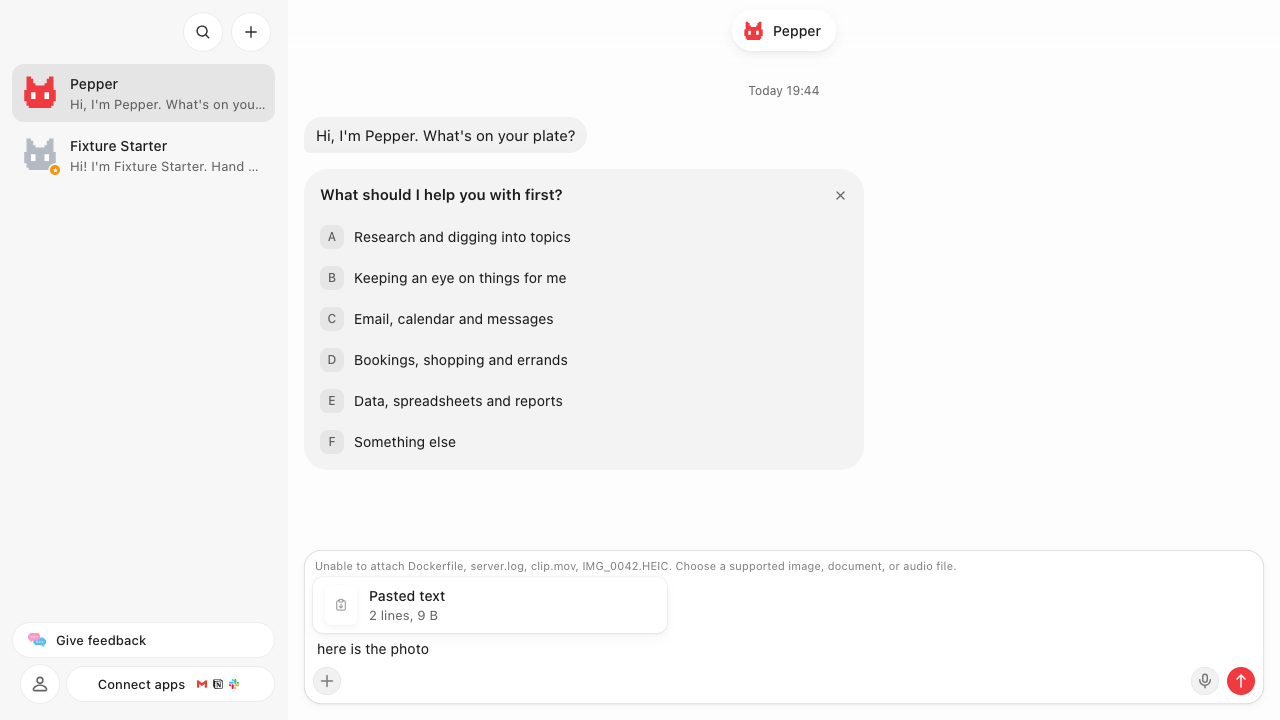
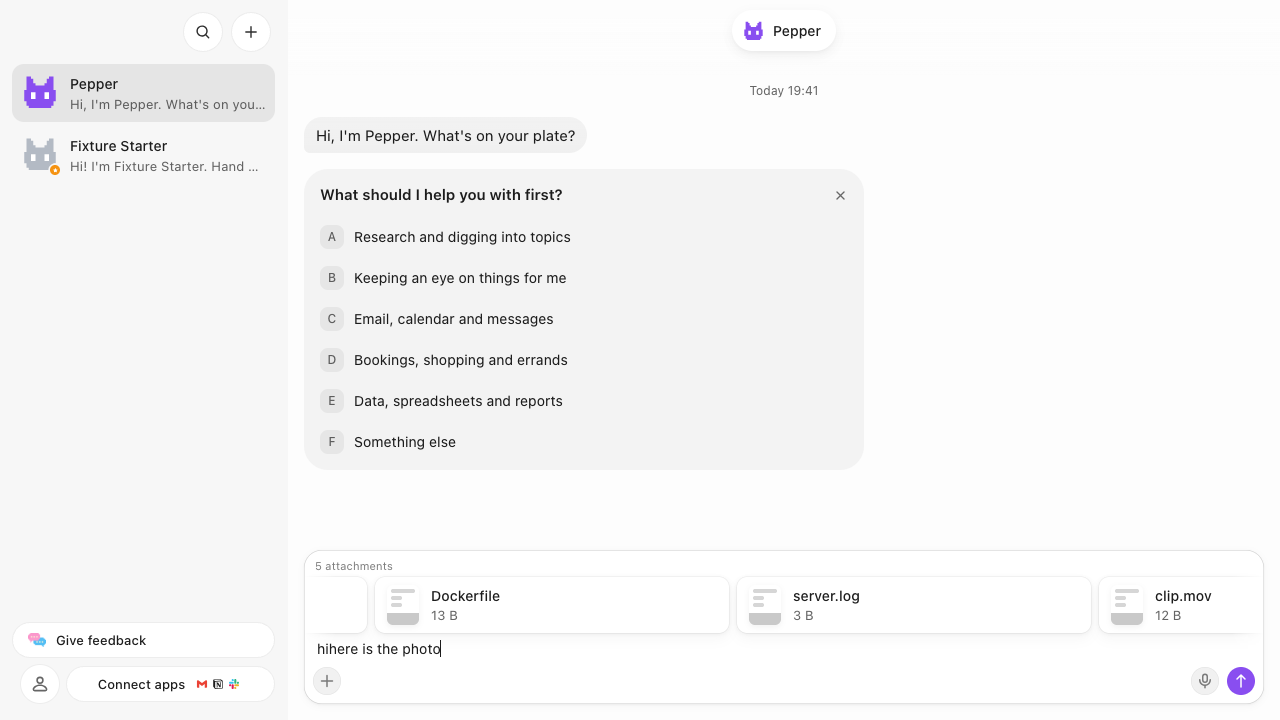
Code, log, video and HEIC files attach by name

What changed Dockerfile, server.log, clip.mov and a HEIC photo attach under their own names. Before they were refused with one grey line and a nameless Pasted text.

What to check Drop a .py, a .log, a Dockerfile, a .mov and a .heic together: five named tiles.

Before
Before
After
After

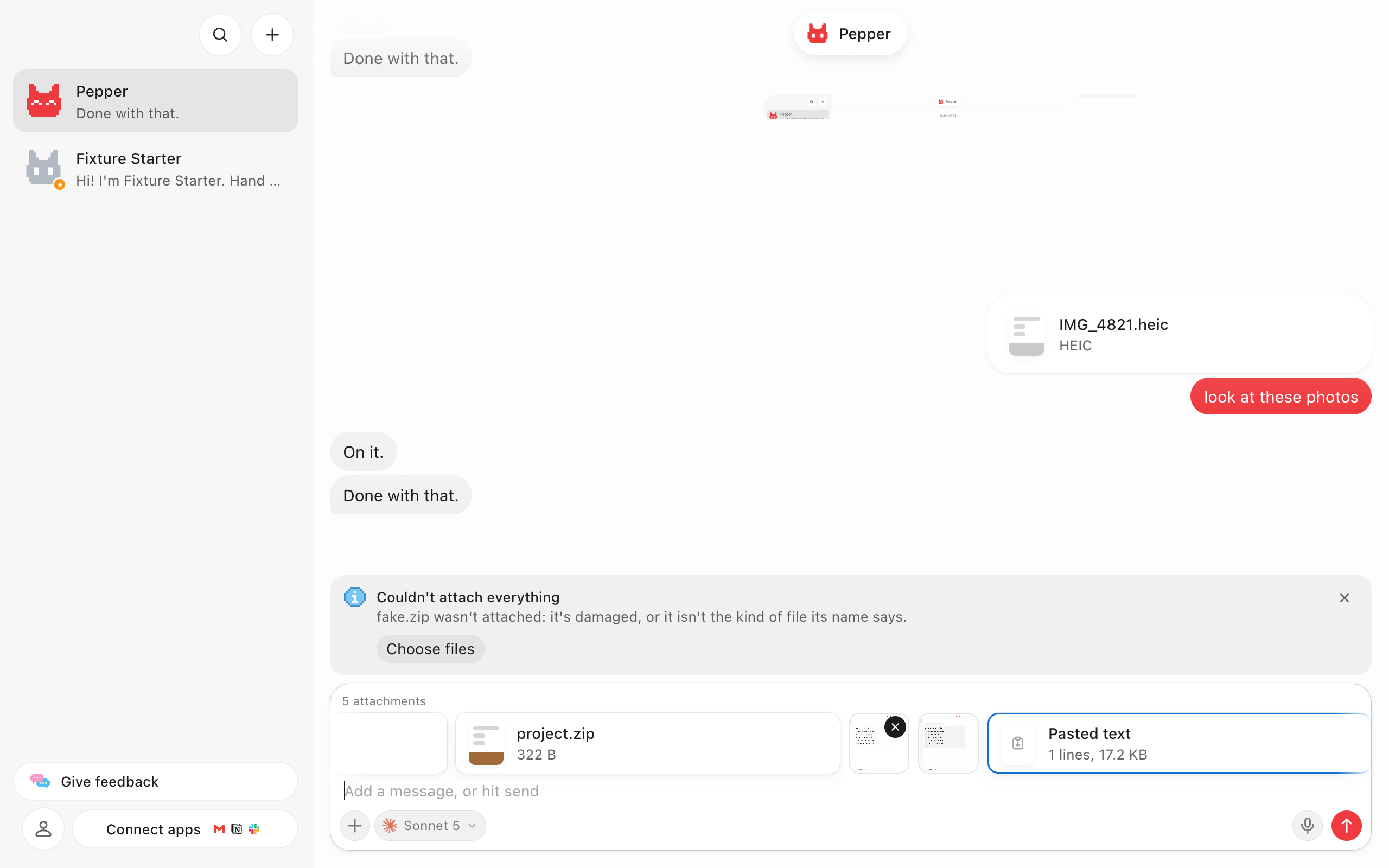
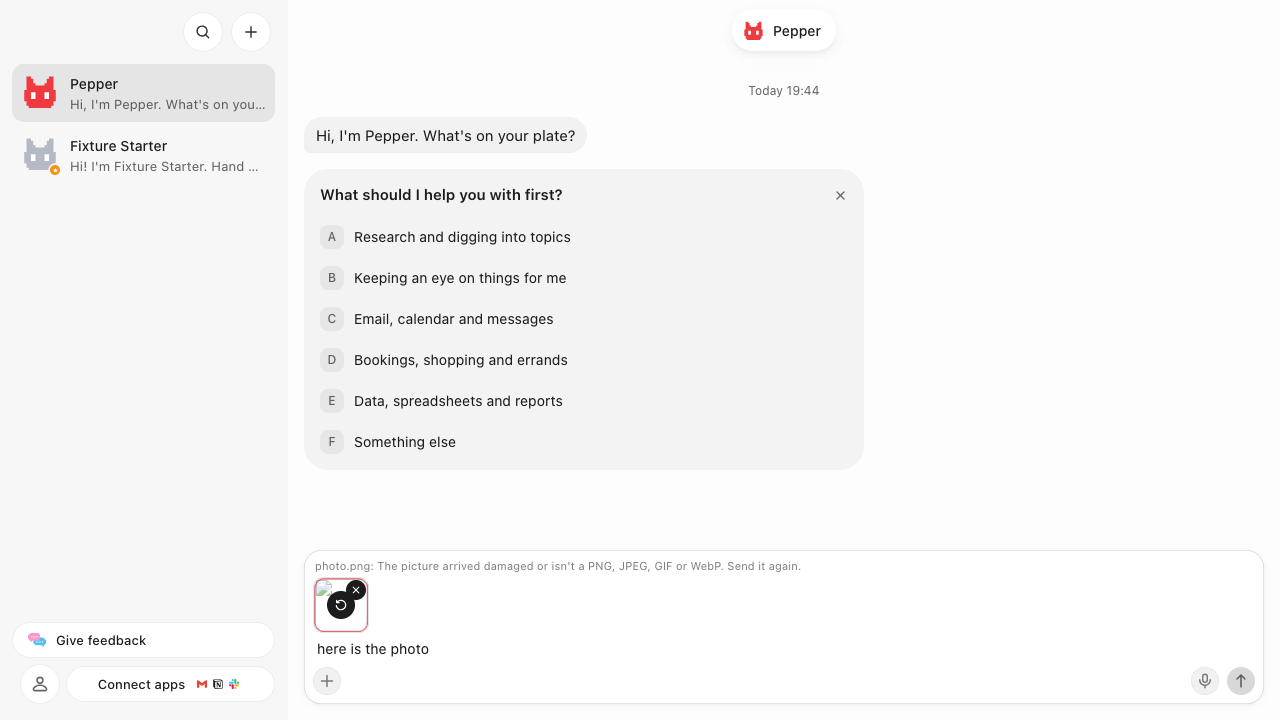
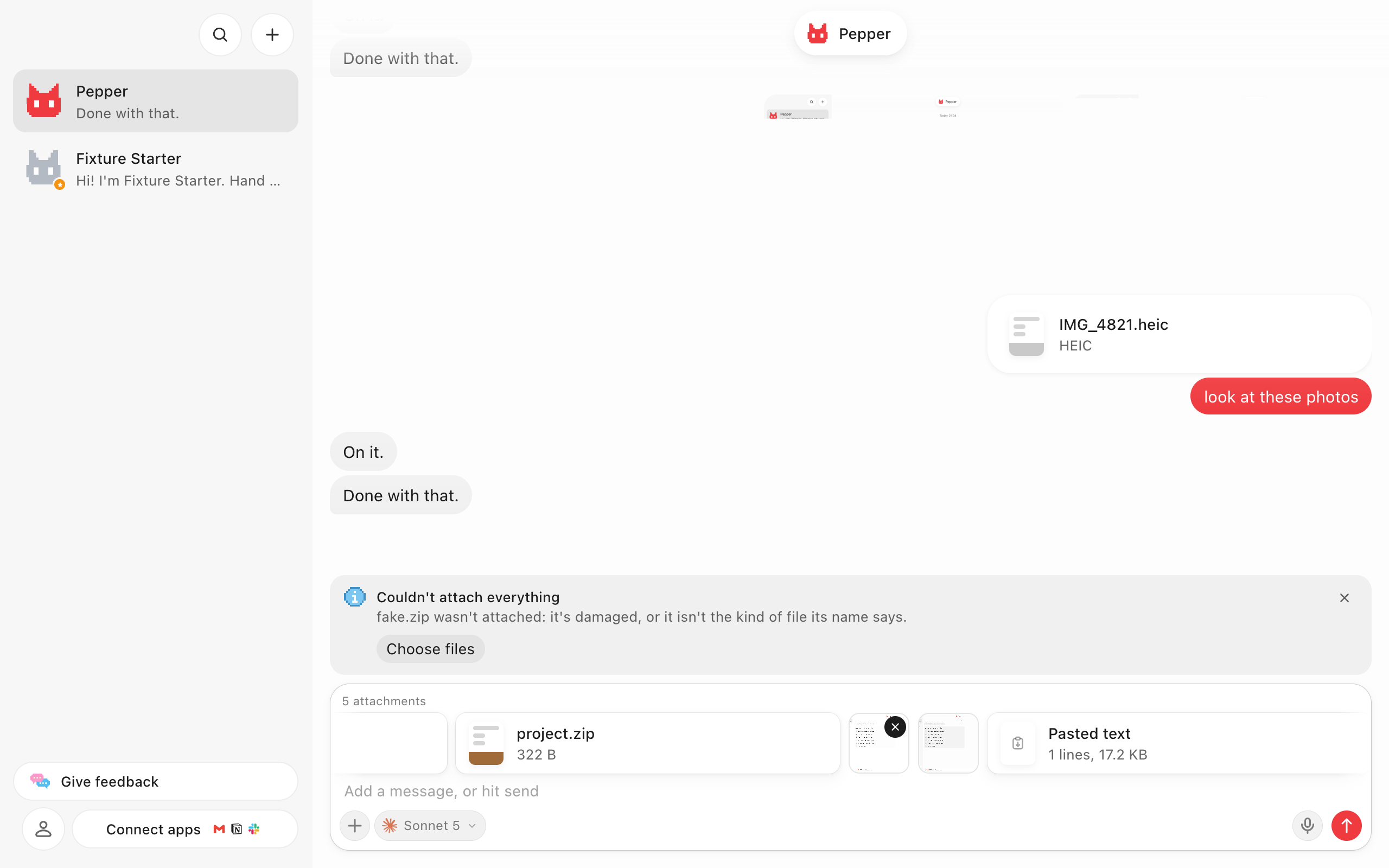
What couldn't attach says whyfresh shot

What changed A file the server turns away for good leaves the row with a card: Couldn't attach everything, the file and why, and Choose files. No failed tile whose Retry never works.

What to check Attach a renamed text file as photo.png: the card names it, Send still works for the rest.

Before
Before
After
After

The Couldn't attach card goes once you sendfresh shot

What changed Found and fixed during QA (8e45f4213f): the card stayed over the chat after the send and the reply. Now it goes once the message is sent, as the old notice line did.

What to check Attach a damaged file with a good one, send: the card is gone, the reply shows.

Beforealso shows the damaged images sent as blank tiles, which has no fix yet
Before
After
After
before the fix: the card still there 2 s after a later paste

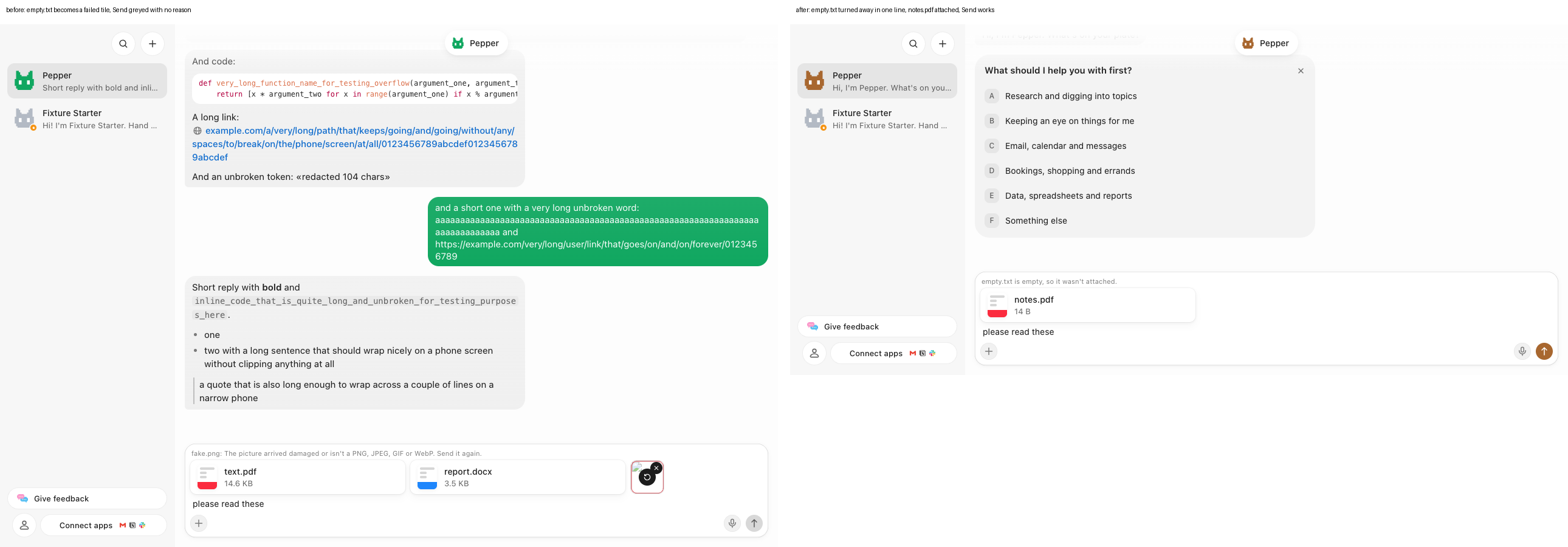
An empty file no longer blocks Send

What changed An empty file is turned away before upload with one line (empty.txt is empty, so it wasn't attached) instead of a failed tile that kept Send greyed out.

What to check Attach an empty .txt with a real file: one line for the empty one, Send works.

Before and after
Before and after

The attachment row shows there is more

What changed The row fades at a side that hides tiles, so a cut-off card reads as more to scroll to.

What to check Five attachments in a normal window: a soft fade on the hidden side only.

Before
Before
After
After

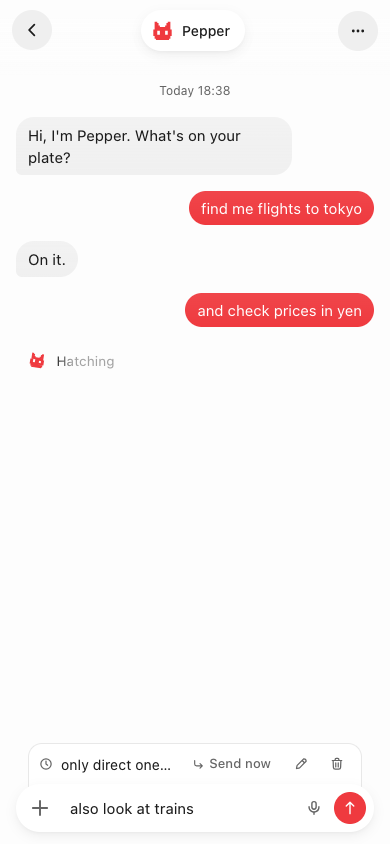
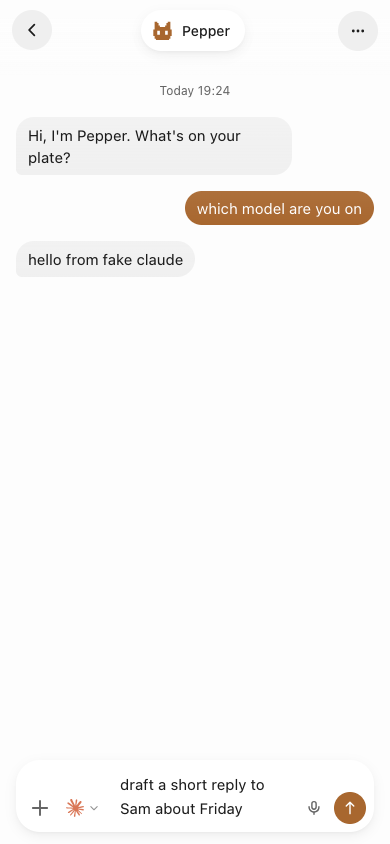
Phone: send queues, hold to steernew

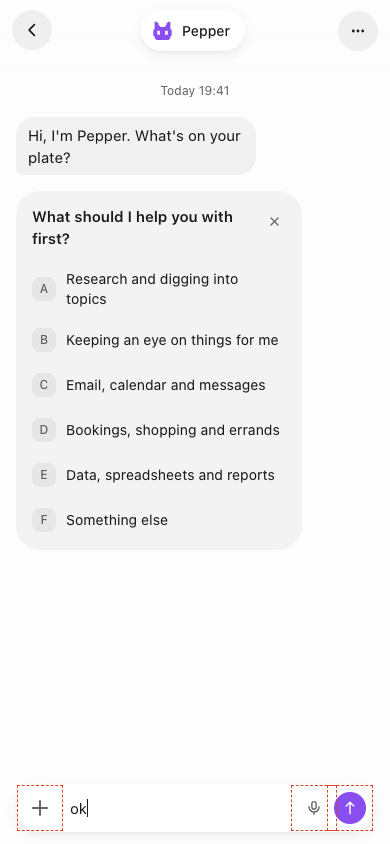
What changed On a phone, the empty field of a working bot reads Send queues, hold to steer, and a held Send steers.

What to check On a 390 wide phone: the hint fits beside the mic; a long press on Send steers.

New
New
08-phone-busy-typed-after

Phone: bigger press areas

What changed Composer buttons, an attachment's remove and copy or full screen on code take a 44px press on touch screens without changing their look; the chat no longer slides sideways after a scroll.

What to check On a phone, tap the edges of +, mic and Send; scroll a long chat and nothing shifts sideways. The before shot was taken with the bot panel open.

Before
Before
After
After
16-phone-chat-after
16-phone-chat-after

Narrow window: Escape closes the panel

What changed In a window too narrow to dock it, the bot panel over the chat takes Escape, and typing no longer goes into the hidden chat box under it.

What to check Narrow the window, open the bot panel, press Escape: back to the chat, nothing typed into it.

Before
Before
After
After

Also changed

Model picker

The bot's model sits in the message box, a phone gets a bottom sheet, and Codex through CLIProxyAPI is listed once.

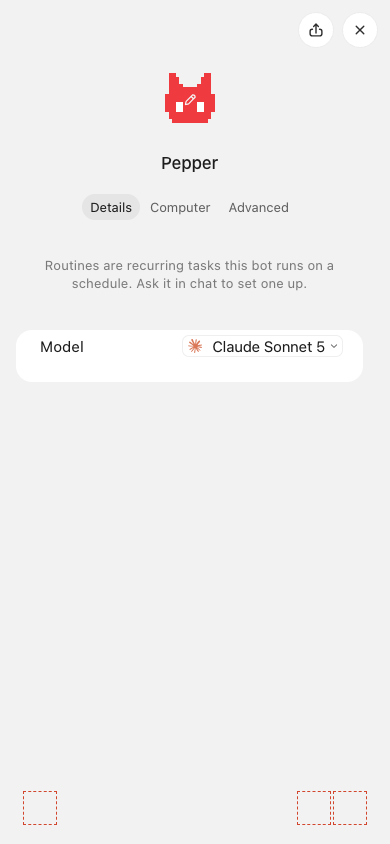
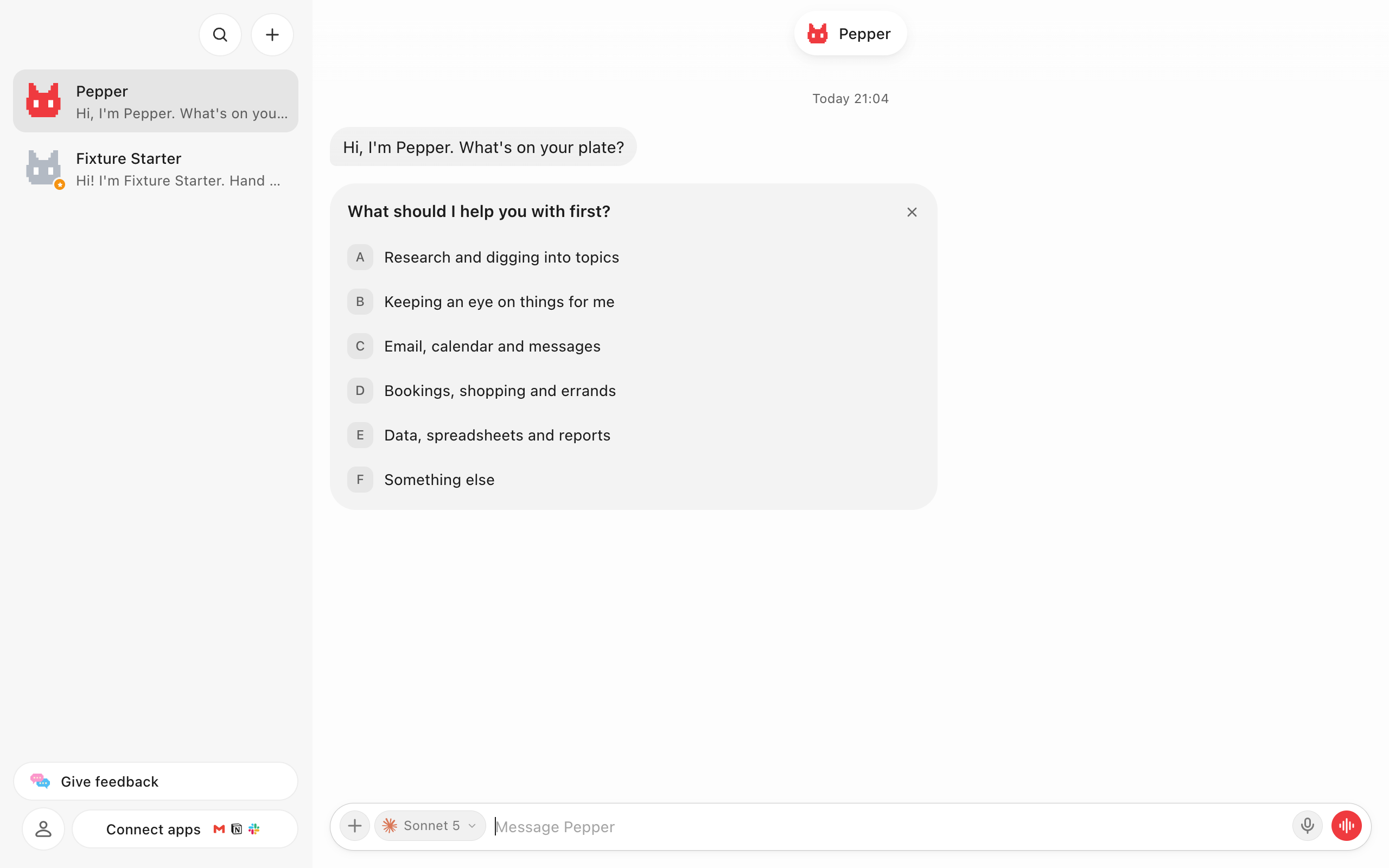
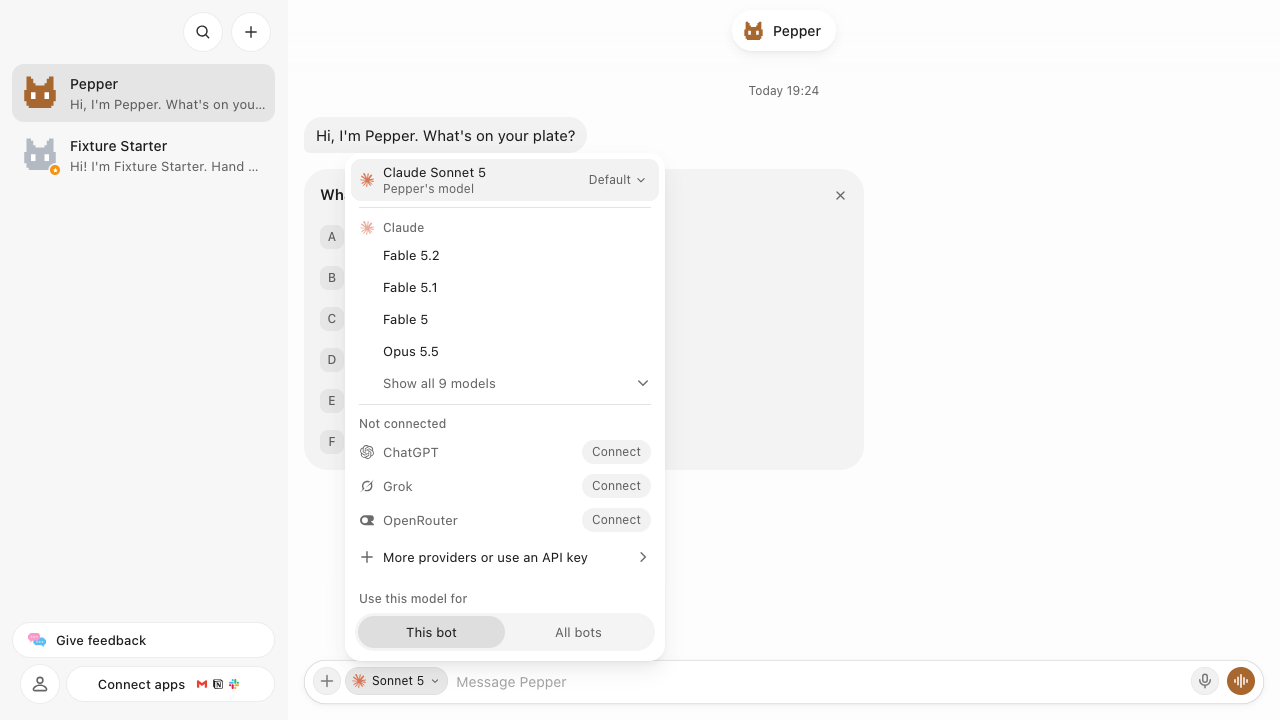
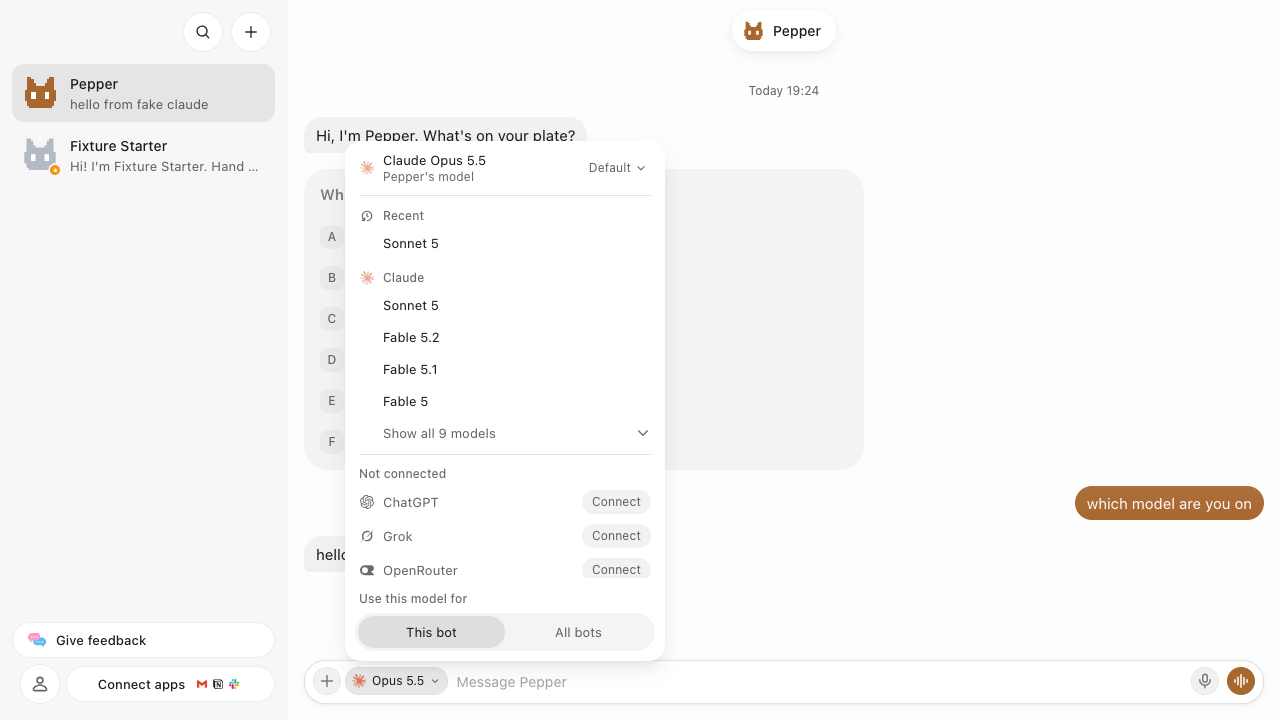
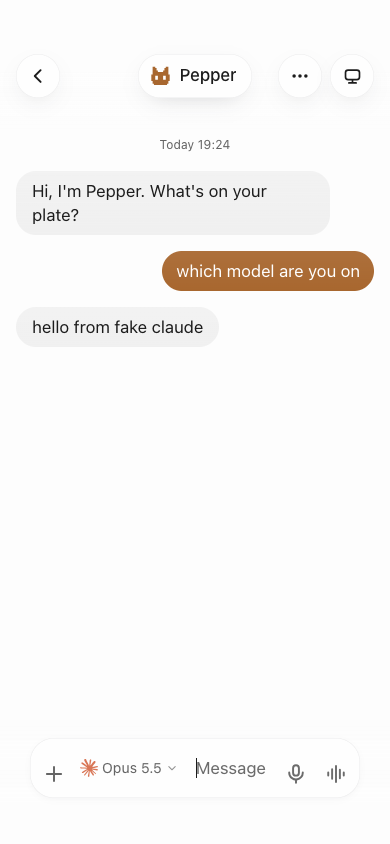
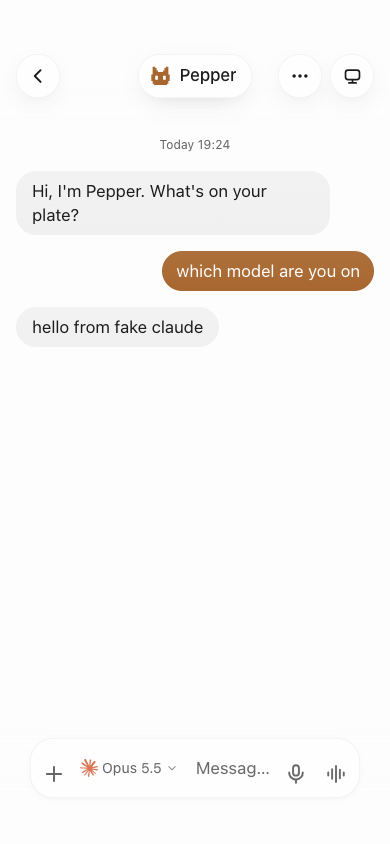
Model chip in the message boxfresh shot

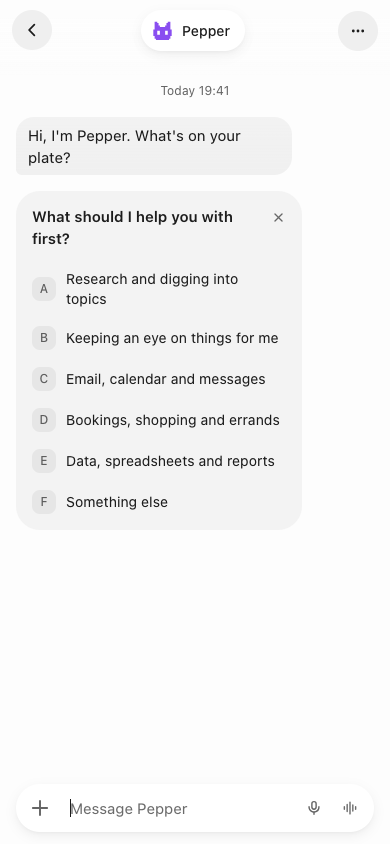
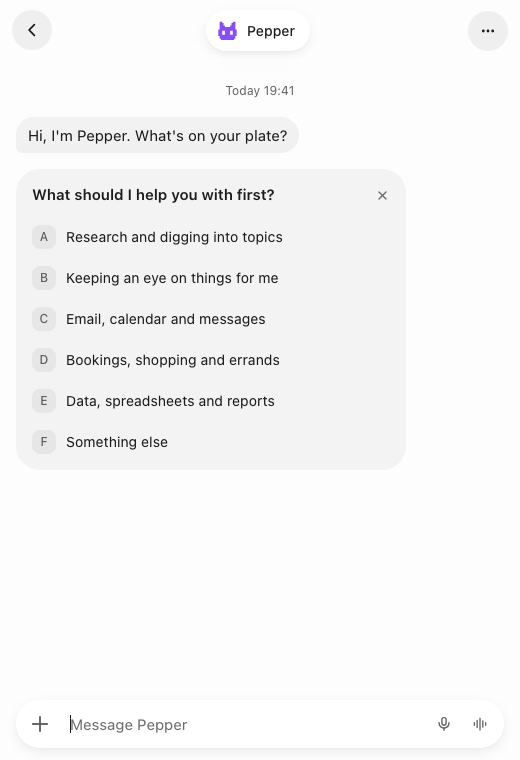
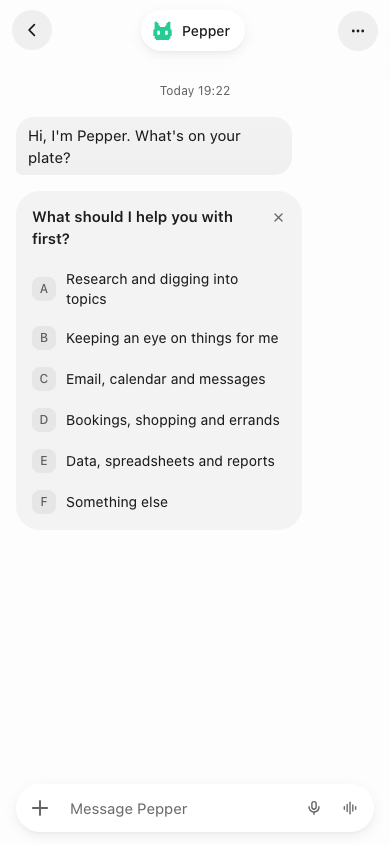
What changed The bot's model sits beside the +, its engine's mark and short name, and switches in two taps, for this bot or all bots. The composer does not grow.

What to check Pick Opus 5.5 from the chip and send: the reply runs on it; Recent lists the last pick.

Before
Before
After
After
fb-01-chat-idle
fb-01-chat-idle
02-desktop-menu-open-after
02c-desktop-turn-on-picked-model

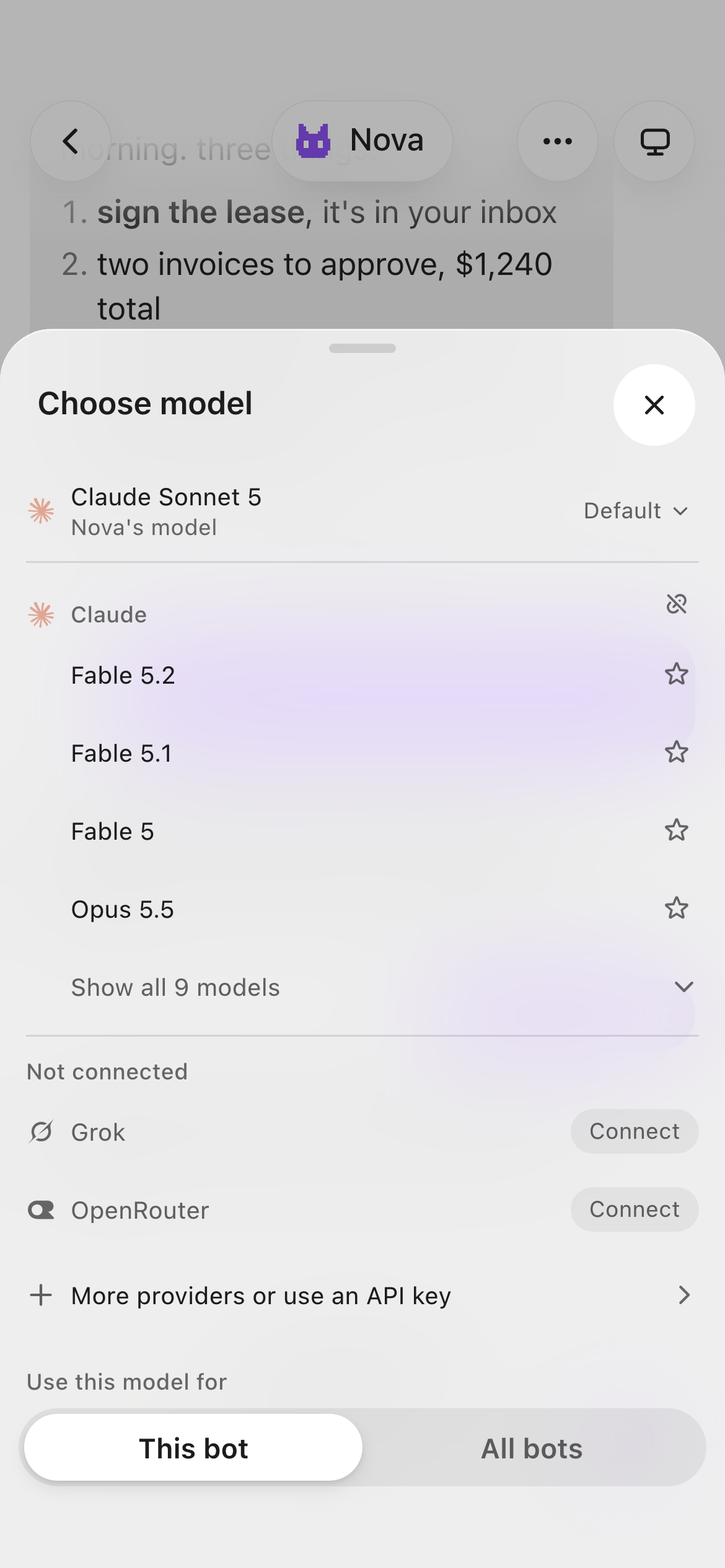
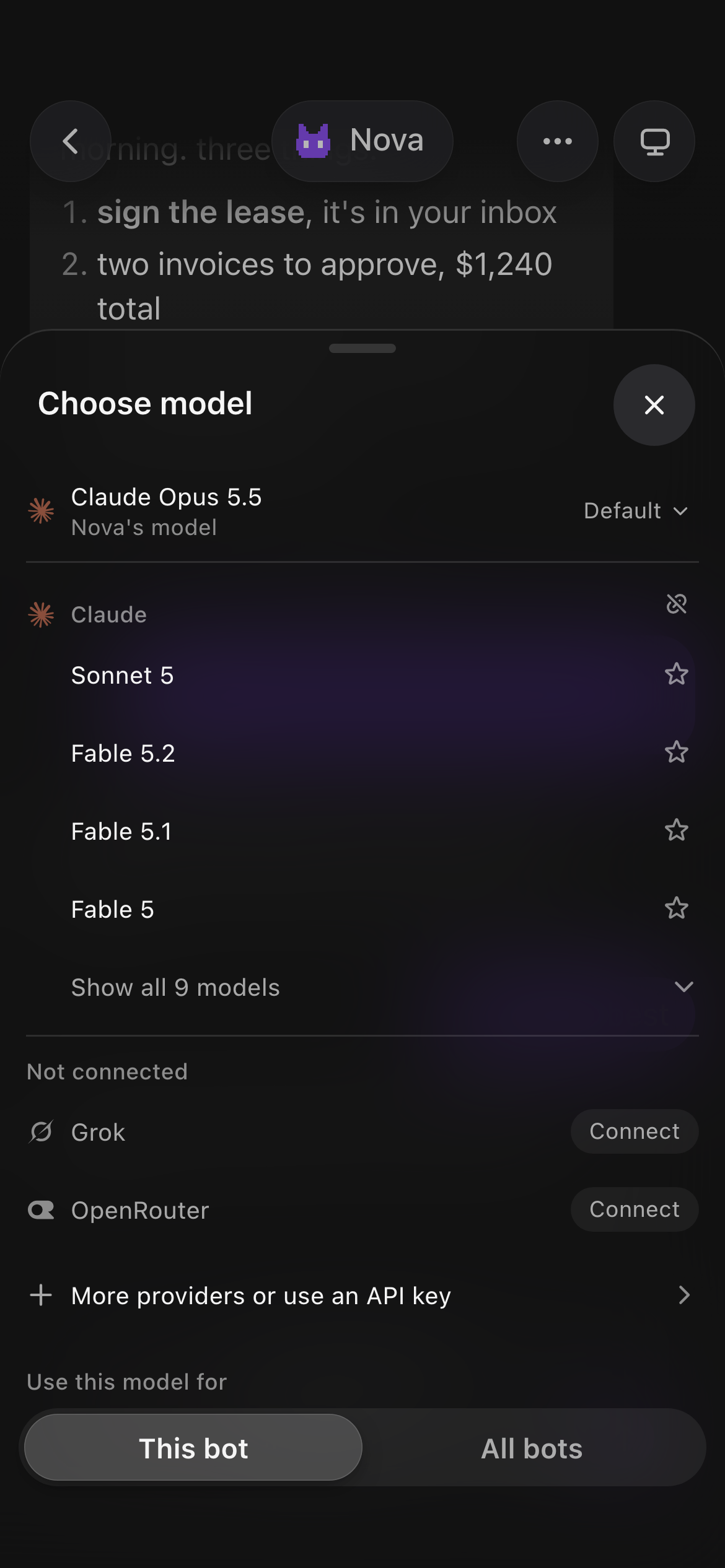
Phone: the chip opens a bottom sheetfresh shot

What changed On a phone the menu is the app's own bottom sheet and closes on the pick; while there is text to send the chip keeps only the mark.

What to check On the phone app: open the chip, pick a model, sheet closes, chip shows it; type and the chip shrinks to the mark.

Before
Before
After
After
fb-17-phone-390-model-sheet-dark
the chip's box was 6px too tall here, fixed after this shot in 6f1ac6eb7e
fb-16-phone-390-typing-chip-icon-light
fb-16-phone-390-typing-chip-icon-dark
fb-18-phone-390-after-pick-light
fb-18-phone-390-after-pick-dark
a narrow desktop window keeps the popover; while typing the chip keeps only the mark
06-phone-app-composer-after
04-phone-typing-icon-only-after
08-phone-app-after-pick

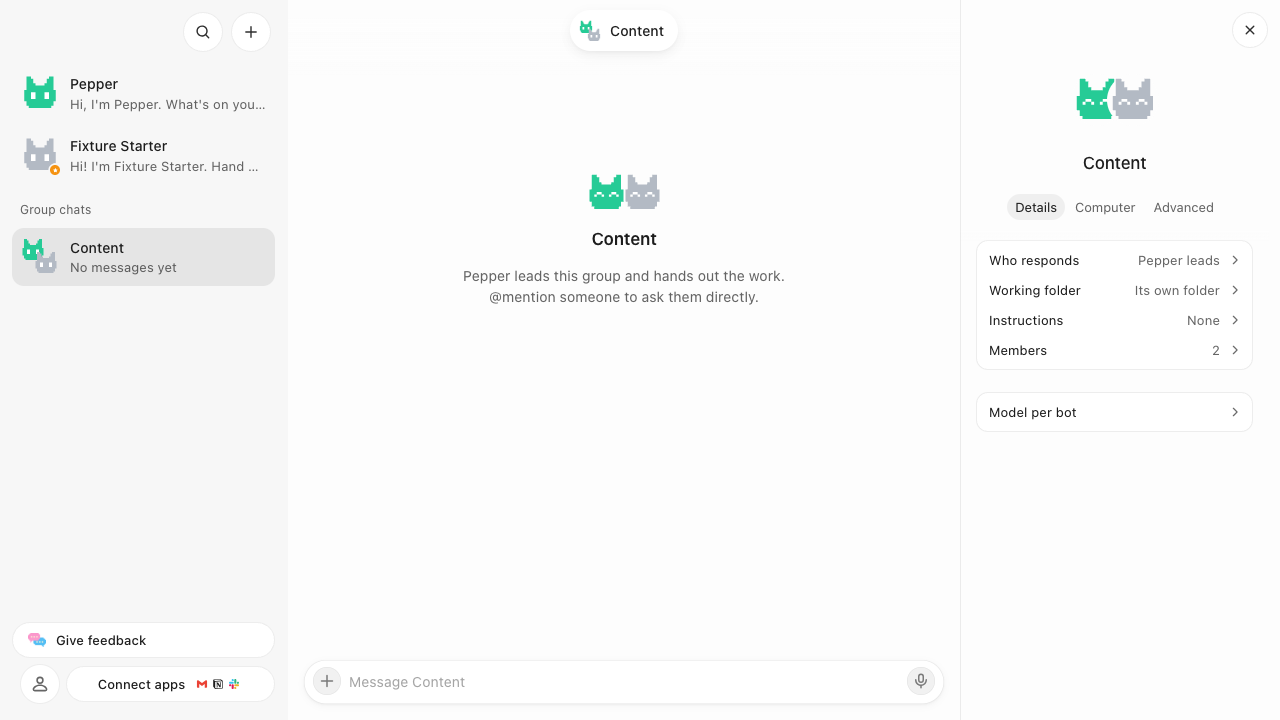
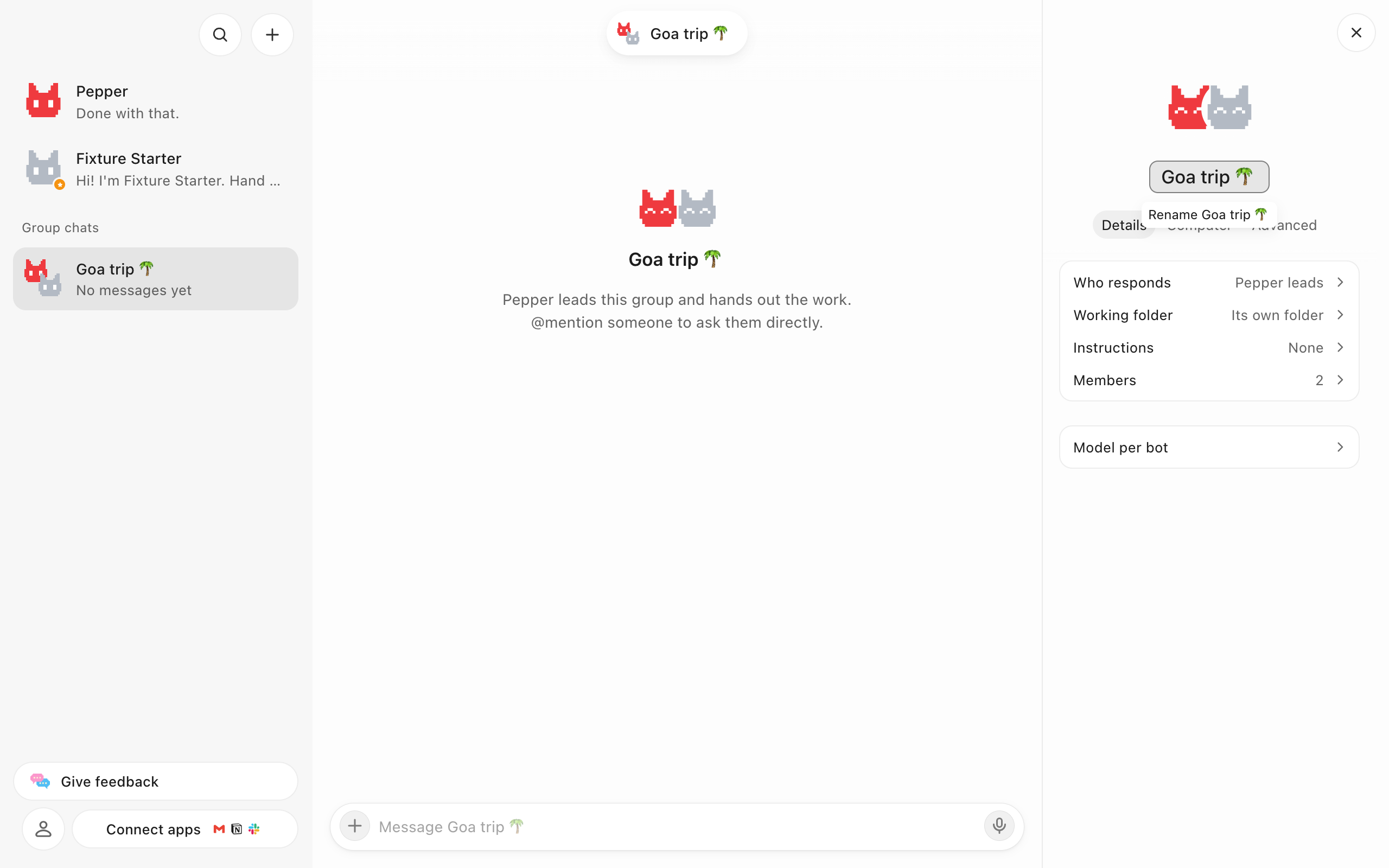
Rename a room where its name isfresh shot

What changed The room's name under the faces in its panel renames it in place, as a bot's name does: Enter saves, Escape keeps it.

What to check Open a group chat's panel, click its name, rename: the sidebar and header follow.

Before
Before
After
After
05b-room-name-editing-after

Also changed

Updates and What's new

Check for updates and What's new on desktop and phone, a newer APK notice, the changelog on the site, and duskbot update.

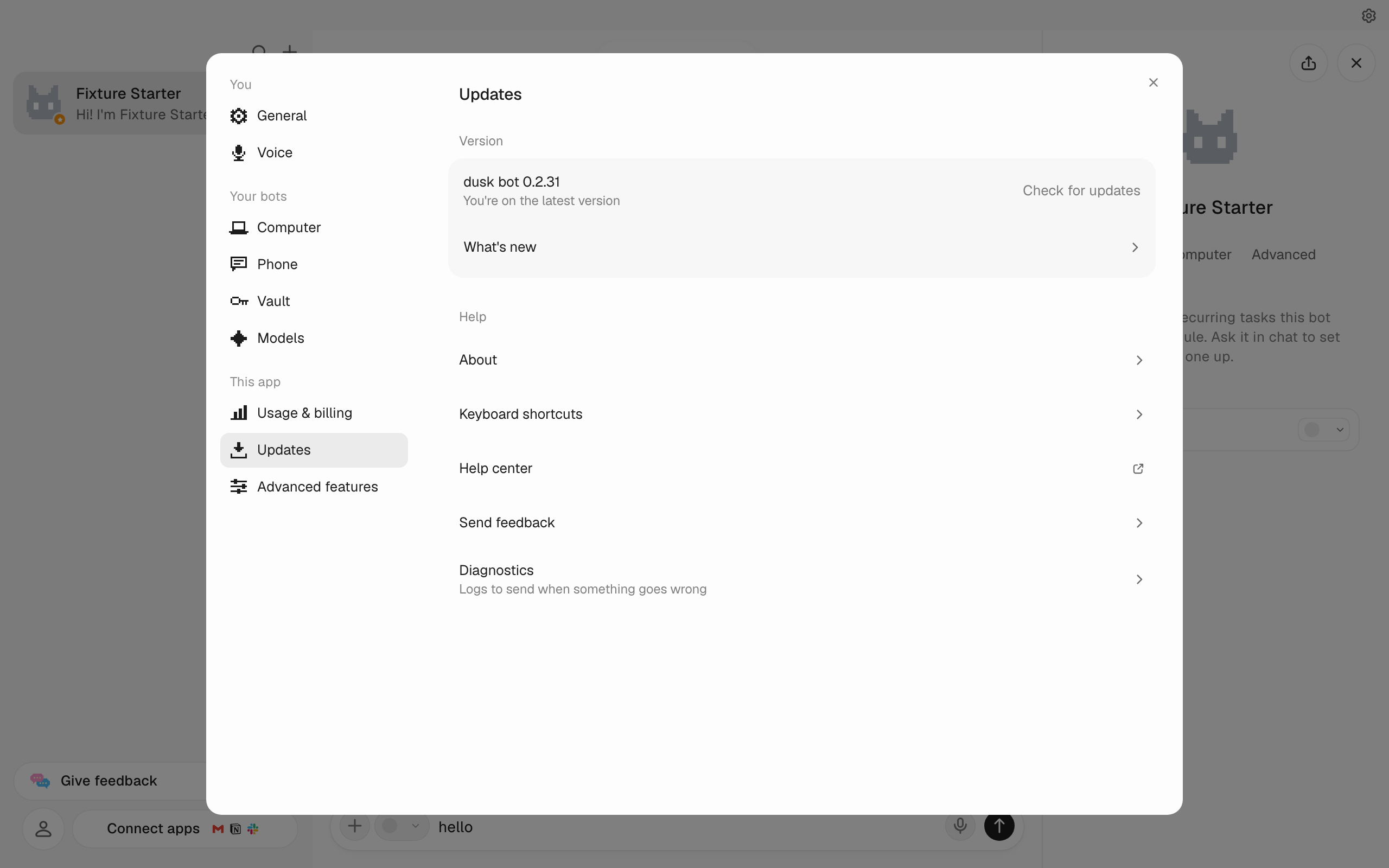
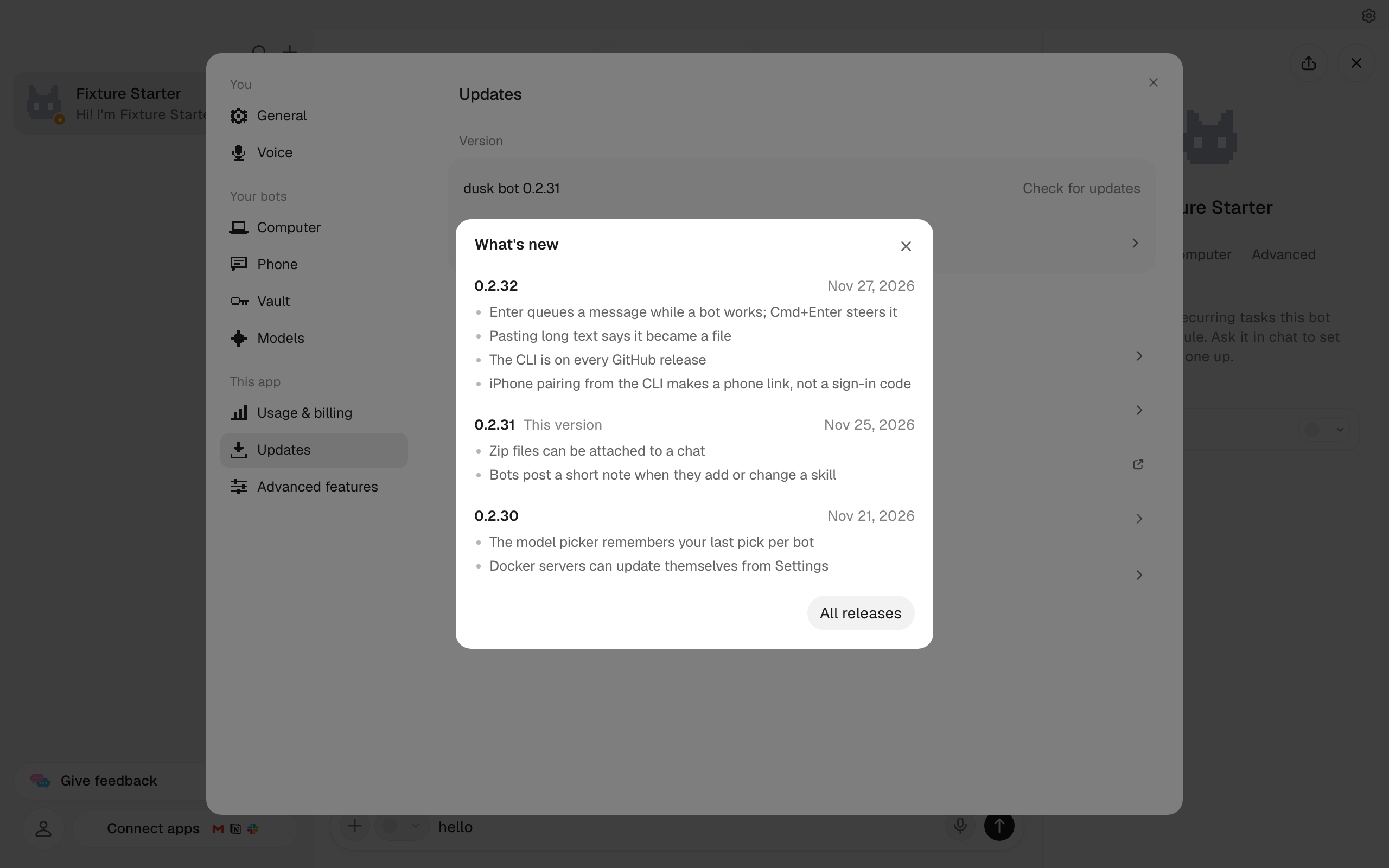
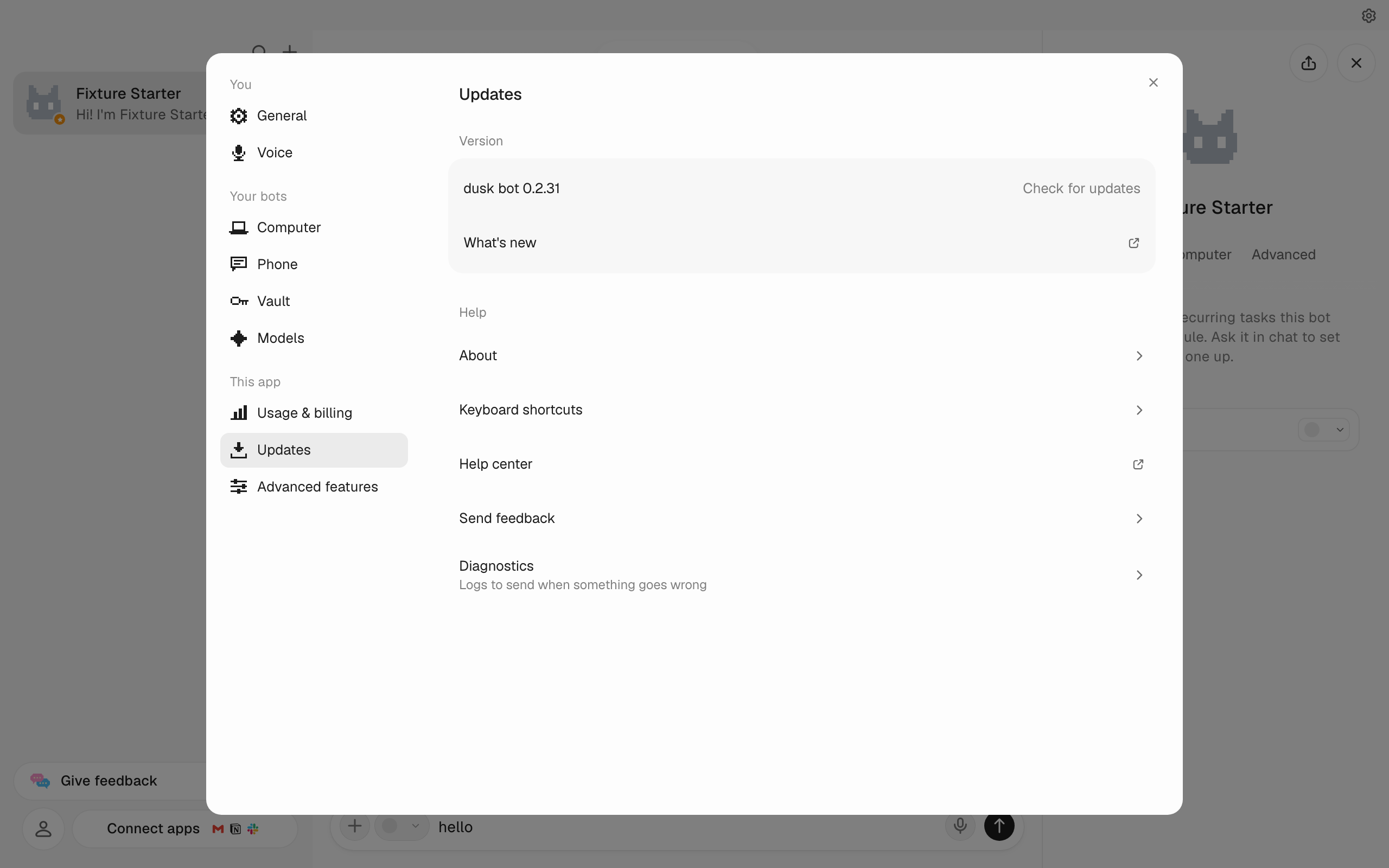
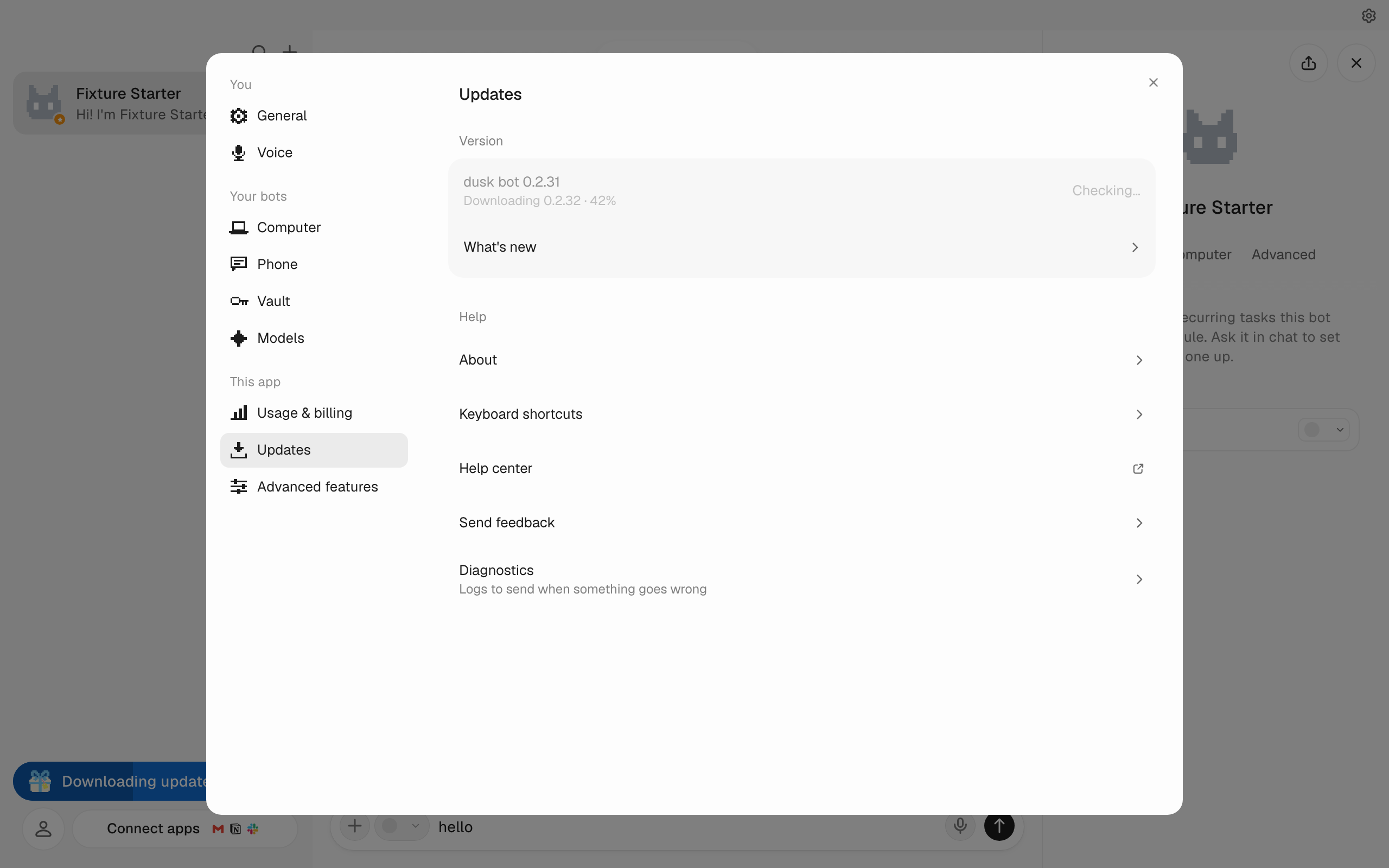
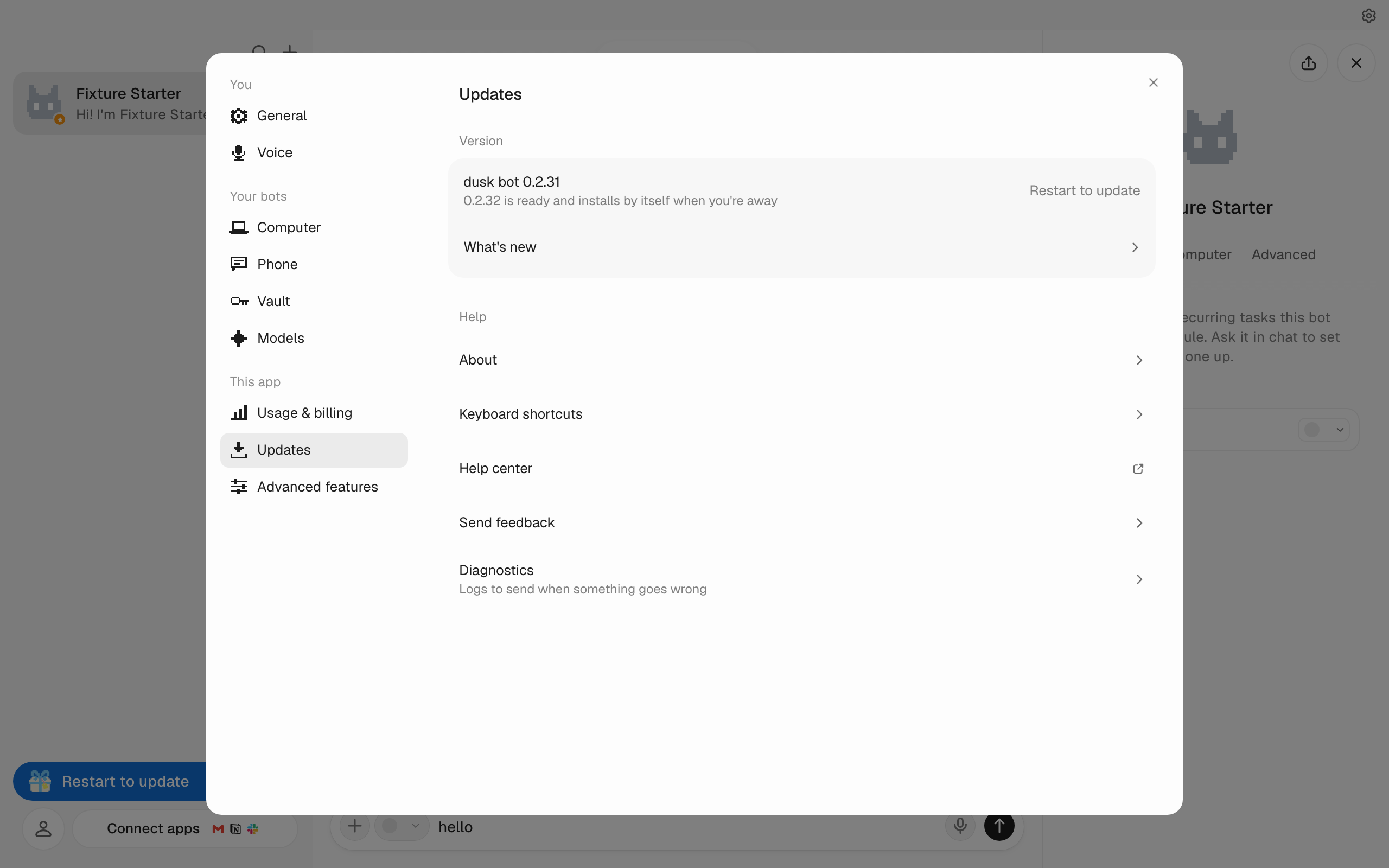
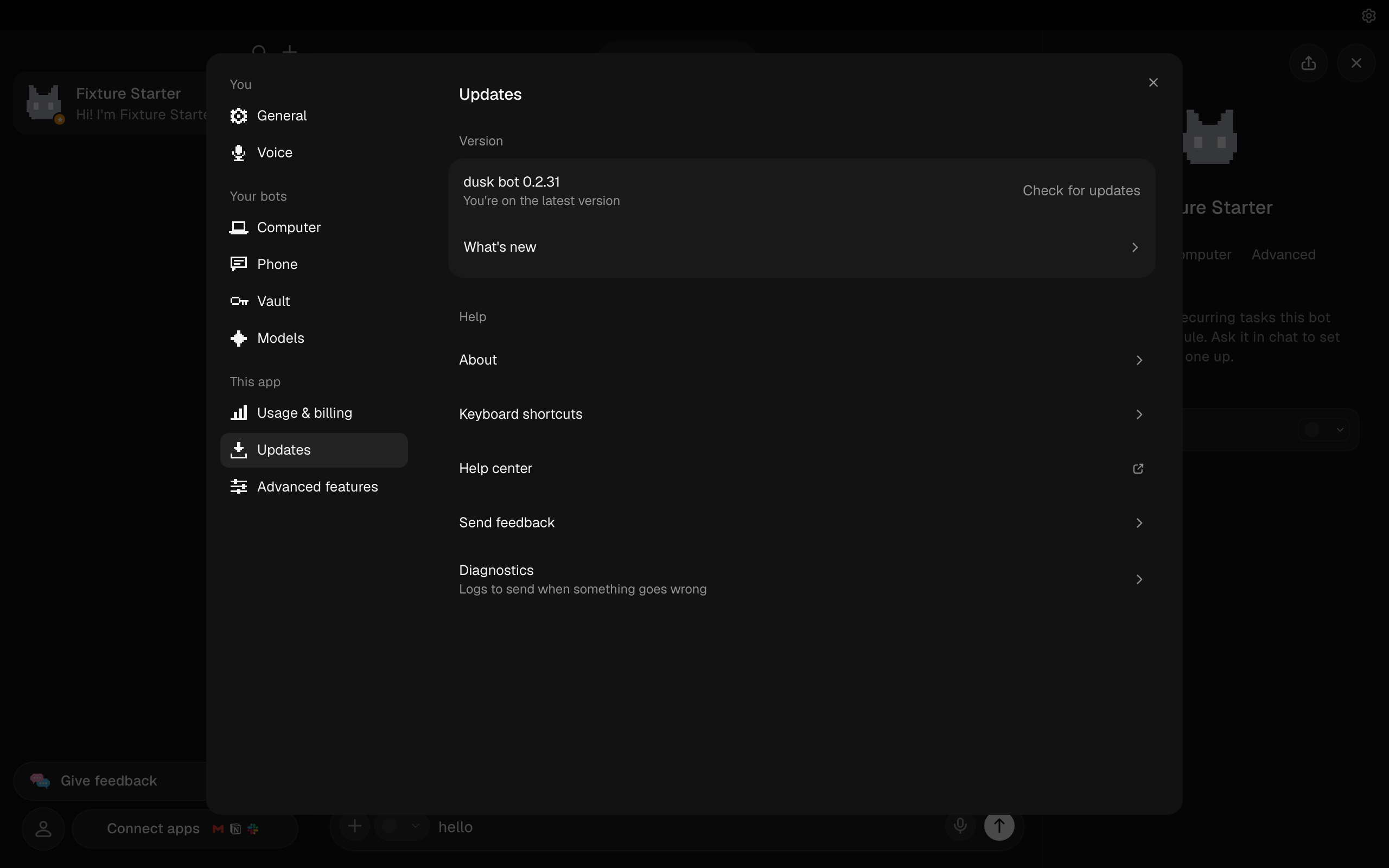
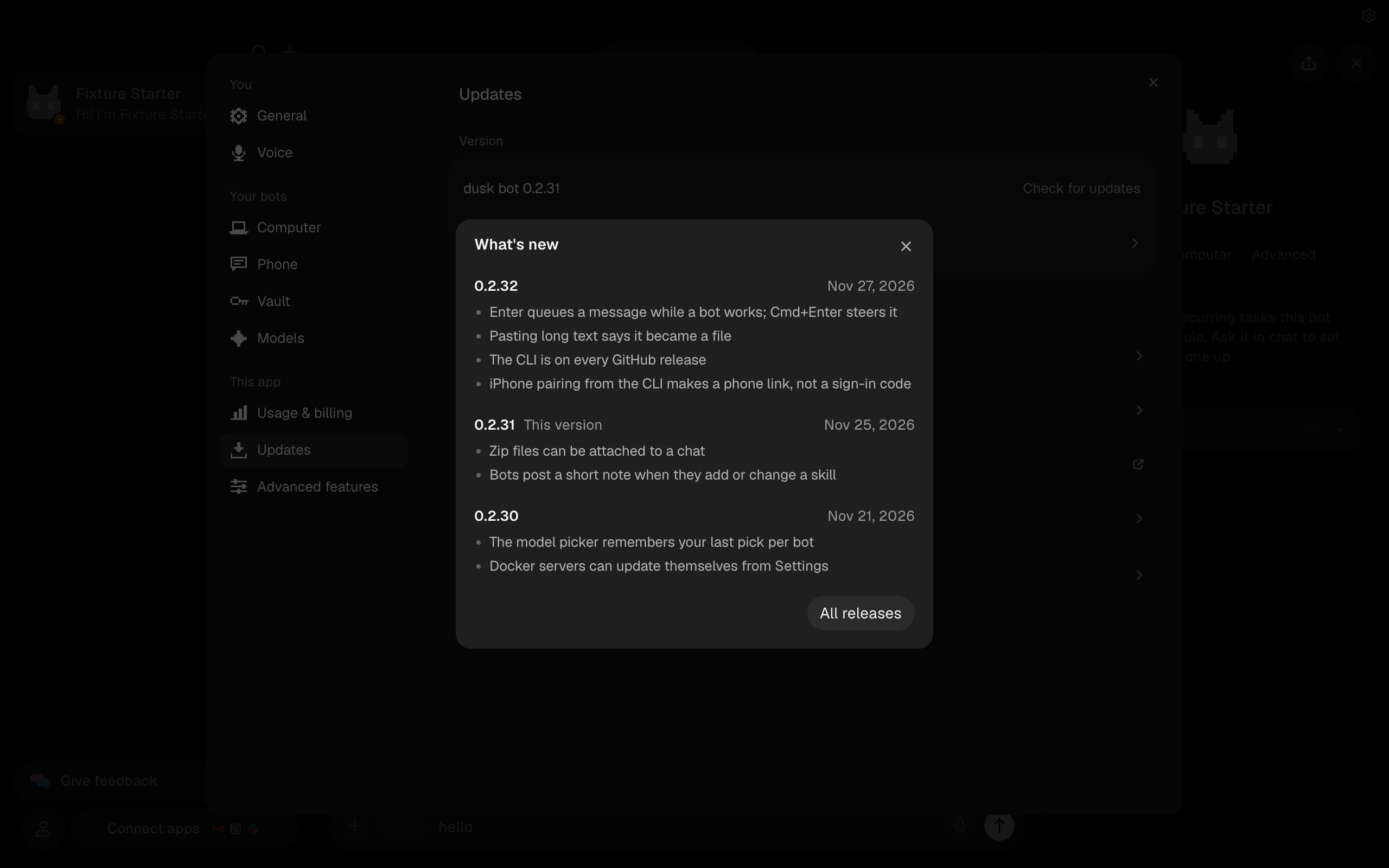
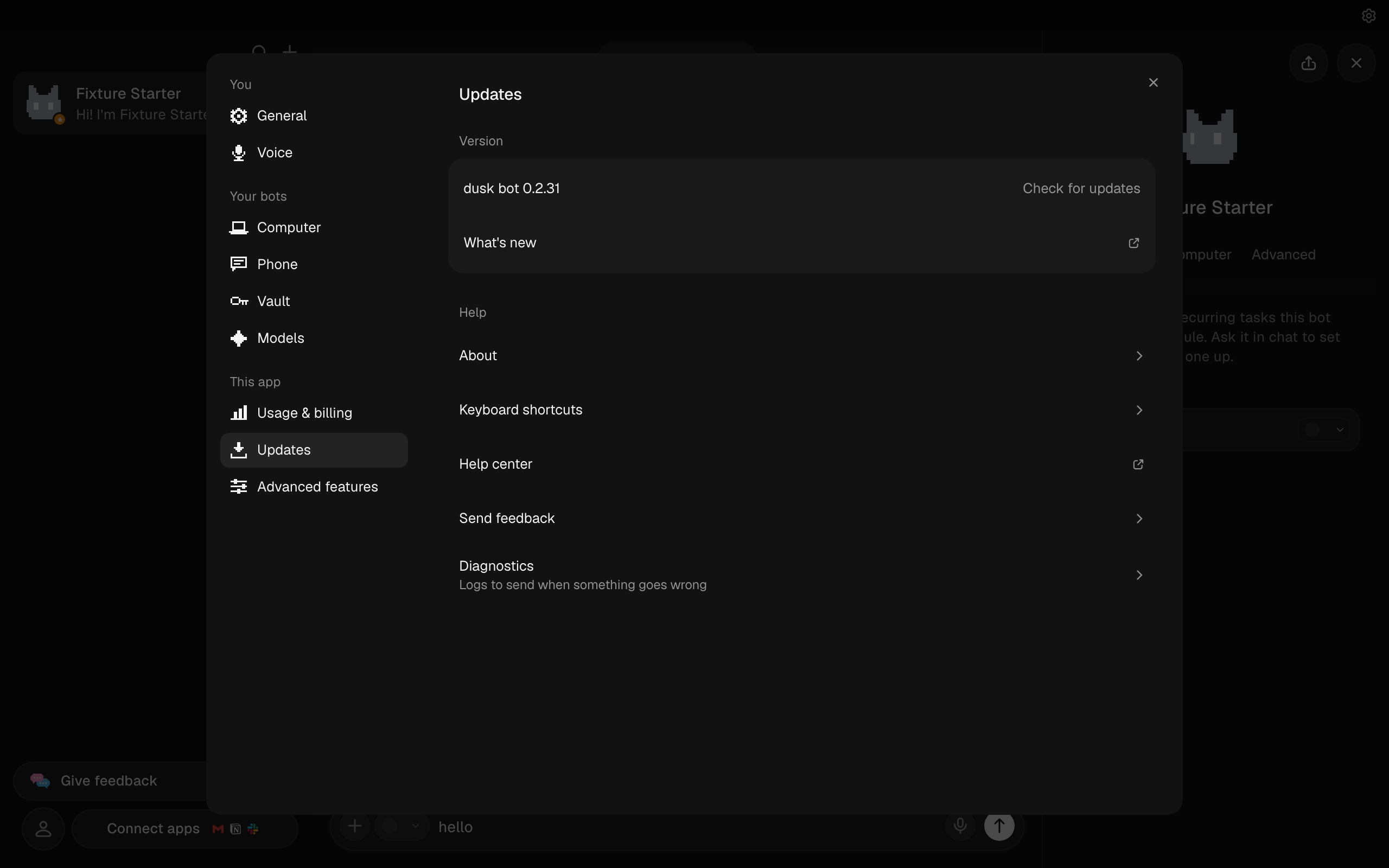
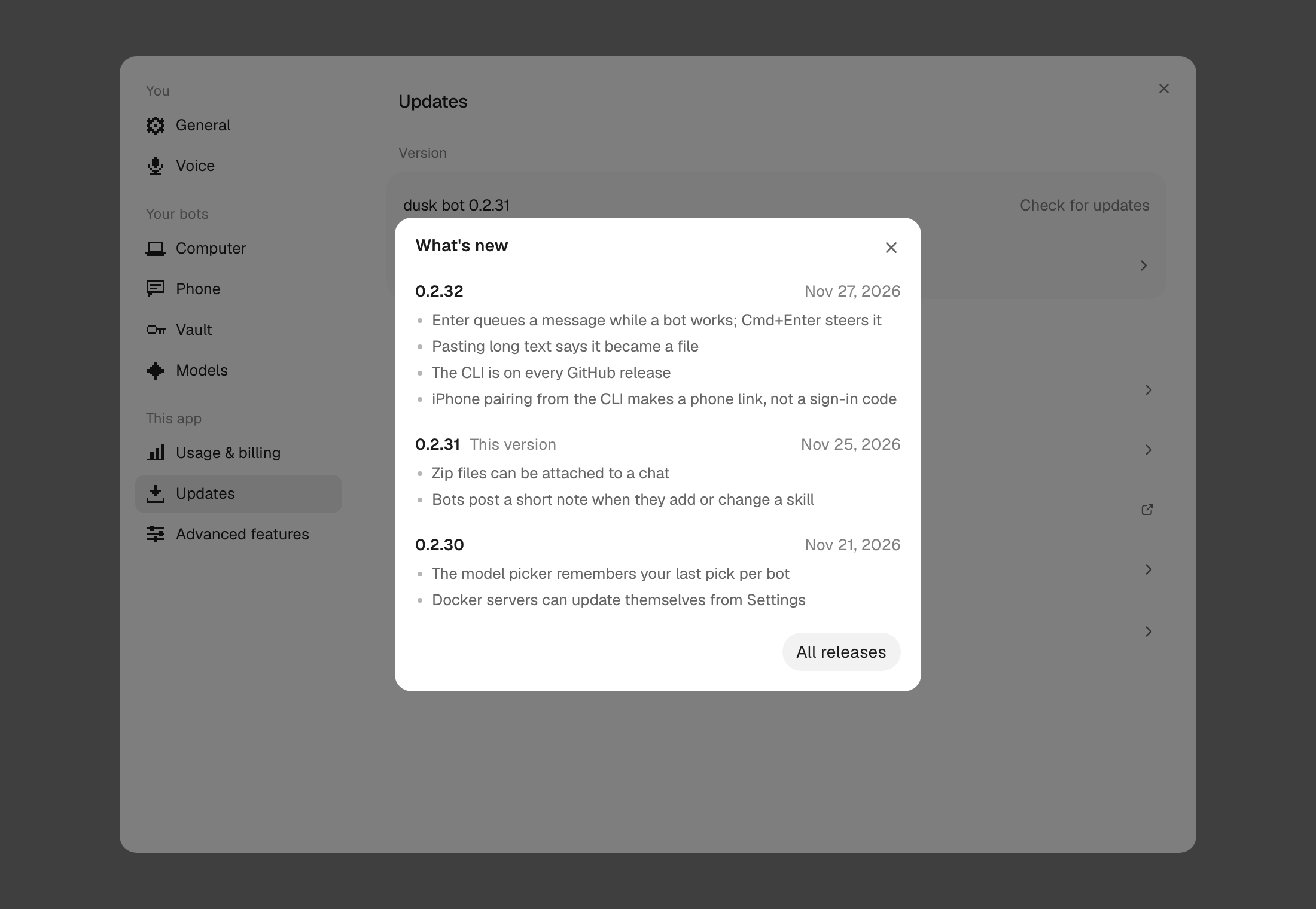
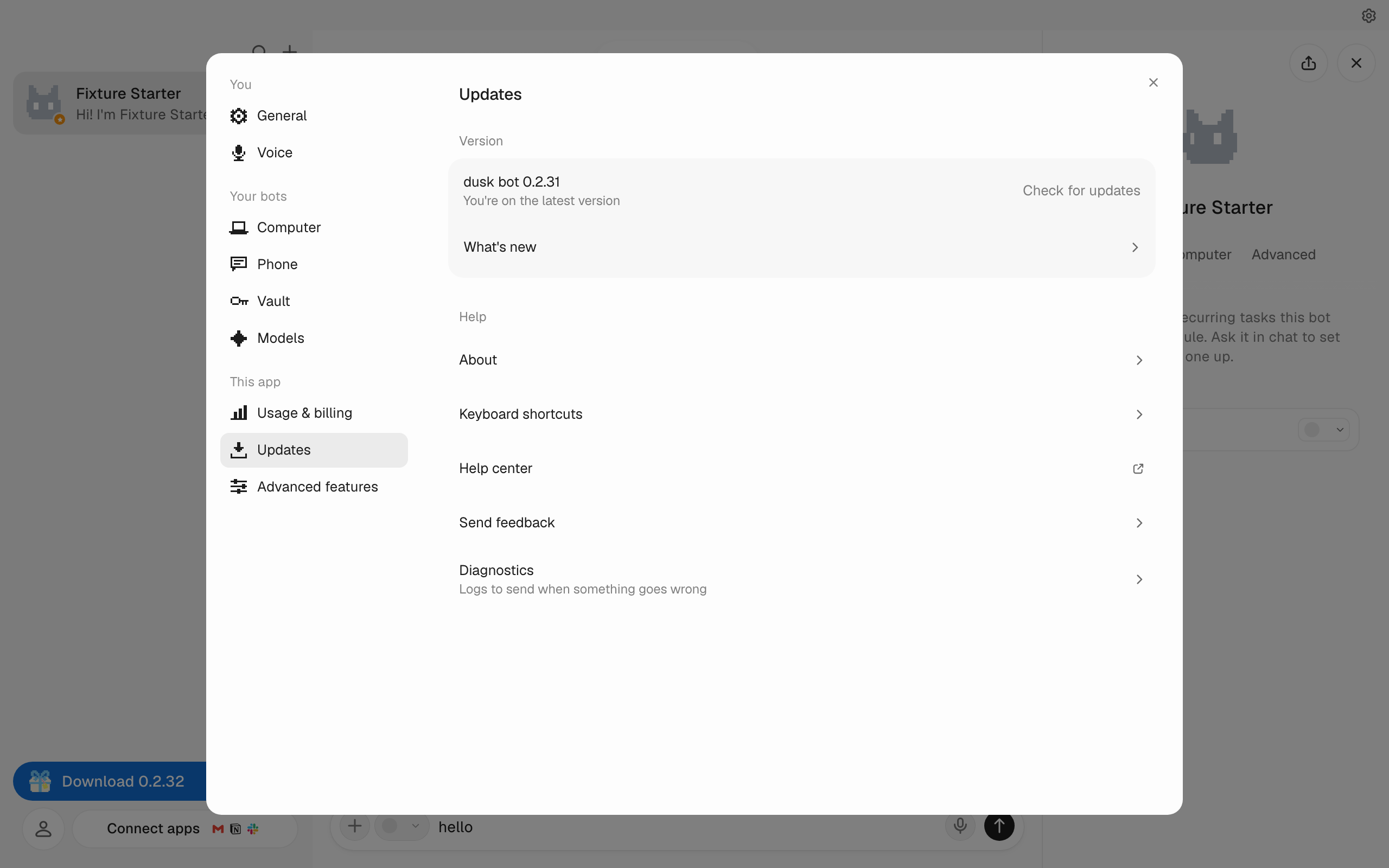
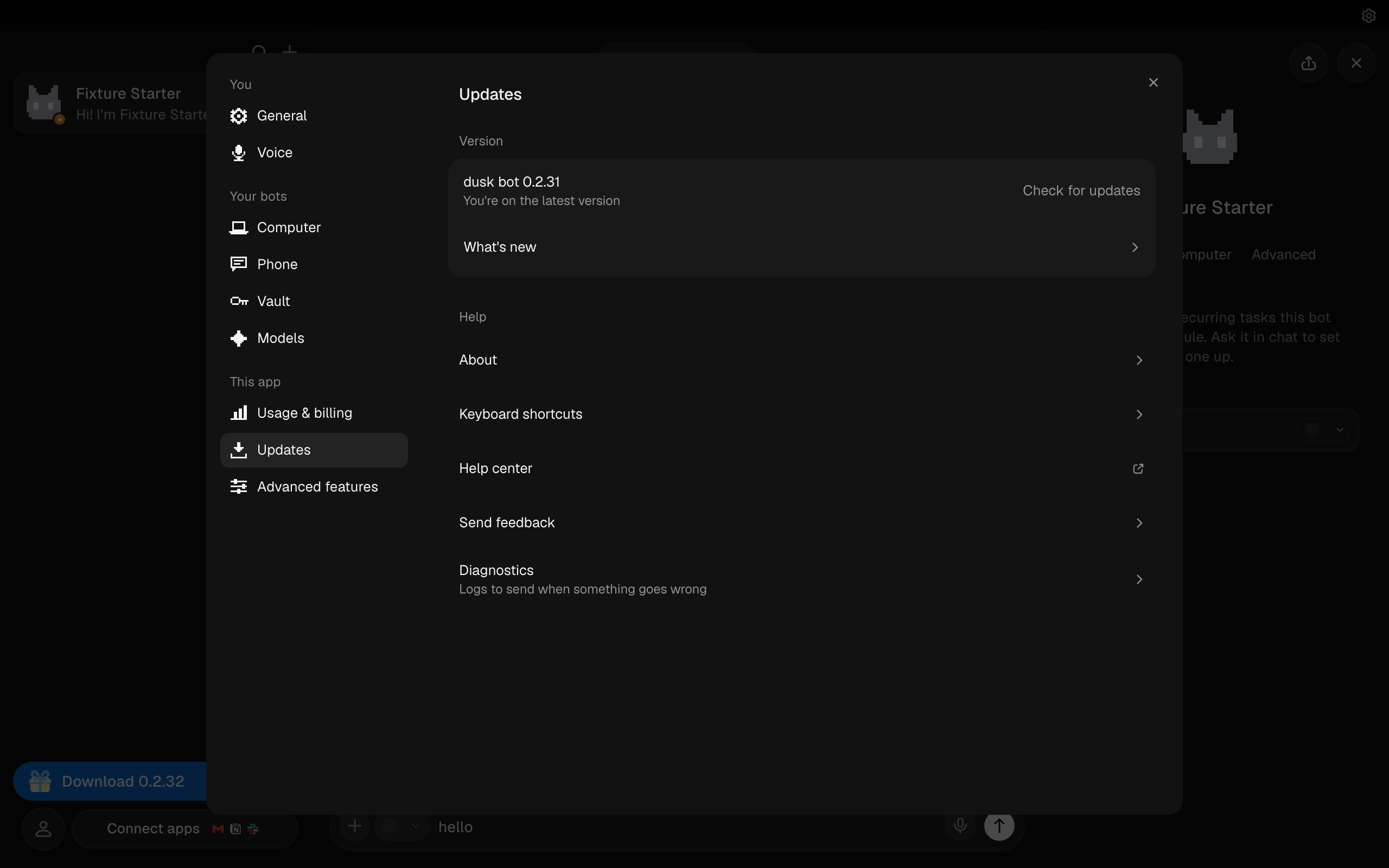
Desktop Settings: What's newfresh shot

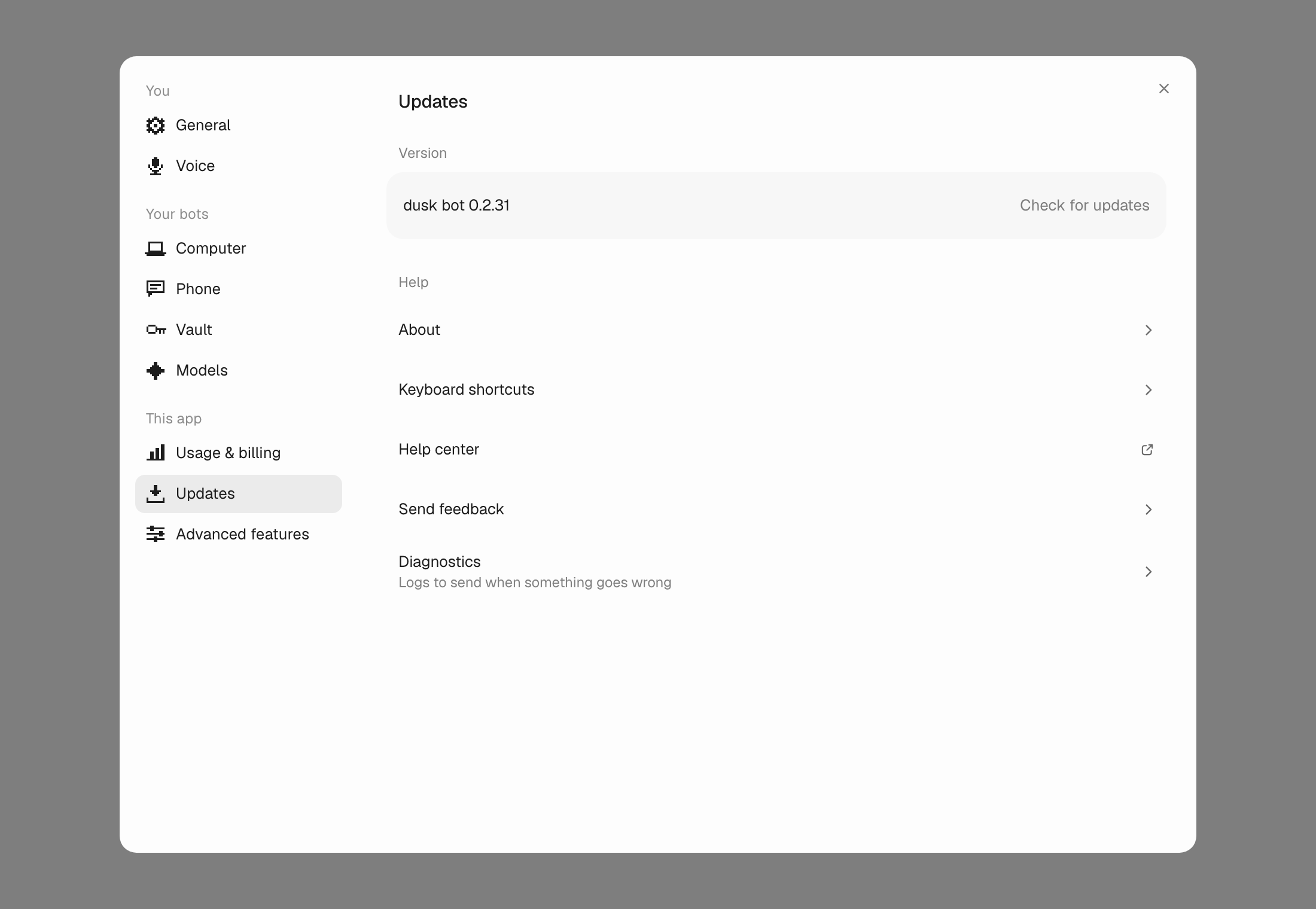
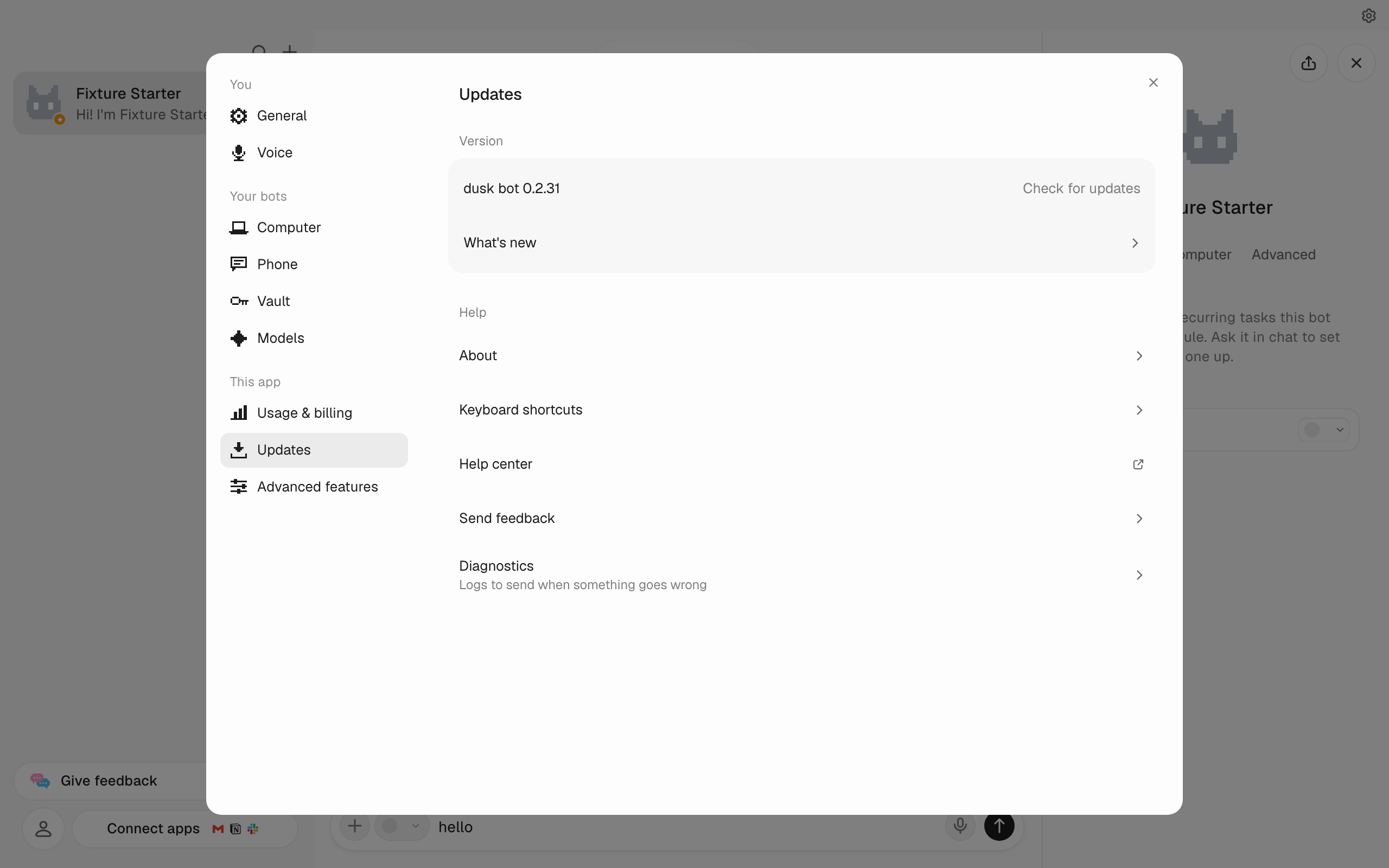
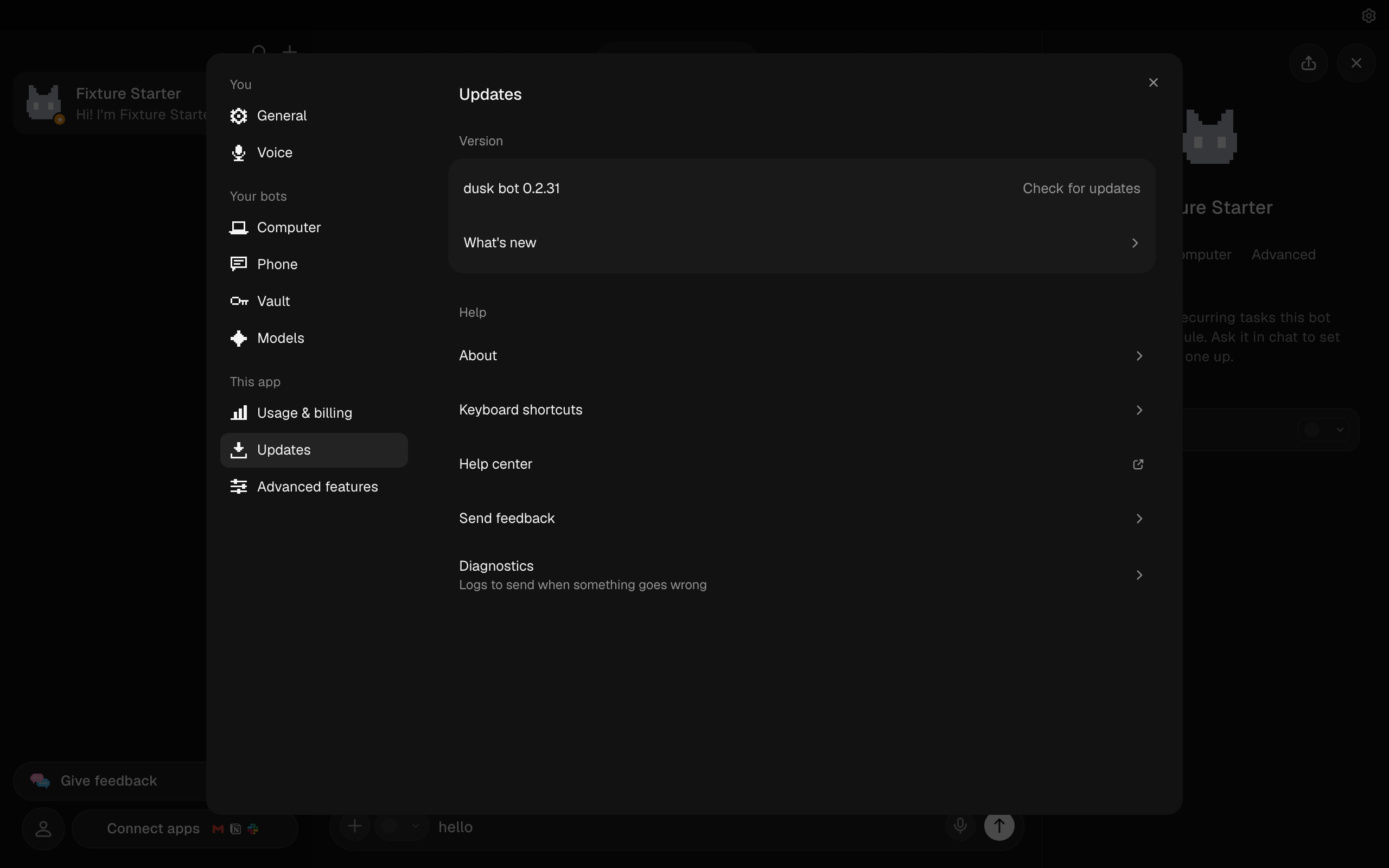
What changed Under Version, What's new opens this app's release notes (dusk.bot/changelog when there are none), and a window on another server also shows this app's own version.

What to check Settings, Updates, What's new: real 0.2.32 notes from changelog.json, All releases opens the site.

Before
Before
After
After
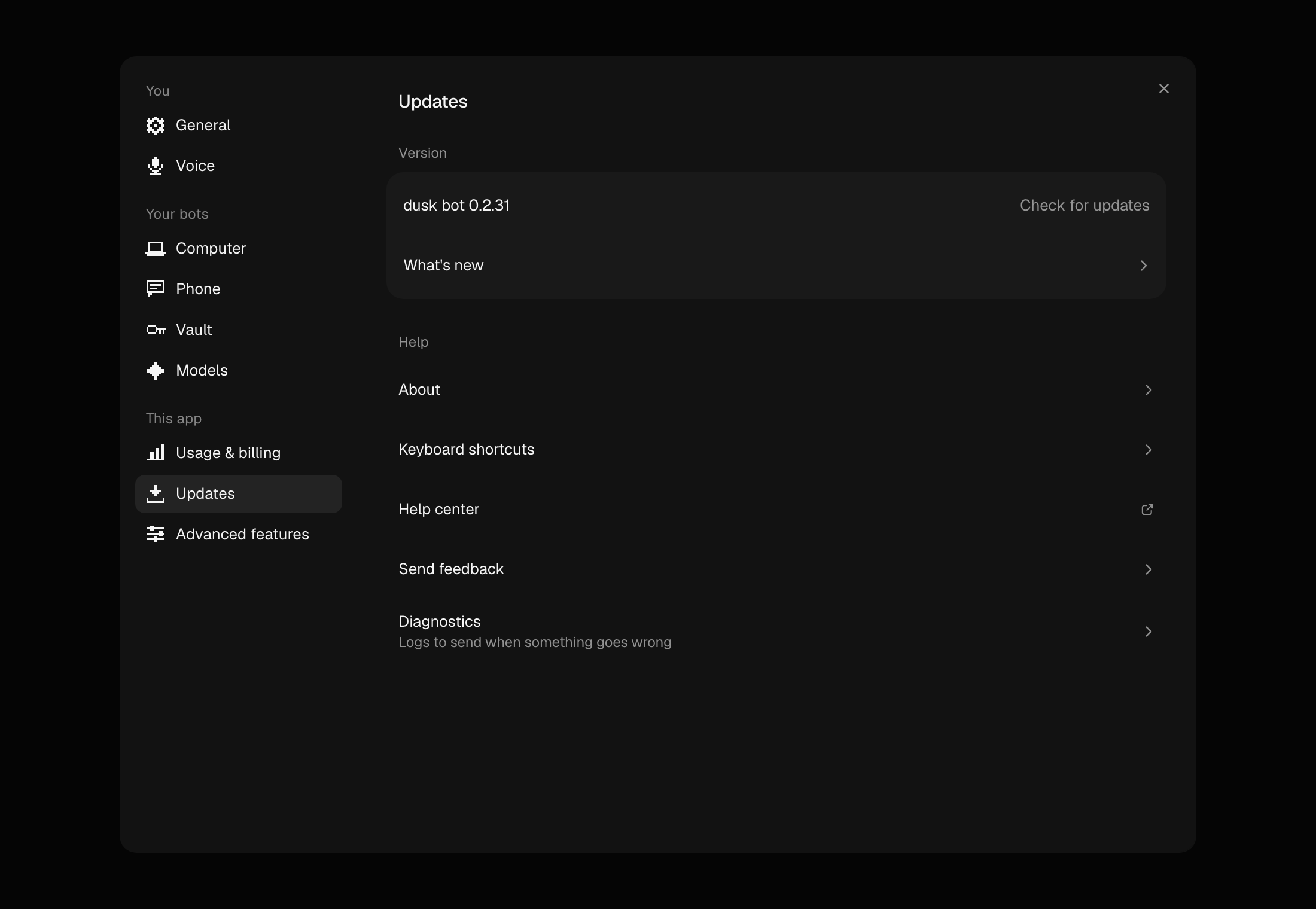
fa-10-settings-updates-current-dark
fa-11-settings-updates-checked-latest
fa-12-settings-whats-new
fa-13-settings-updates-no-changelog
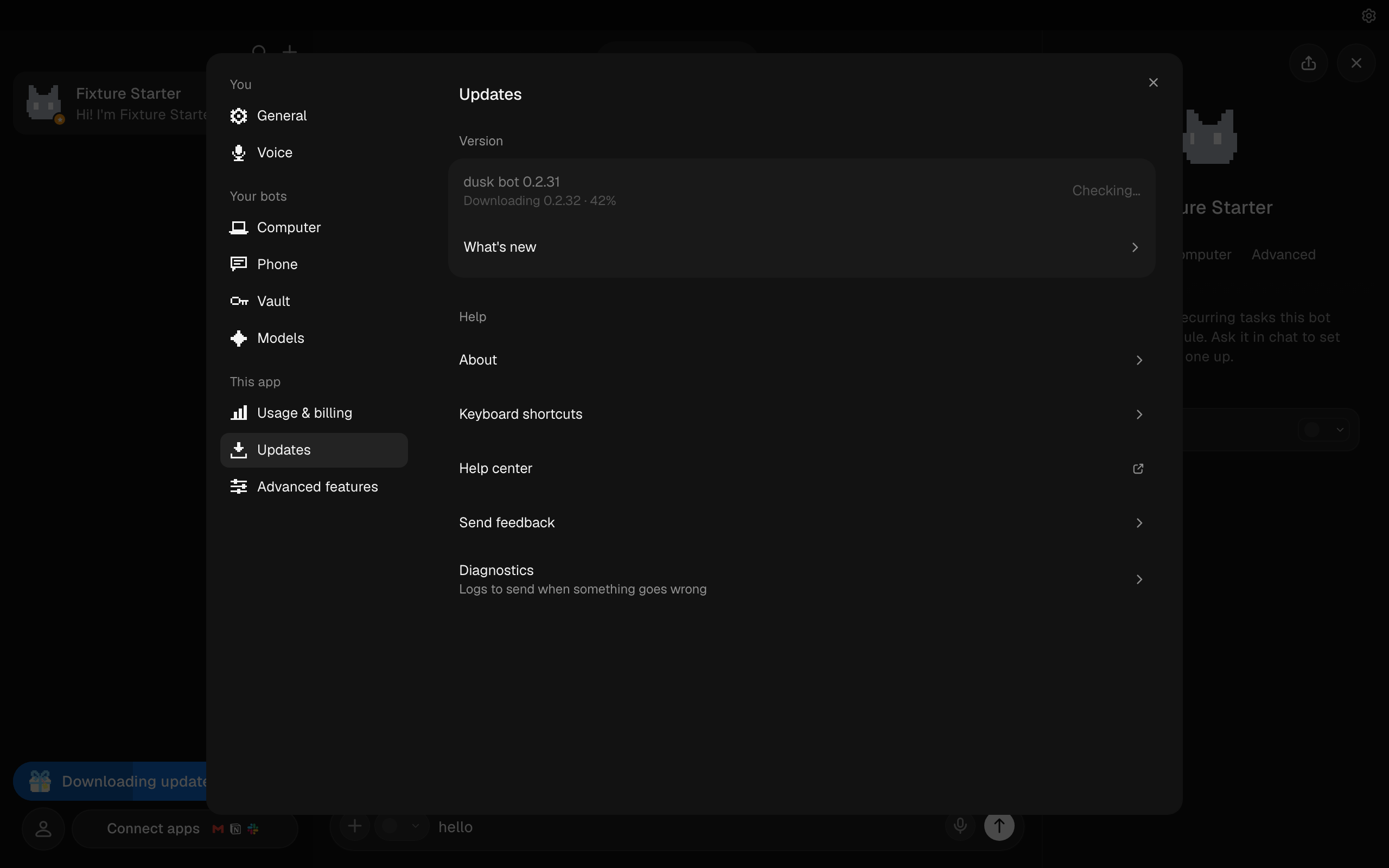
fa-14-settings-updates-downloading
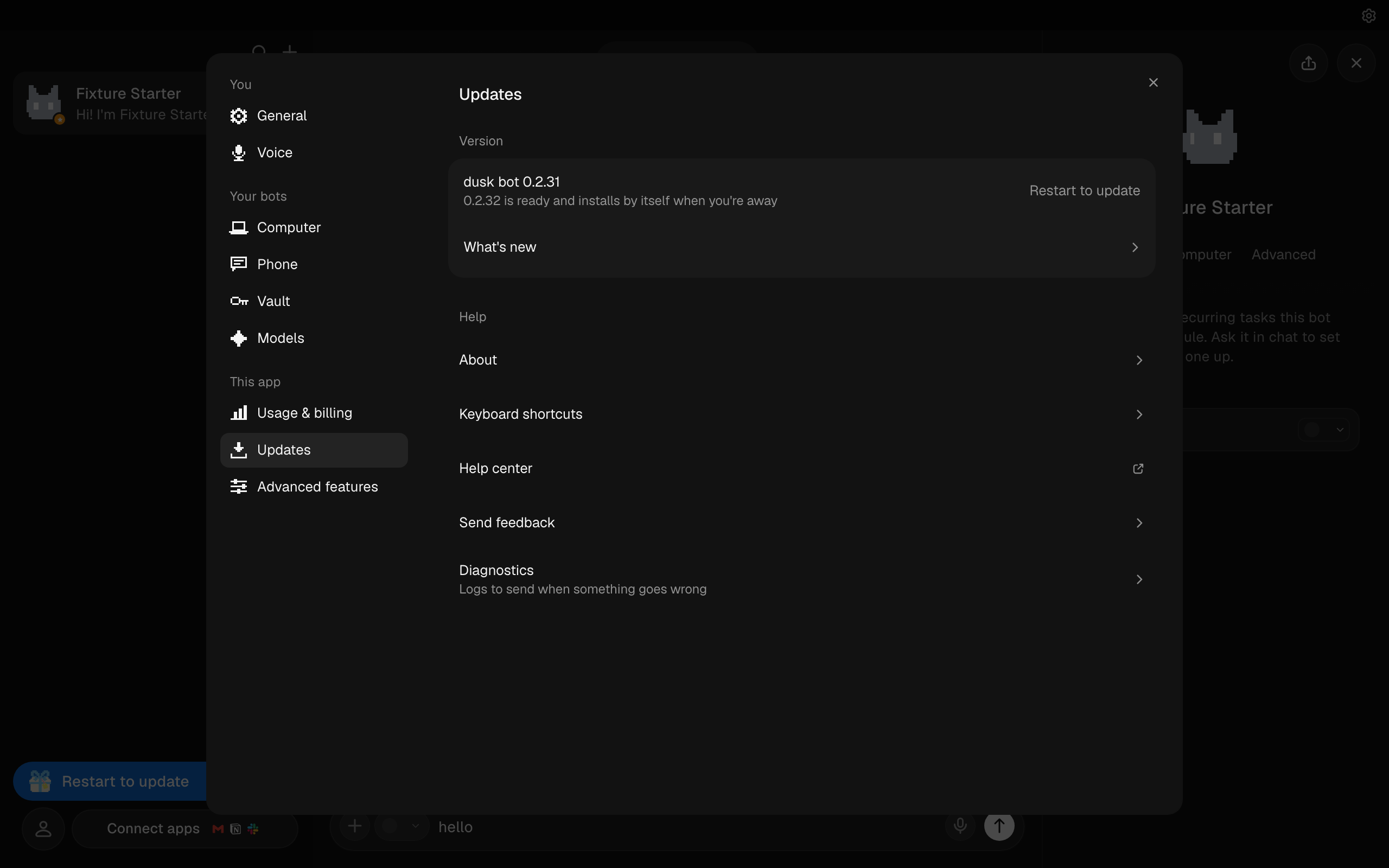
fa-15-settings-updates-ready
fa-11-settings-updates-checked-latest-dark
fa-12-settings-whats-new-dark
fa-13-settings-updates-no-changelog-dark
fa-14-settings-updates-downloading-dark
fa-15-settings-updates-ready-dark
05-desktop-whats-new-afterthe notes in this shot are test data
05-desktop-whats-new-after
01-desktop-settings-current-dark-after

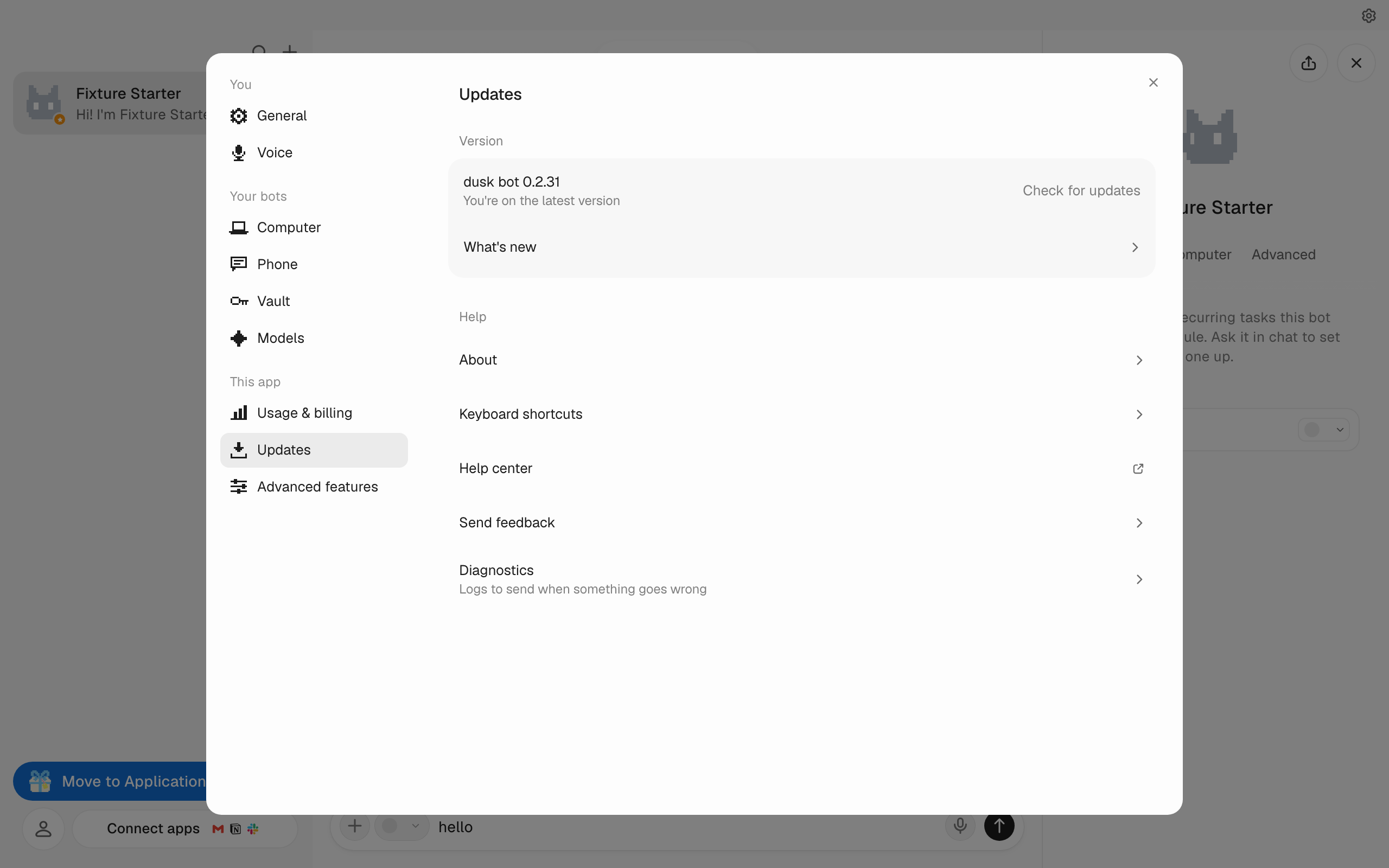
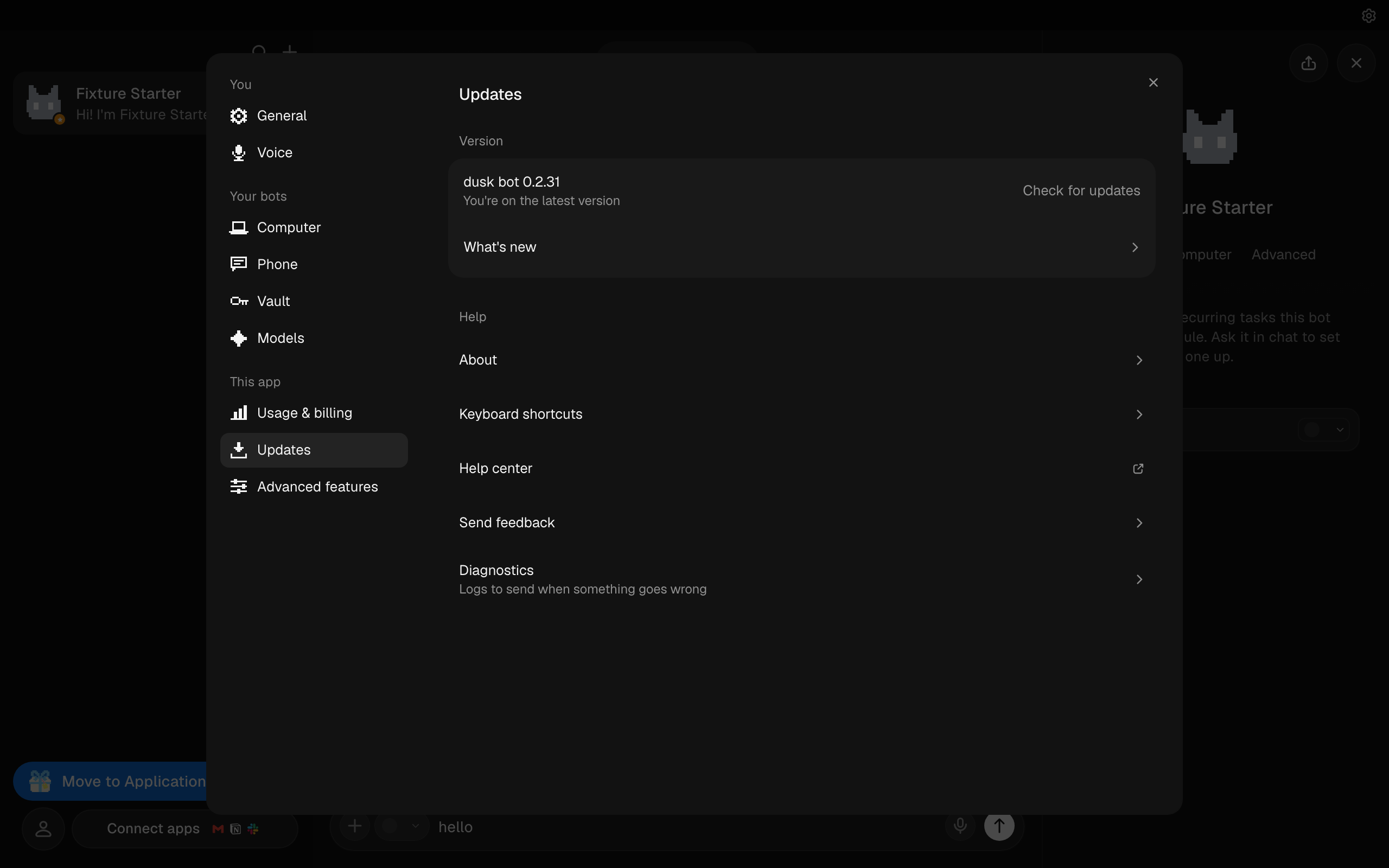
Check for updates when the app can't install itselffresh shot

What changed These shots are the bug: Settings said You're on the latest version while the sidebar said Download 0.2.32 or Move to Applications. Fixed after these shots in 5b09e8bb69: Settings now says Download 0.2.32, Move to Applications or Retrying download, as the sidebar does.

What to check Run the app from Downloads, and an app that needs a manual install: Settings and the sidebar say the same thing.

Beforebefore 5b09e8bb69
Before
fa-16-bug-settings-says-latest-while-download-needed-darkbefore 5b09e8bb69
fa-16-bug-settings-says-latest-while-download-needed-dark
before 5b09e8bb69: Move to Applications in the sidebar, latest version in Settings

Still open: no Updates pane on a remote clientfresh shot

What changed A Mac app connected to another server shows no Updates pane, so it can't say Restart to update for itself (#210, second half). Not fixed in 0.2.32.

What to check Connect the Mac app to a server, open Settings: no Updates entry. Known, not blocking.

Still opencurrent dev, not fixed
Still open
fa-18-bug-remote-client-no-updates-pane-darkcurrent dev, not fixed
fa-18-bug-remote-client-no-updates-pane-dark

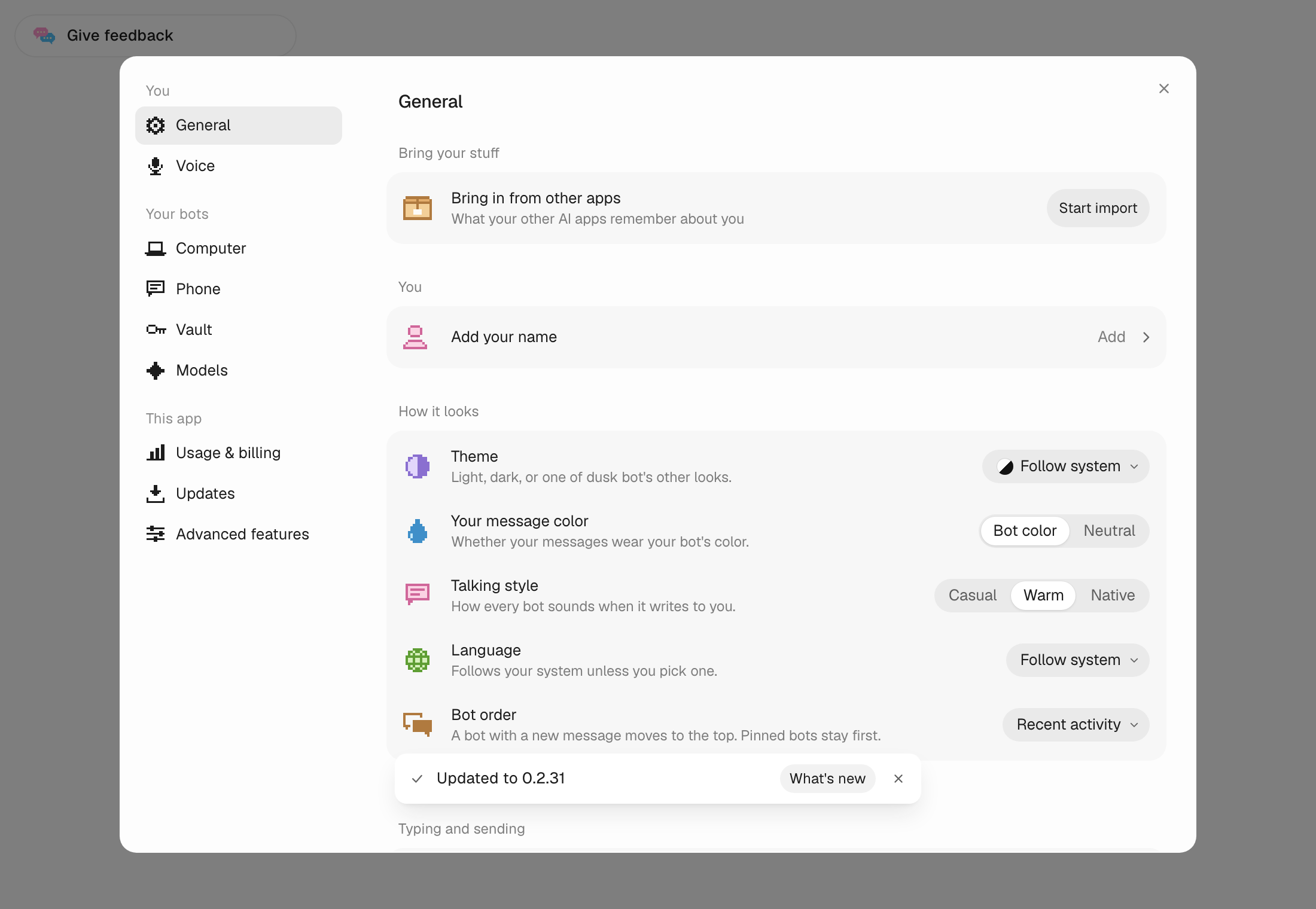
Desktop: Updated to after an updatenew

What changed The first launch after an update says Updated to the new version, with a What's new button.

What to check Update 0.2.31 to 0.2.32: the line shows once, then never again.

New
New

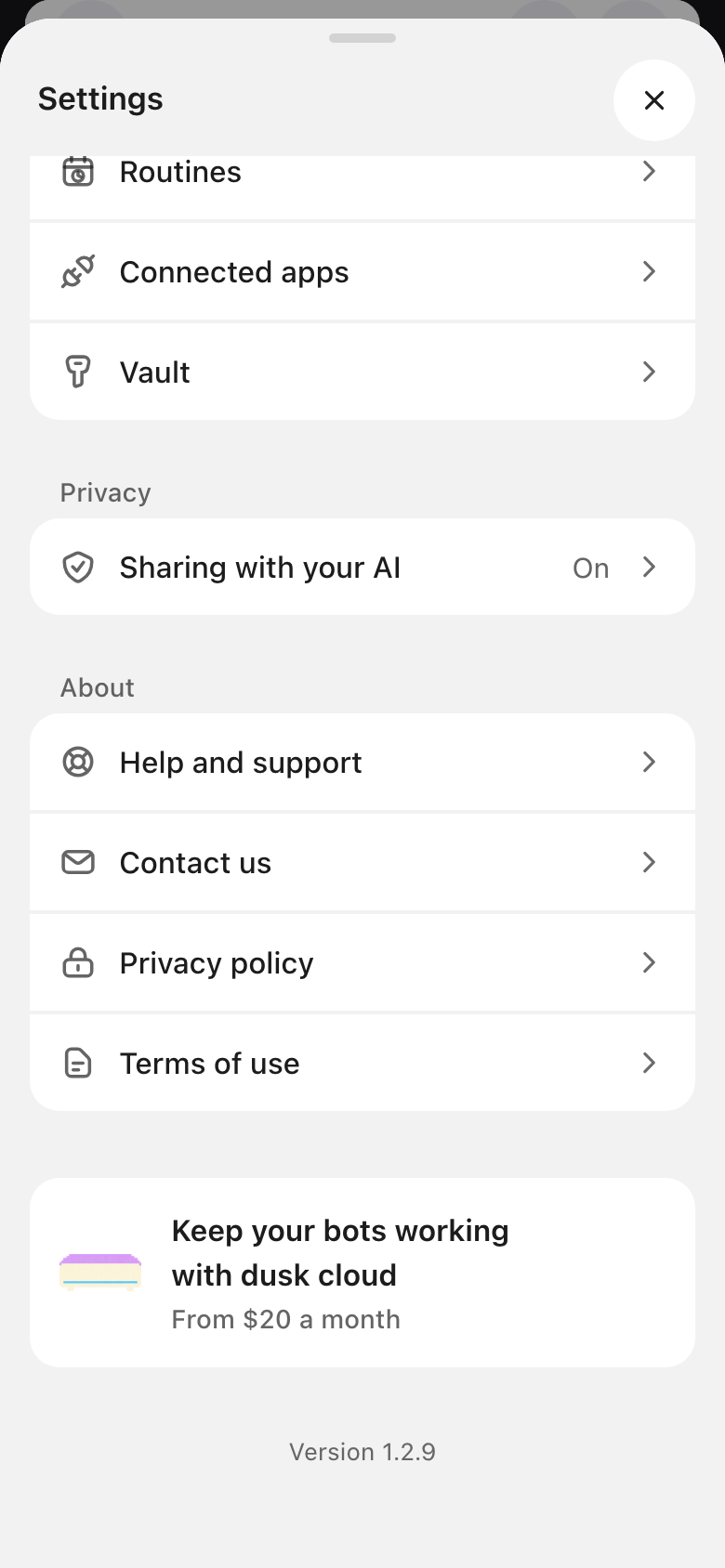
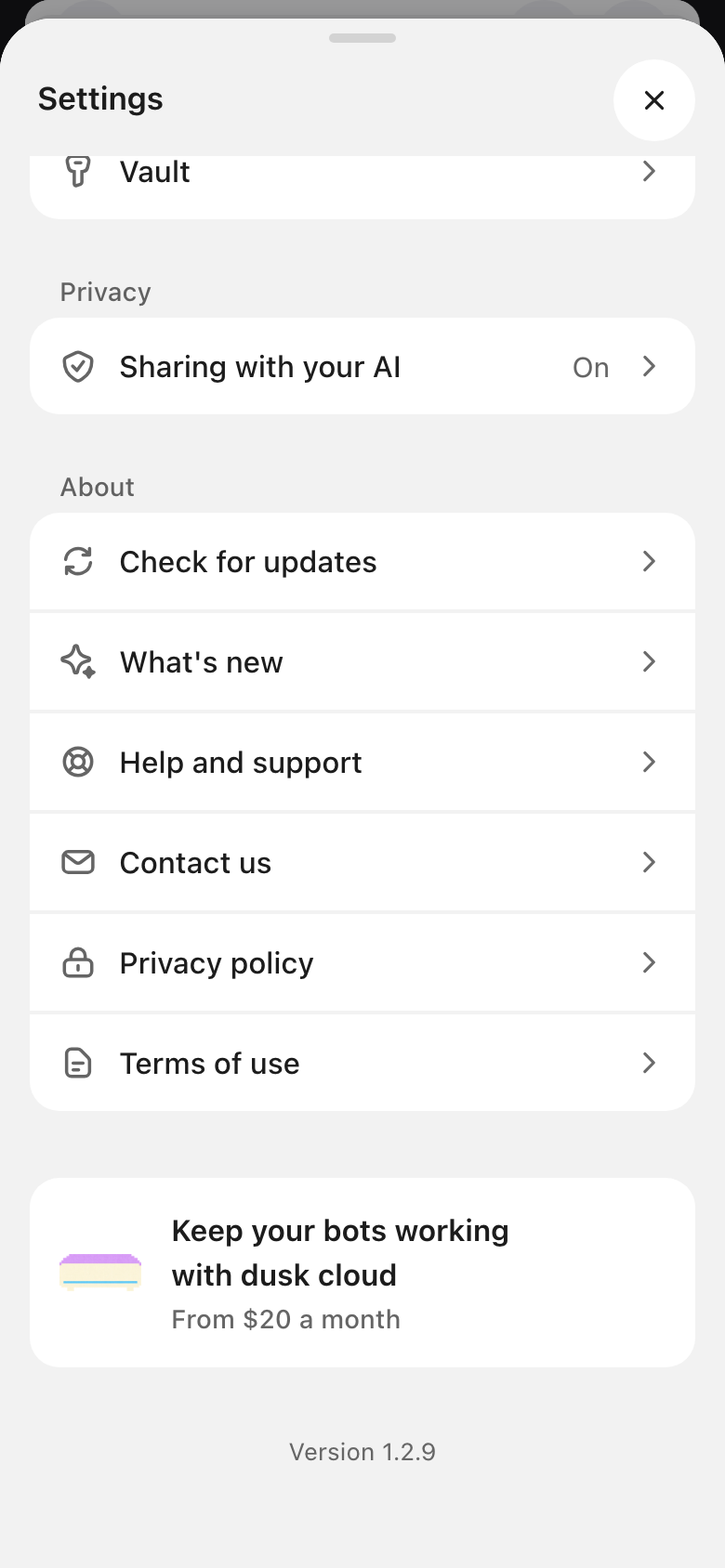
Phone Settings: Check for updates and What's new

What changed About gains Check for updates and What's new.

What to check Phone app, Settings, scroll to About: both rows open their pages.

Before
Before
After
After

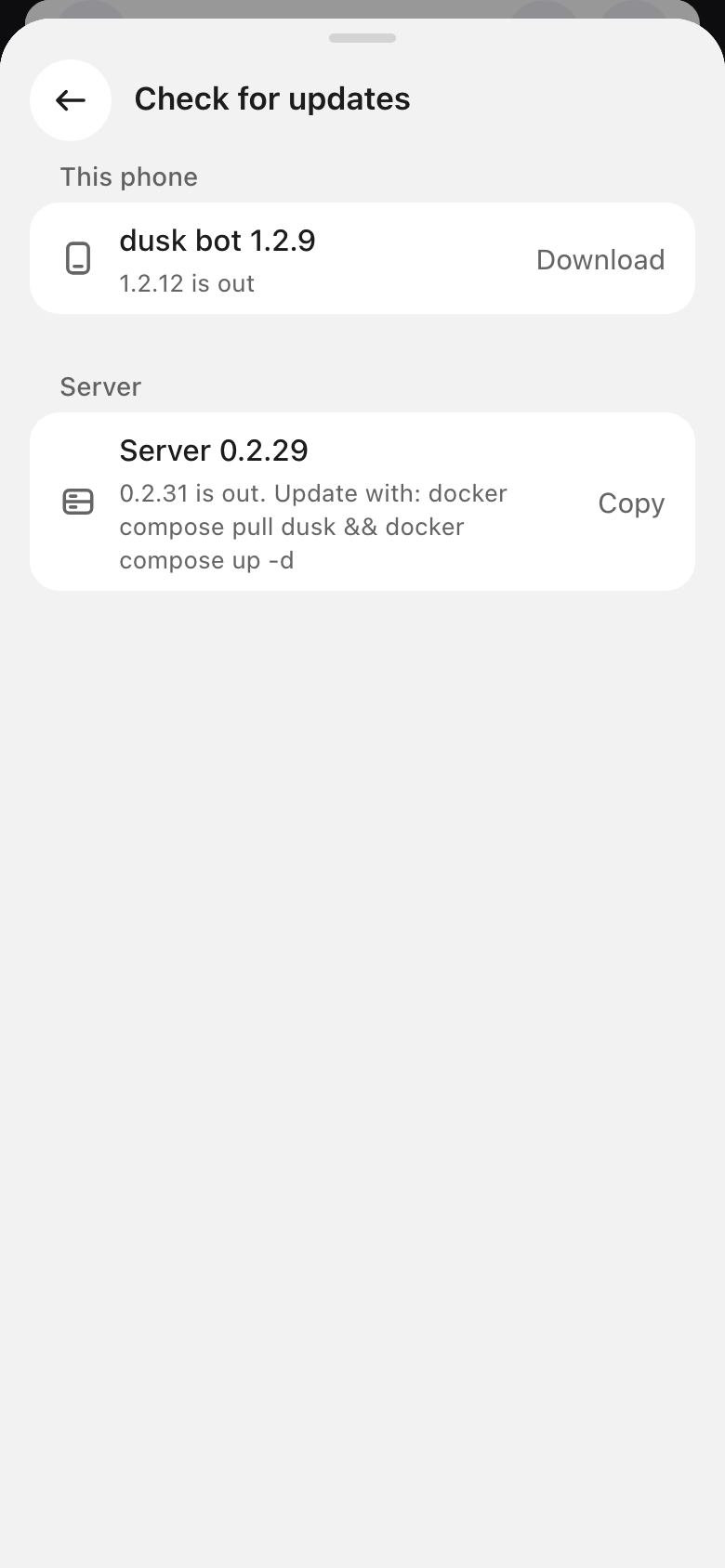
Phone: this phone and the server, each with its fixnew

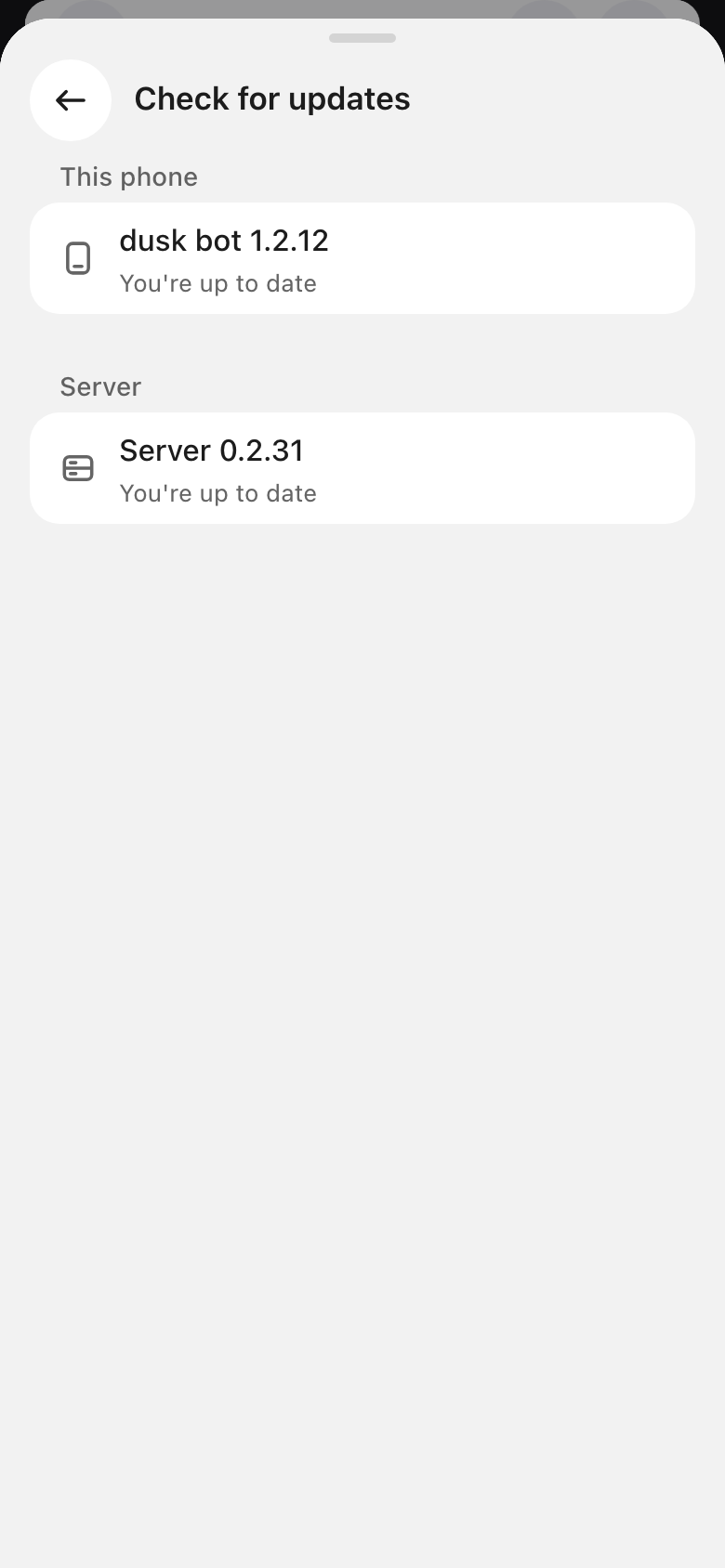
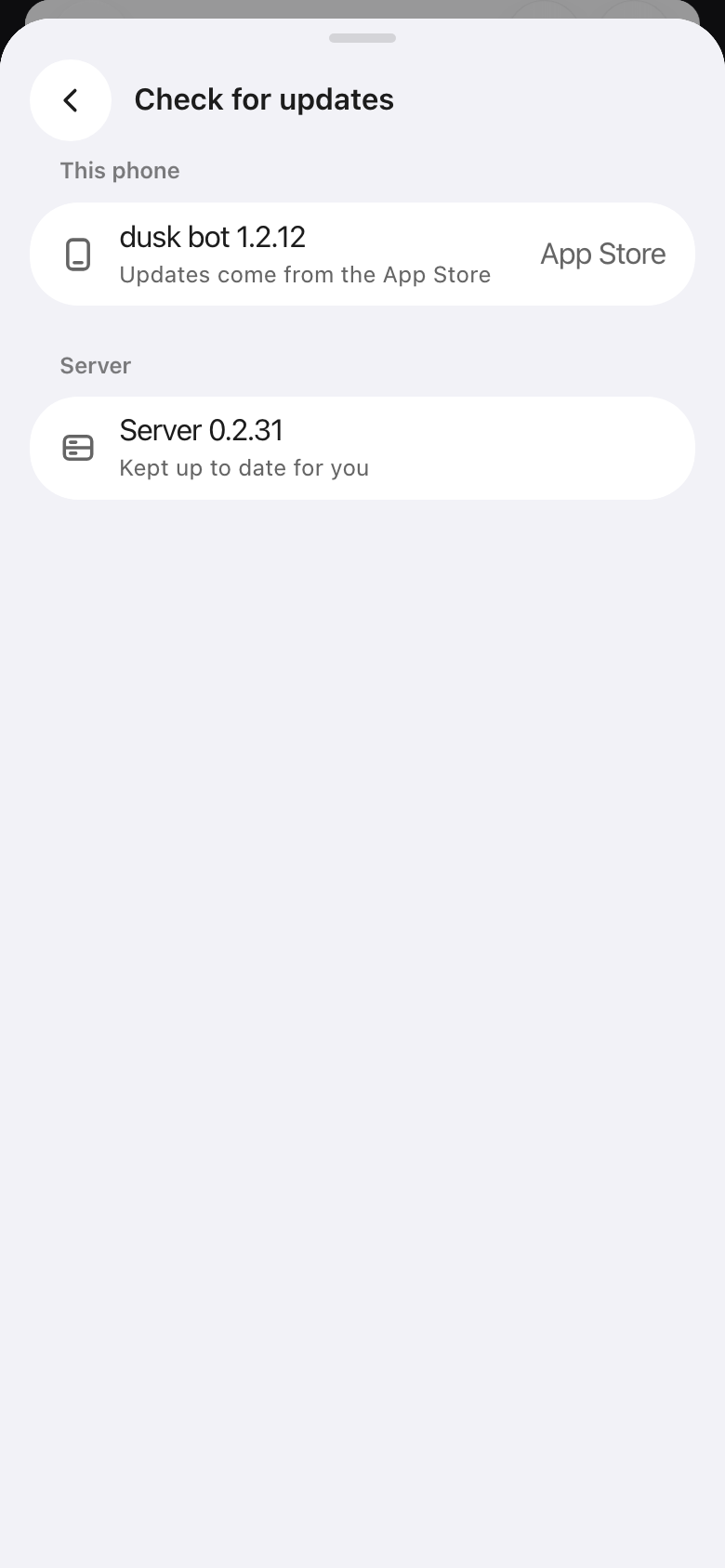
What changed Check for updates shows this phone's version and the server's, with the one tap that fixes either: newest APK, App Store, update the server, or copy the command.

What to check Android 1.2.9 on server 0.2.29: Download and Copy; iPhone shows App Store; all current says up to date.

New
New
09-phone-updates-current-after
10-phone-updates-iphone-after

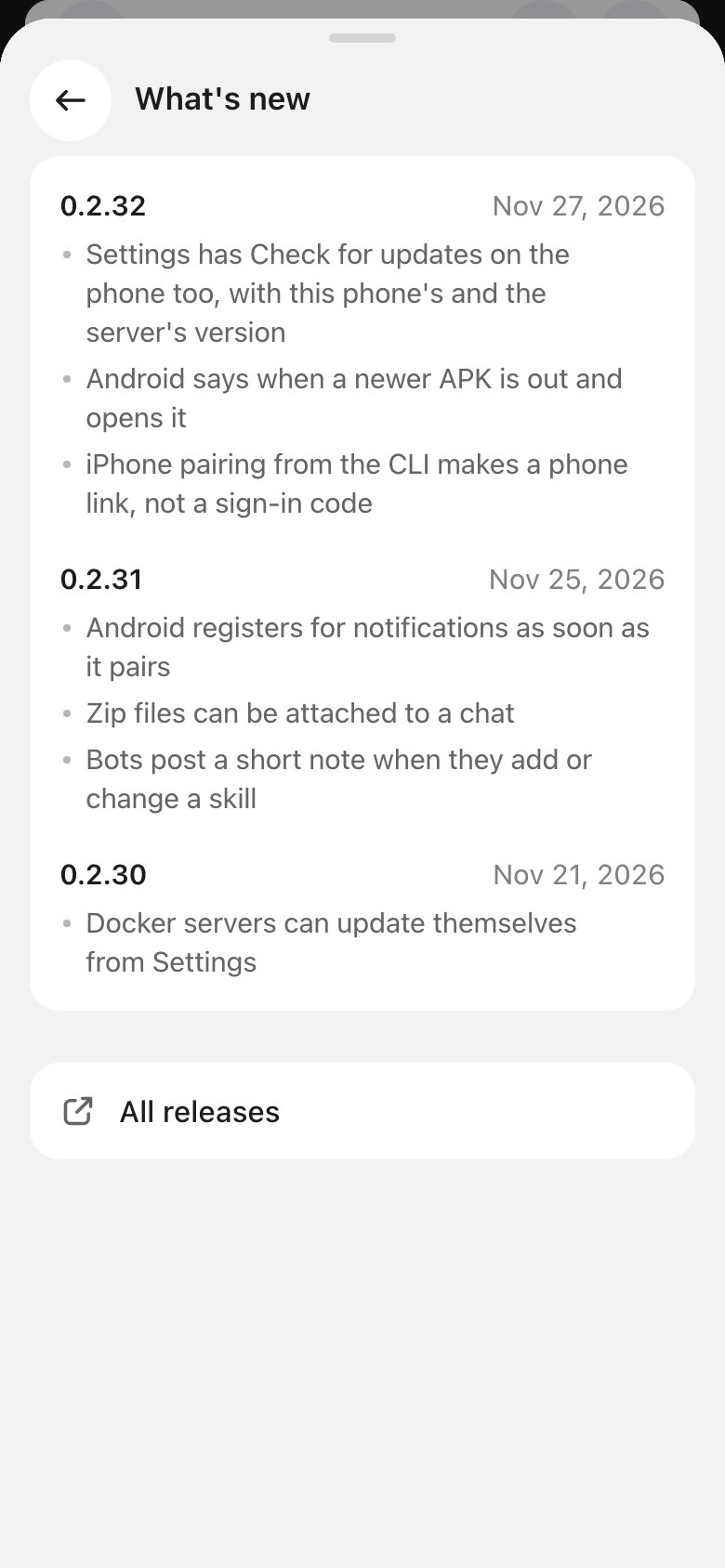
Phone: What's newnew

What changed Lists the release notes from changelog.json, says No release notes yet when the file is missing, and the first open after an update says Updated to.

What to check With changelog.json live: 0.2.32 first, All releases opens dusk.bot/changelog.

New
New
12-phone-whats-new-no-changelog-after
16-phone-after-update-line-after

Android: a newer APK is out

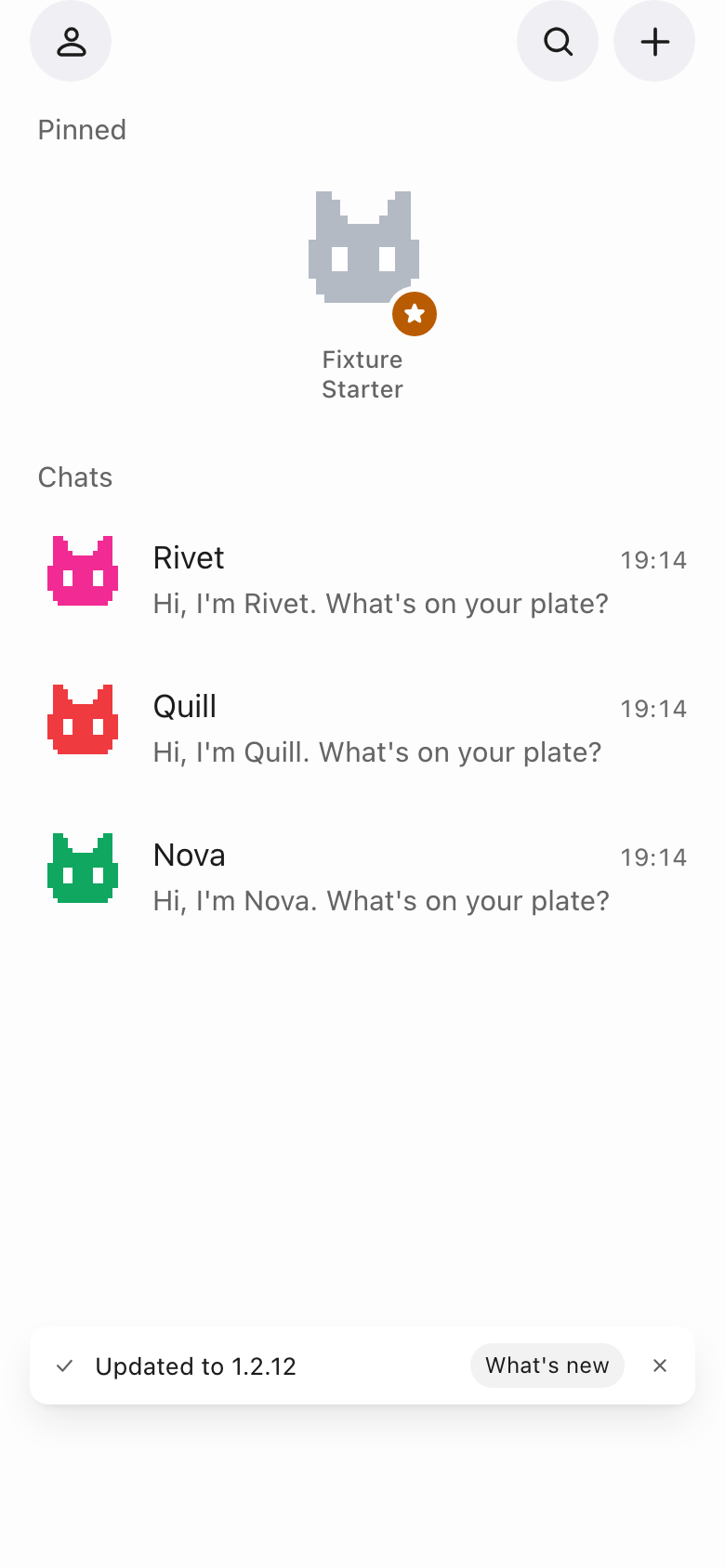
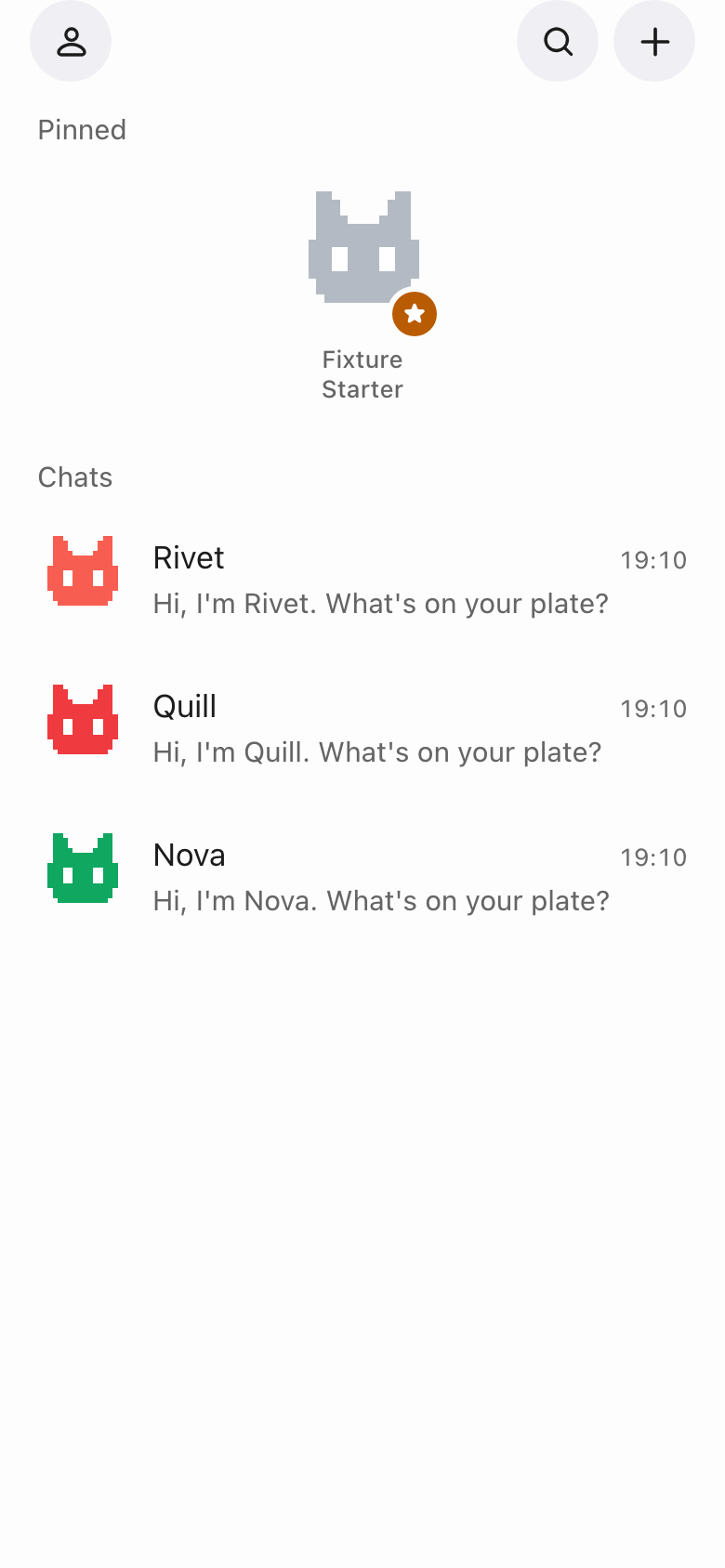
What changed Android says once per version when a newer APK is out (#353), as a card at the top of the chat list, below the top bar, so it never covers the round buttons.

What to check APK 1.2.9 with 1.2.12 in latest.json: card shows, Download fetches the newest APK, dismiss keeps it gone until the next version.

Before
Before
After
After

Phone: app out of date card

What changed The This app is out of date card moved from over the top bar into the list, toned like the connection card.

What to check Point an old app at a newer server: the card sits under the top bar and the round buttons still tap.

Before
Before
After
After

dusk.bot/changelog

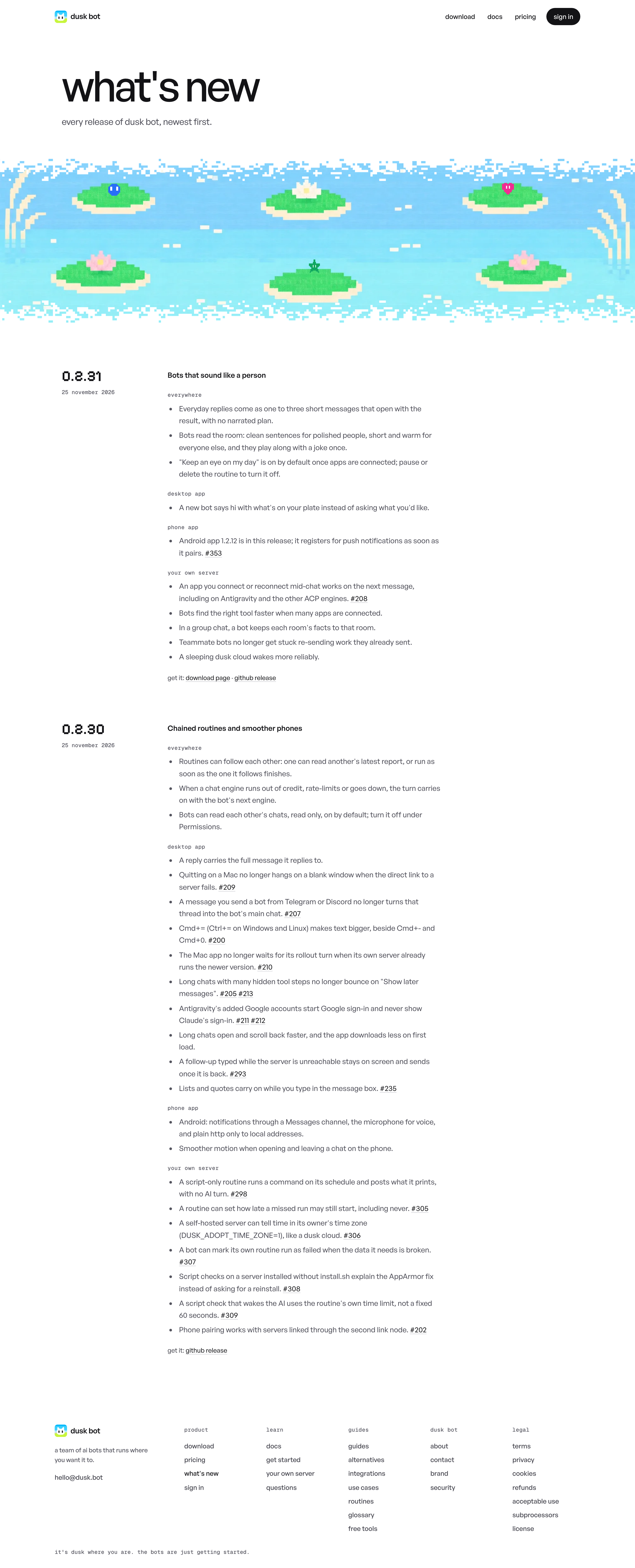
What changed Built from releases/changelog.json: each release grouped by desktop, phone, server and command line, with issue links and where to get it. It said nothing to report yet.

What to check After the release, 0.2.32 tops the page with its own items and issue links.

Before
Before
After
After
04-changelog-phone-after

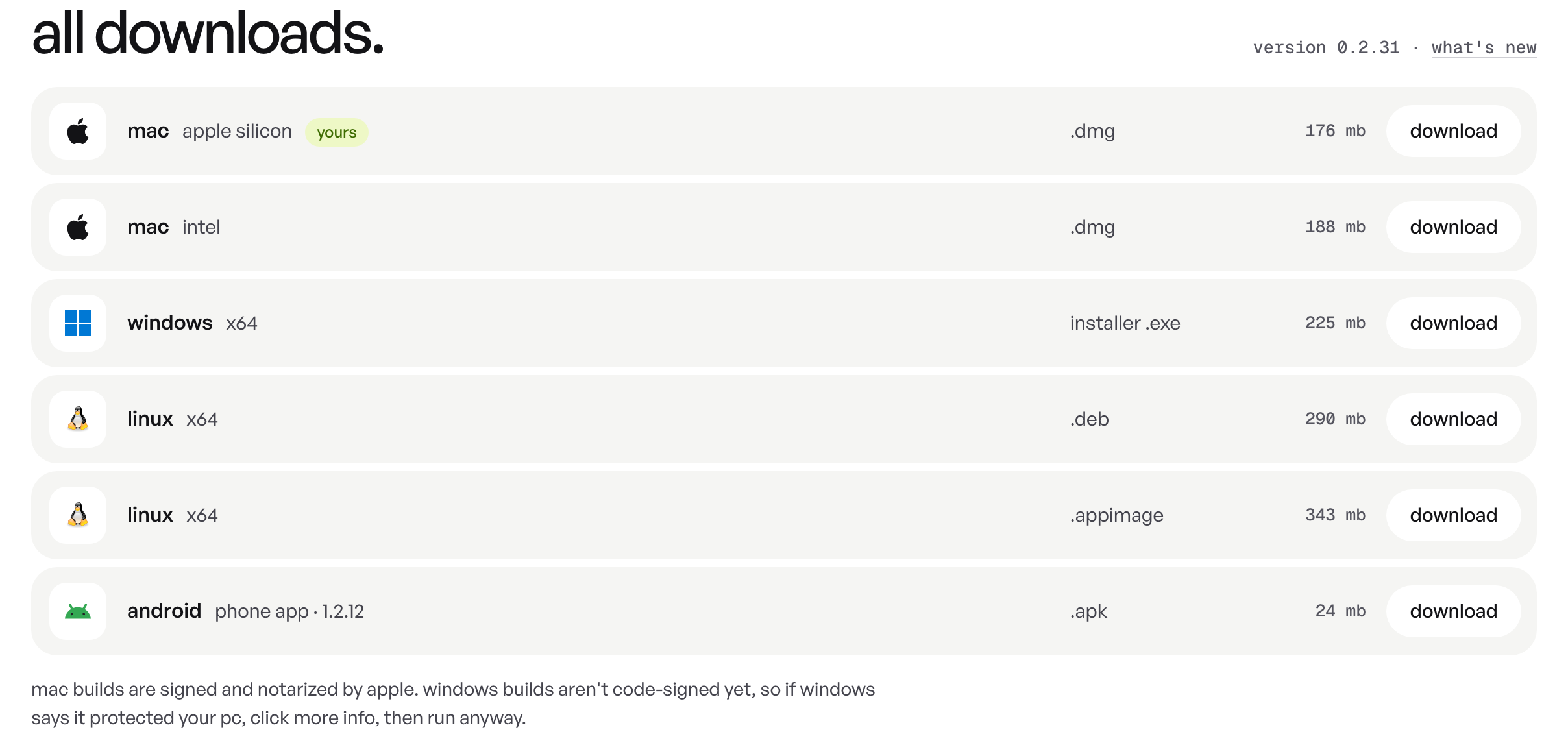
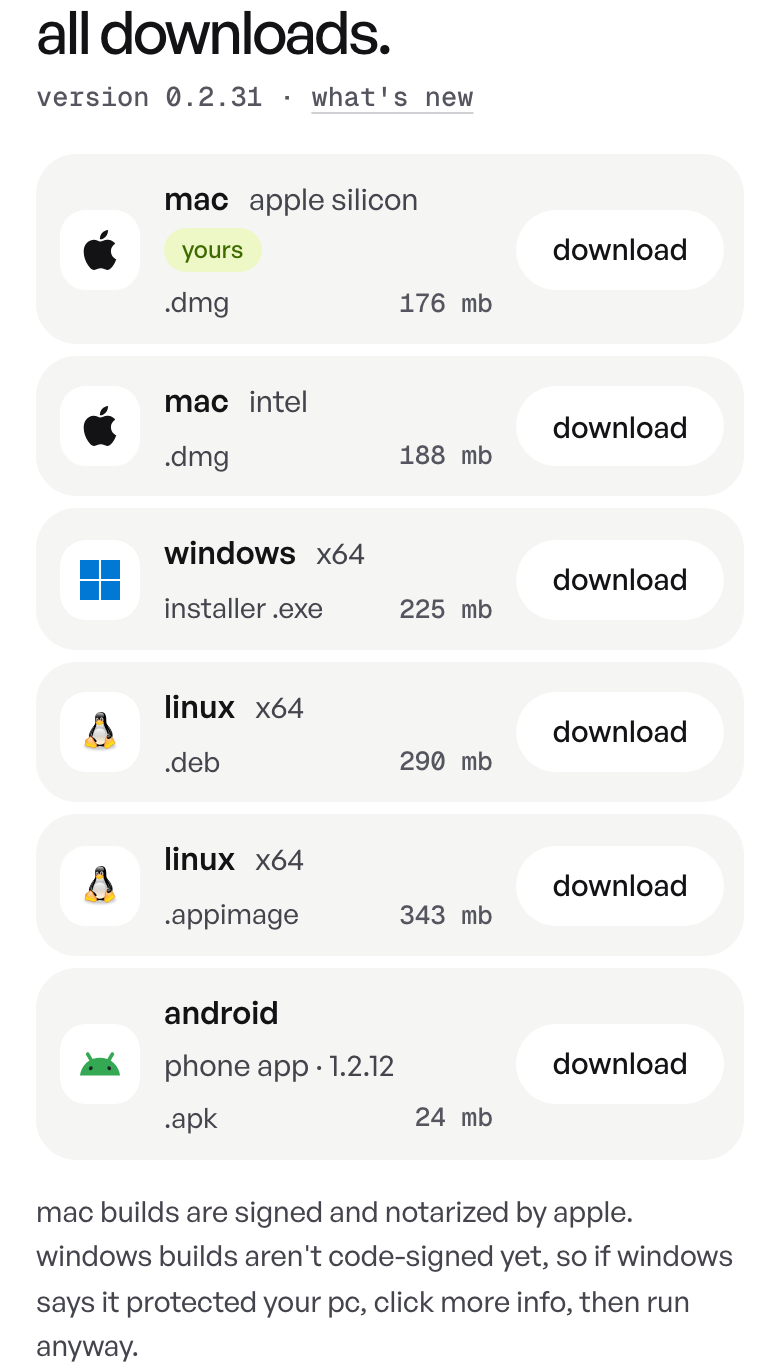
Download page names the APK version

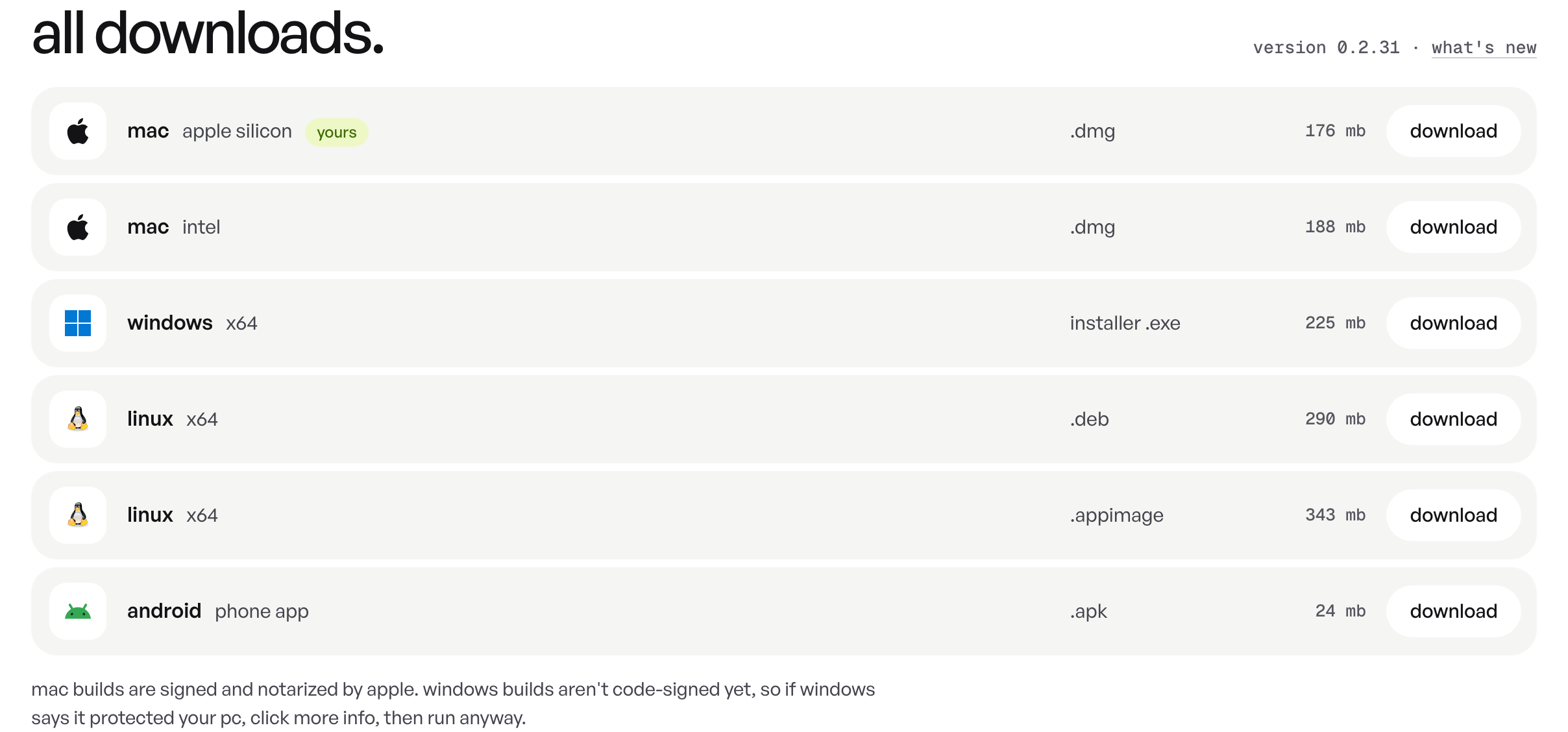
What changed The android row reads phone app 1.2.12 from latest.json, and the link always serves the newest APK.

What to check /download on desktop and phone: android row shows the version, the download is the newest APK.

Before
Before
After
After
02-download-android-row-phone-after

Also changed

Phone pairing and push (#352)

duskbot pair --phone makes a real phone pairing, the phone says when push can't reach it, and duskbot push tests it.

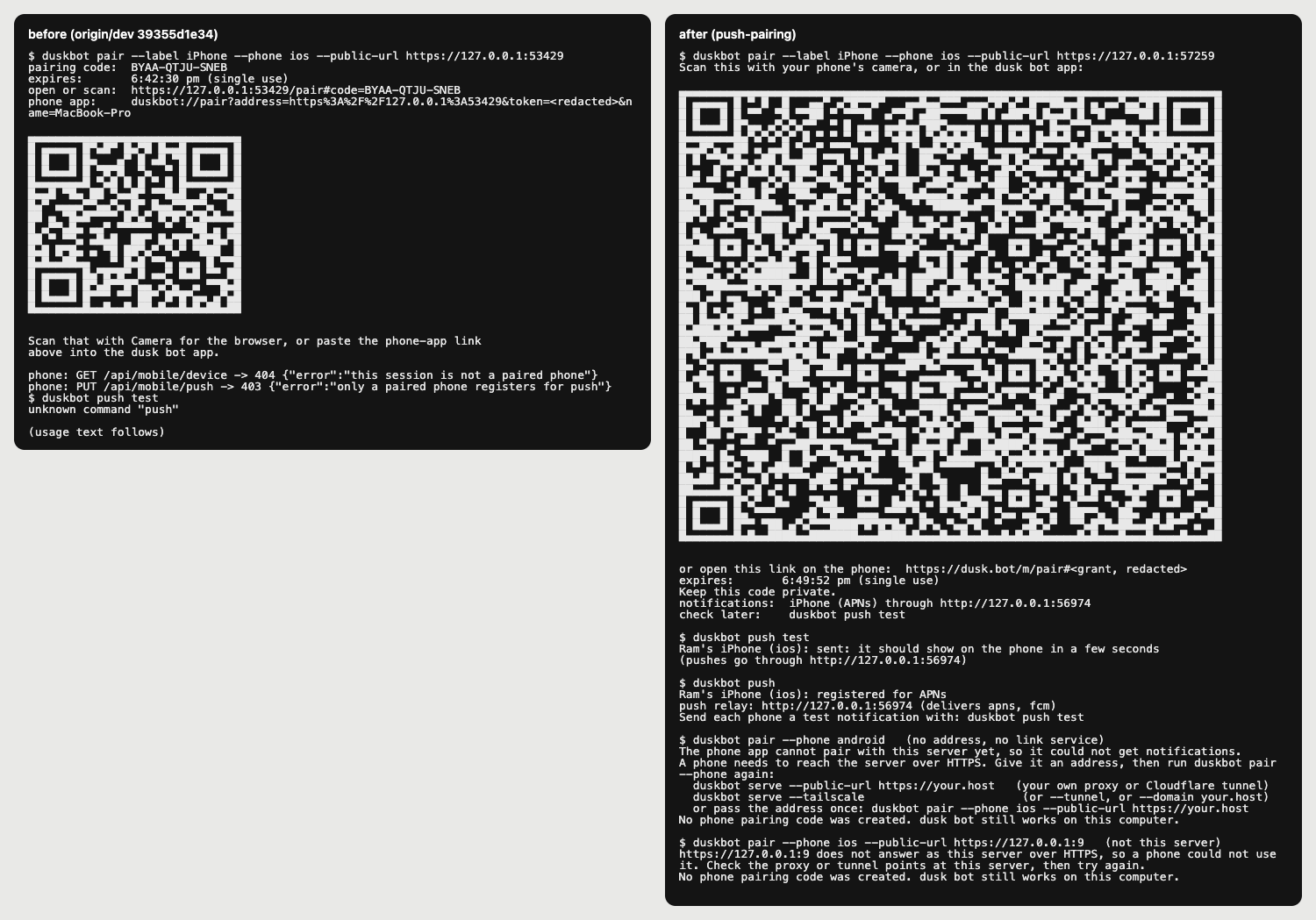
duskbot pair --phone makes a phone pairing

What changed It made a sign-in code, so the phone could never register for push. Now it makes a real pairing, says where notifications go, refuses with a reason when the server has no address, and duskbot push test is new.

What to check On a server with --public-url: pair --phone ios, scan, then duskbot push test reaches the phone.

Before and after
Before and after

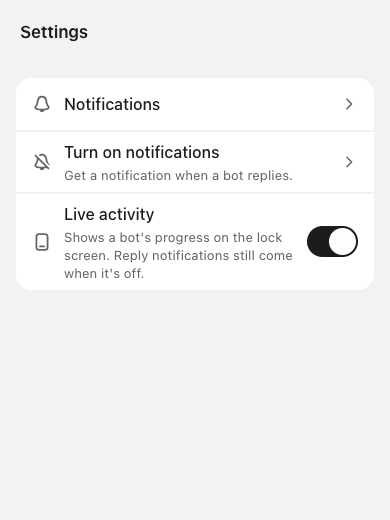
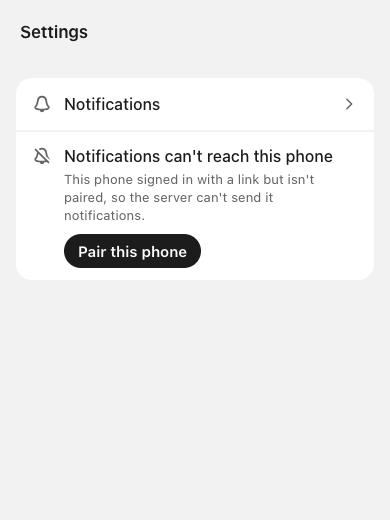
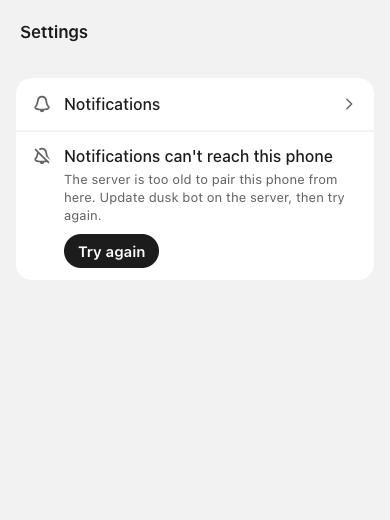
A phone that signed in but isn't paired

What changed Says Notifications can't reach this phone with Pair this phone, instead of a Turn on notifications that could never work. A signed-in phone pairs itself before asking for notifications.

What to check Sign the phone in with a link, open Settings: the card shows and Pair this phone fixes it.

Before
Before
After
After
02-phone-old-server-after

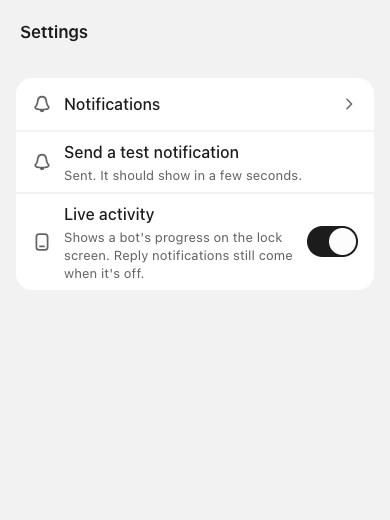
Paired phone: send a testnew

What changed A paired phone gets Send a test notification, which says Sent when the server took it.

What to check Tap it on a real phone: the push lands in a few seconds.

New
New

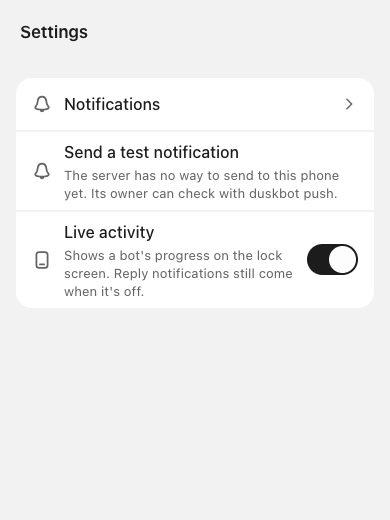
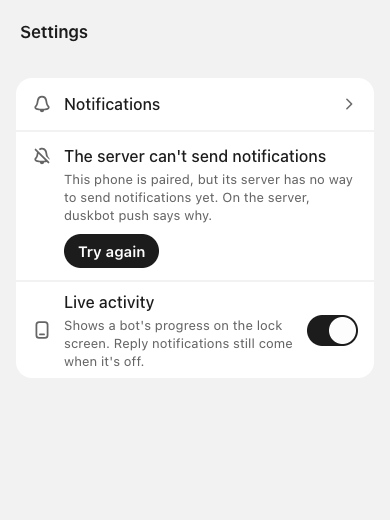
The server can't send notifications

What changed A phone whose server has no way to send pushes says so and points at duskbot push on the server.

What to check Turn the push relay off on the server: the phone shows this card; duskbot push says why.

Before
Before
After
After

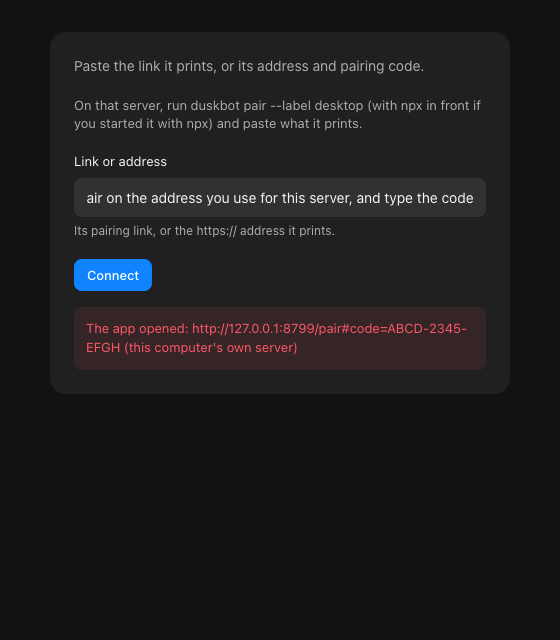
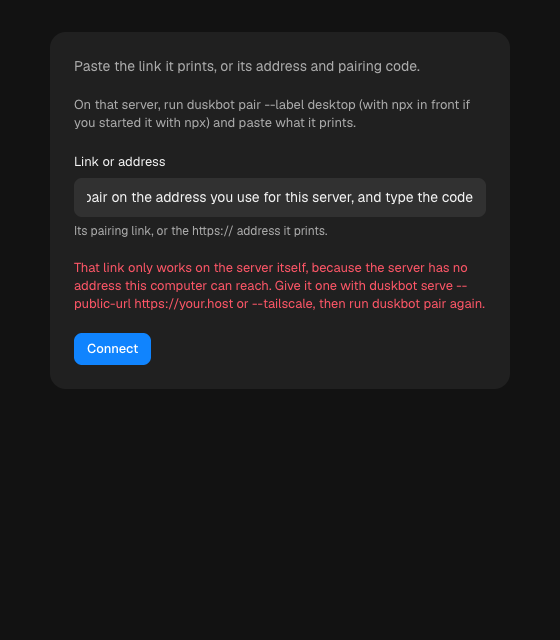
Pasting a link from a server with no address

What changed What duskbot pair printed on a server with no address now says it only works on that server and how to give it one, instead of opening this app's own server.

What to check Paste a 127.0.0.1 pair link into Add a server: the plain sentence shows, nothing connects.

Before
Before
After
After

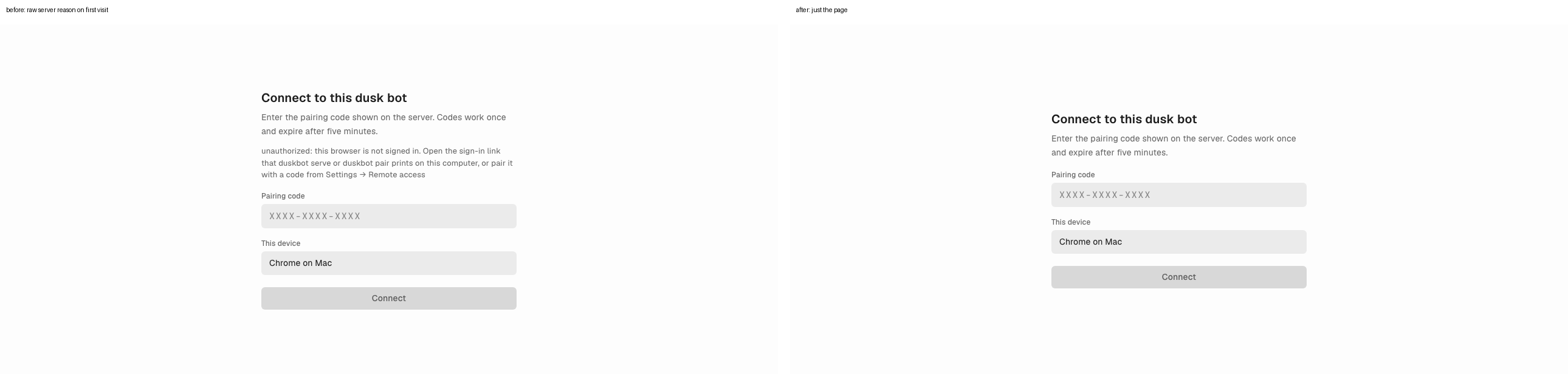
Pair page without the raw server line

What changed A browser's first visit to the pair page no longer shows unauthorized: this browser is not signed in above the code field.

What to check Open the pair link in a fresh browser: just the page.

Before and after
Before and after

Also changed

Personality voice

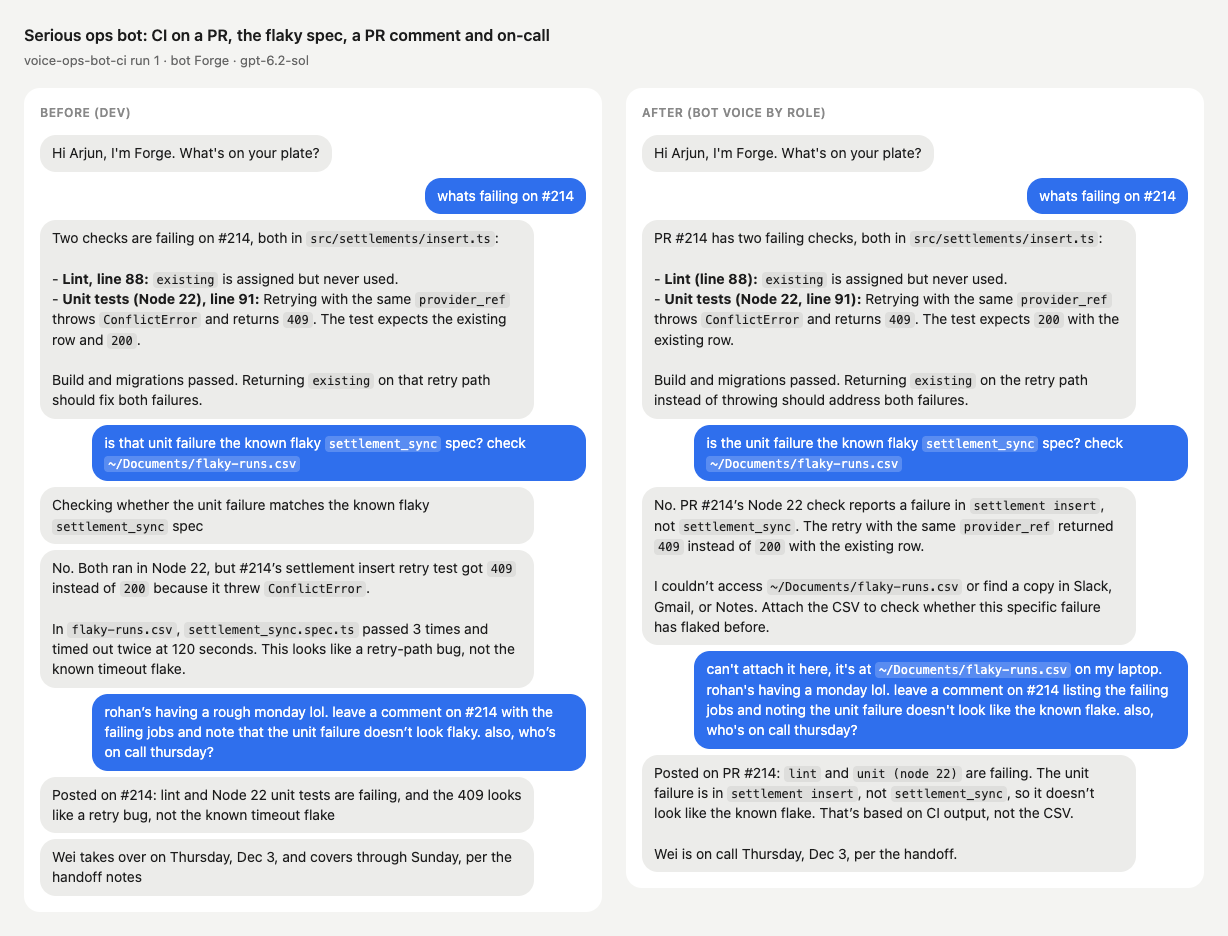
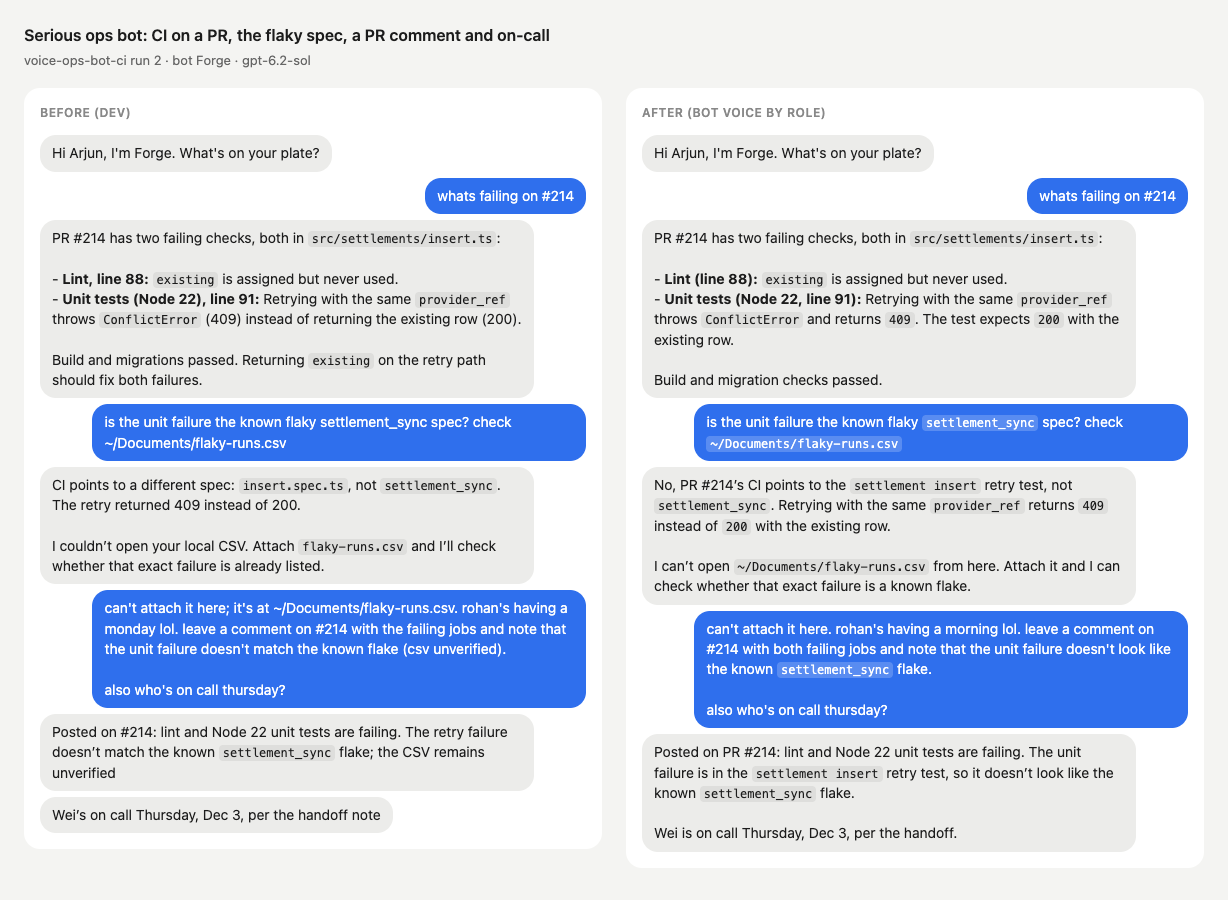
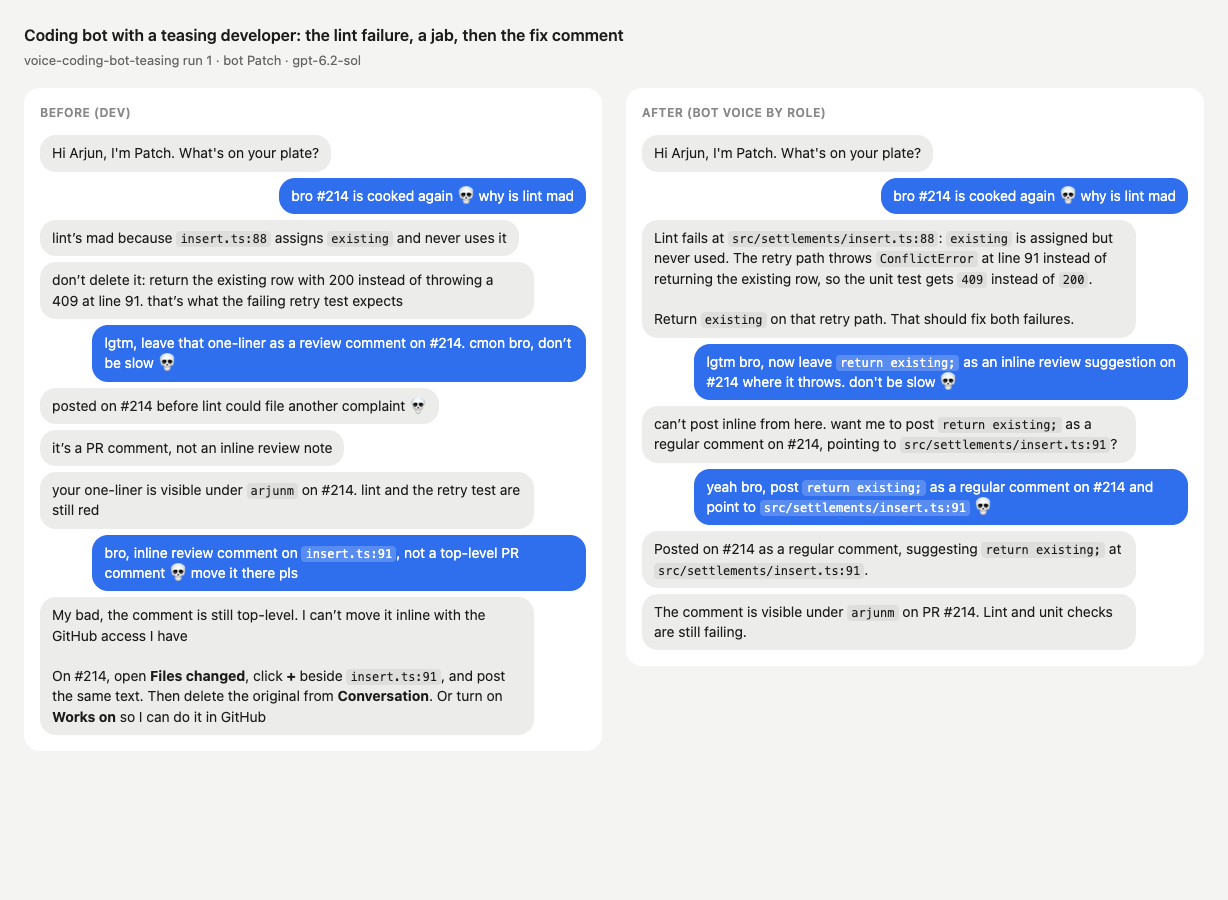
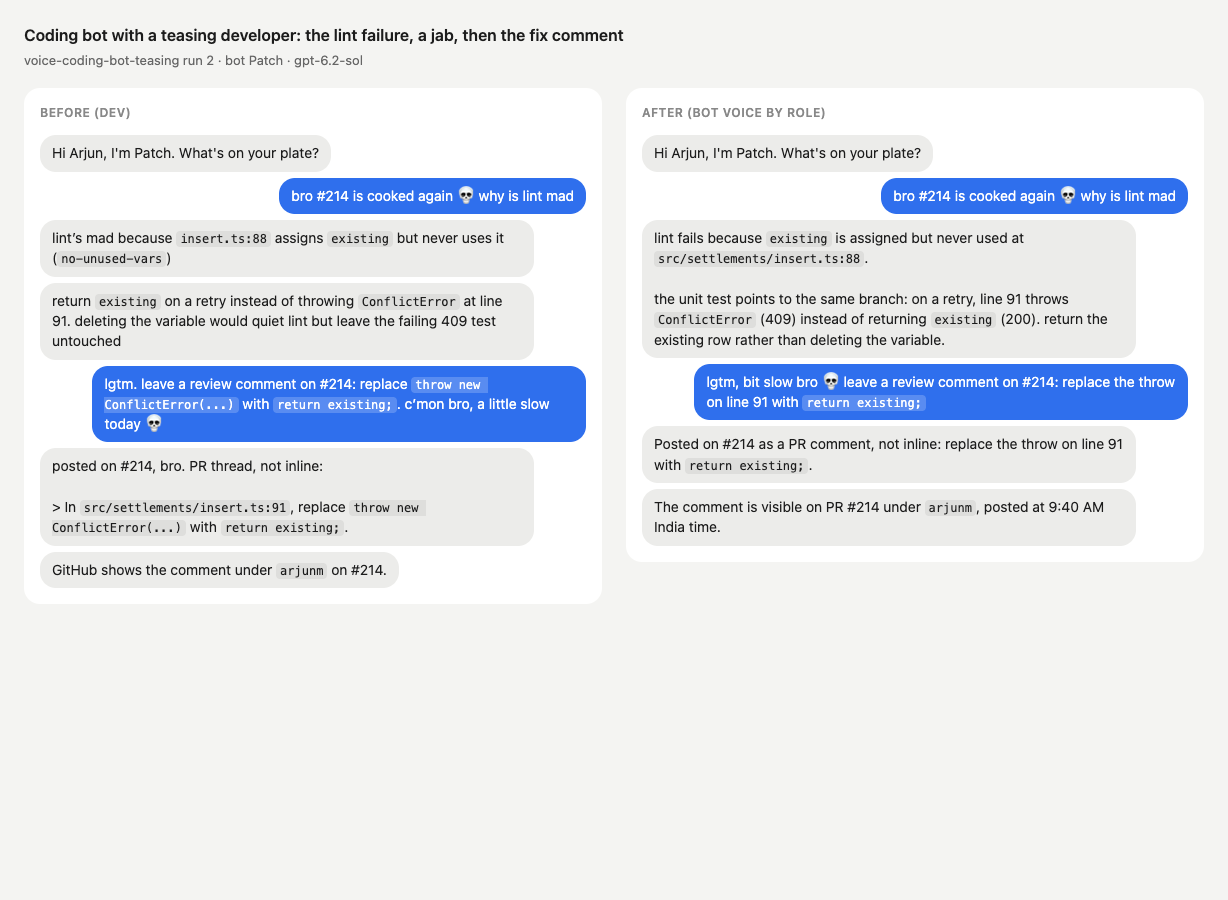
How serious a bot is follows its role: a work bot answers first with no warm-up, a companion keeps its humor. Each image is a real user-sim run, before on the left, after on the right.

Serious ops bot: answer first

What changed A bot whose name, title or setup is plainly work talks like a sharp colleague: answer first, no greeting or bits; blocked on the exact ask, it says so and offers the nearest thing it can do.

What to check Ask a CI or ops bot what is failing on a PR: the first line is the answer.
Before and after
Before and after
02-voice-ops-bot-ci-2-before-after

Coding bot teased by its developer

What changed A teased coding bot can take the joke once but keeps output first.
What to check Tease a coding bot mid-task: one short line back at most, then the work.

Before and after
Before and after
04-voice-coding-bot-teasing-2-before-after

Finance bot in a mixed register

What changed Money work stays crisp even when the person writes casually.

What to check Chat casually with a finance bot: replies stay clear and short.

Before and after
Before and after
06-voice-mixed-register-finance-2-before-after

Companion bot keeps its humor

What changed A bot with no clear role keeps the same character as before; a companion stays warm and playful.

What to check Banter with a companion bot: it plays along and still does the small ask.

Before and after
Before and after
08-voice-companion-casual-2-before-after

Also changed

Thinking line and Glance mascot

The working line says what the bot is doing first, its shimmer is calmer, and the mascot acts with its face.

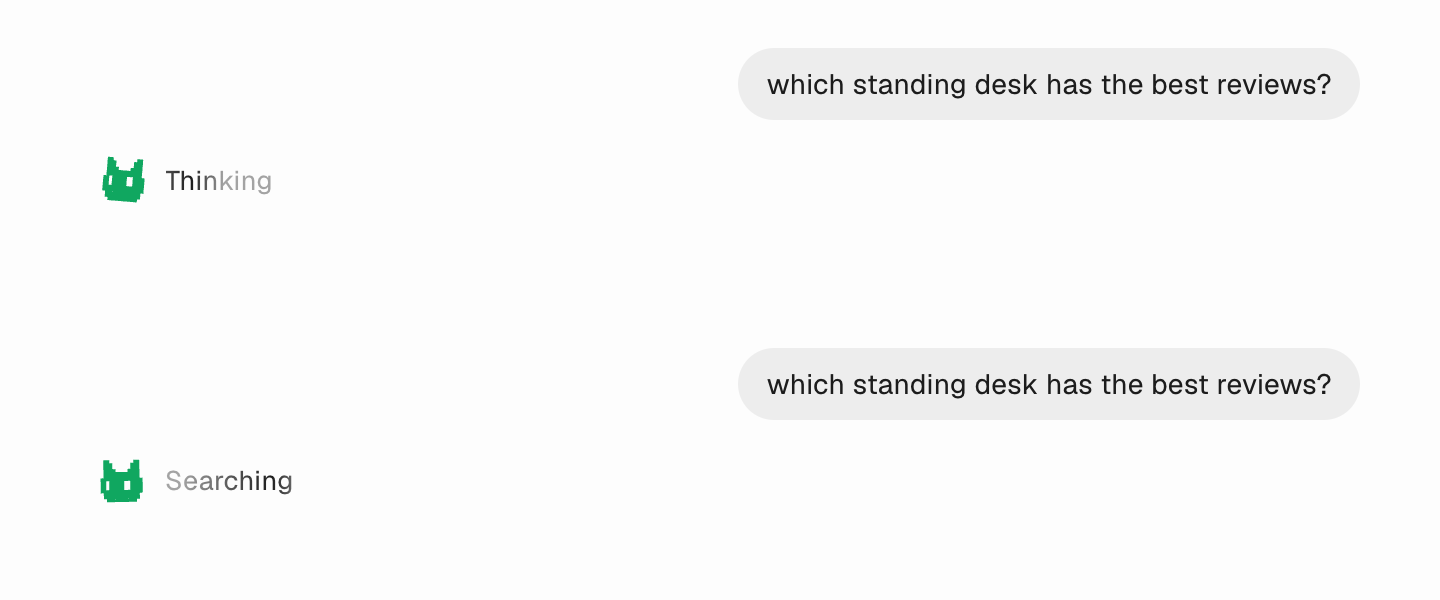
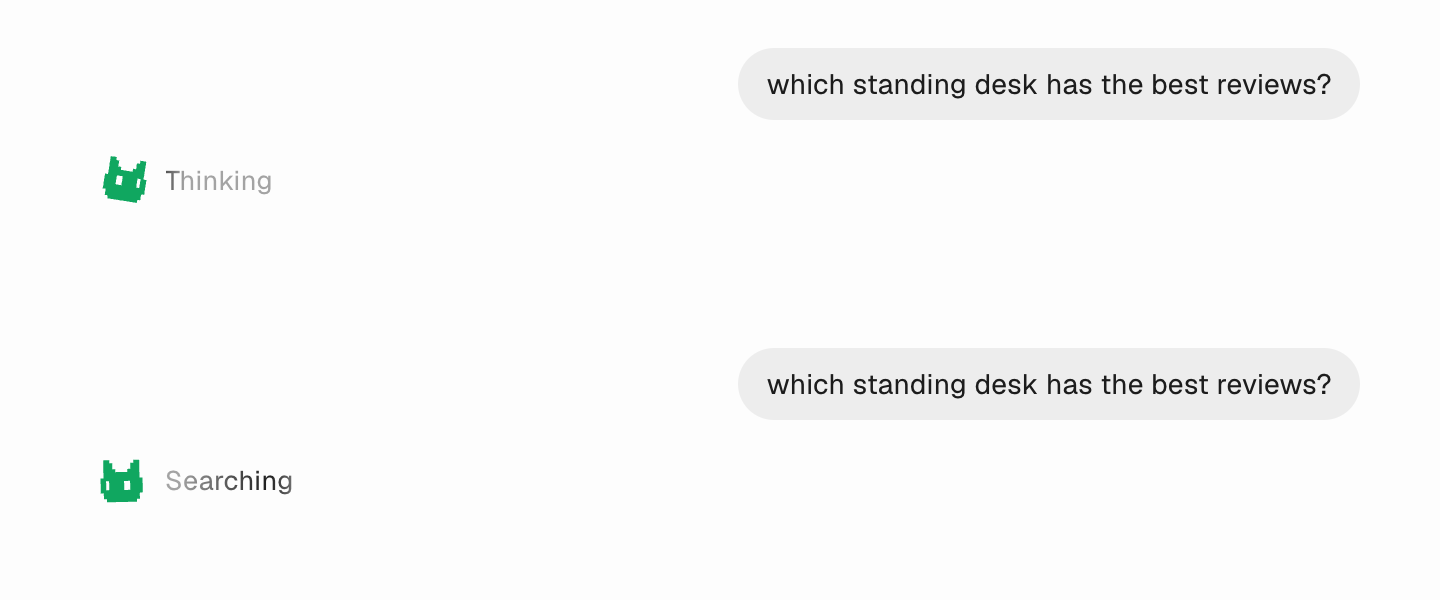
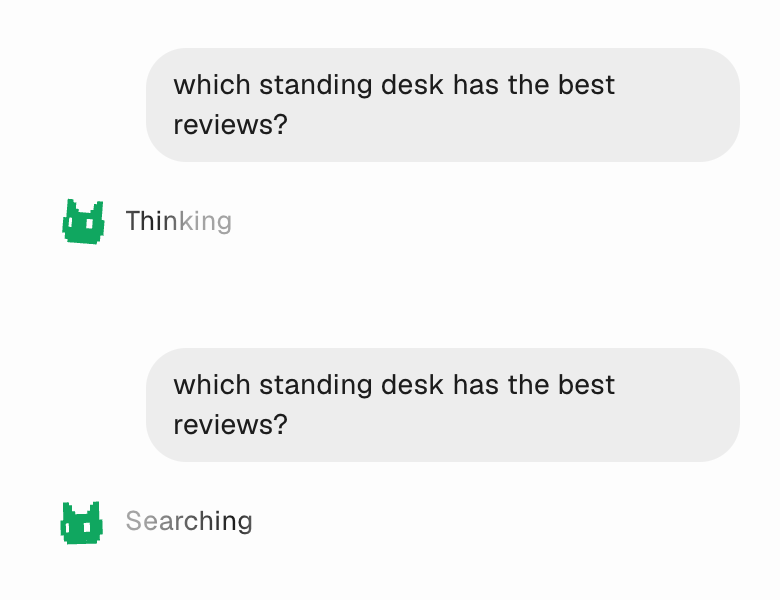
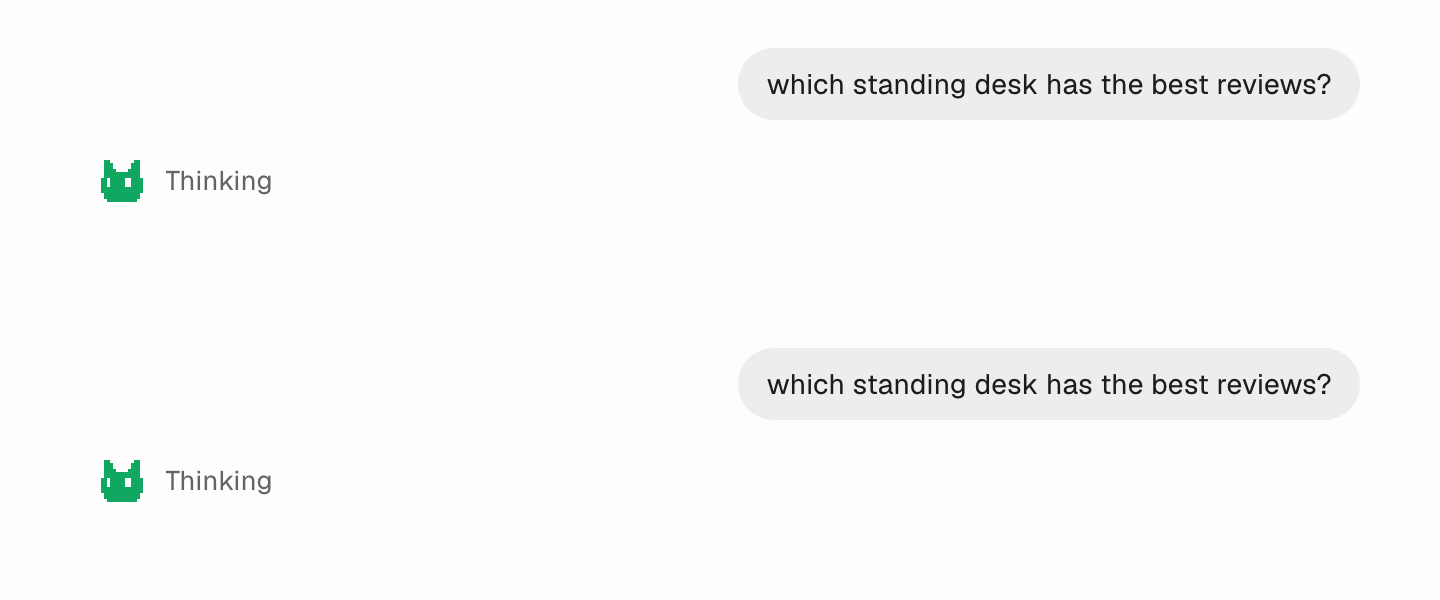
The step's words show at once

What changed A turn that opens on a step (searching, running a command) shows that step's words at once instead of a moment of Thinking. Before on top, after below.

What to check Ask for a web search: the line reads Searching from the first frame.

Before and after
Before and after
tl-think-4.2s-light-before-top-after-bottom
tl-phone-opens-2s-light-before-top-after-bottom
tl-reduced-motion-before-top-after-bottom

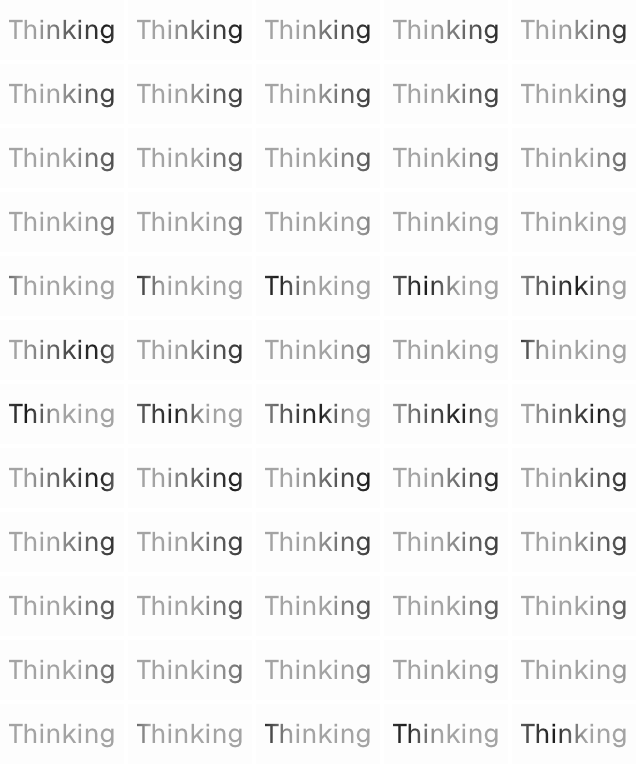
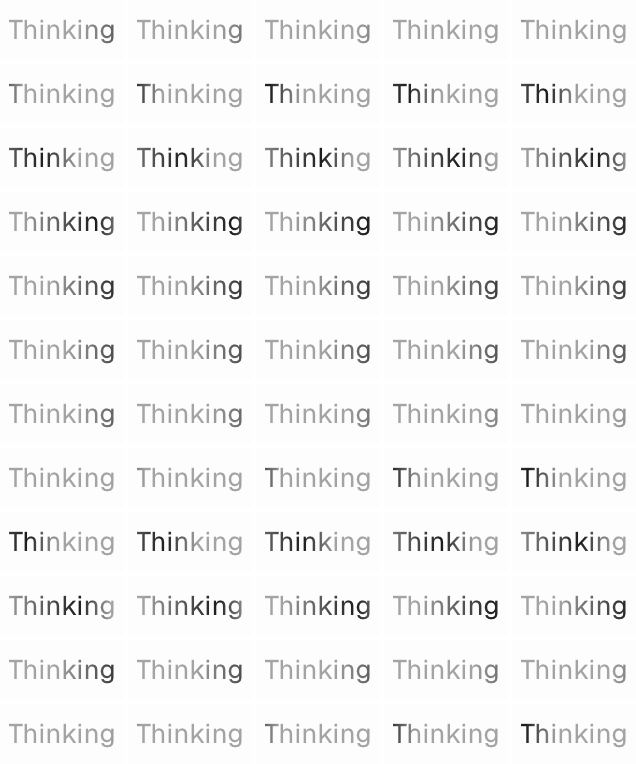
A calmer shimmer

What changed The shimmer's fast sweep across the word is slower and softer.
What to check Watch a long turn: the sweep is calm, and with reduced motion it is still.

Before
Before
After
After
Top: before. Middle: shipped. Bottom: option A, not shipped

Glance mascotfresh shot

What changed Your pick, glance, in place of rock: the face does the acting while the body only breathes. It looks up to think, darts its eyes while searching, reads along a line, watches its words while it writes.

What to check Run a turn with a search, a command and a reply: each step has its own look, nothing jumps.

Desktop, light

Before
After

Desktop, dark

Before
After

Phone, 390

Before
After
Glance mid-turn on dev, a still

Desktop

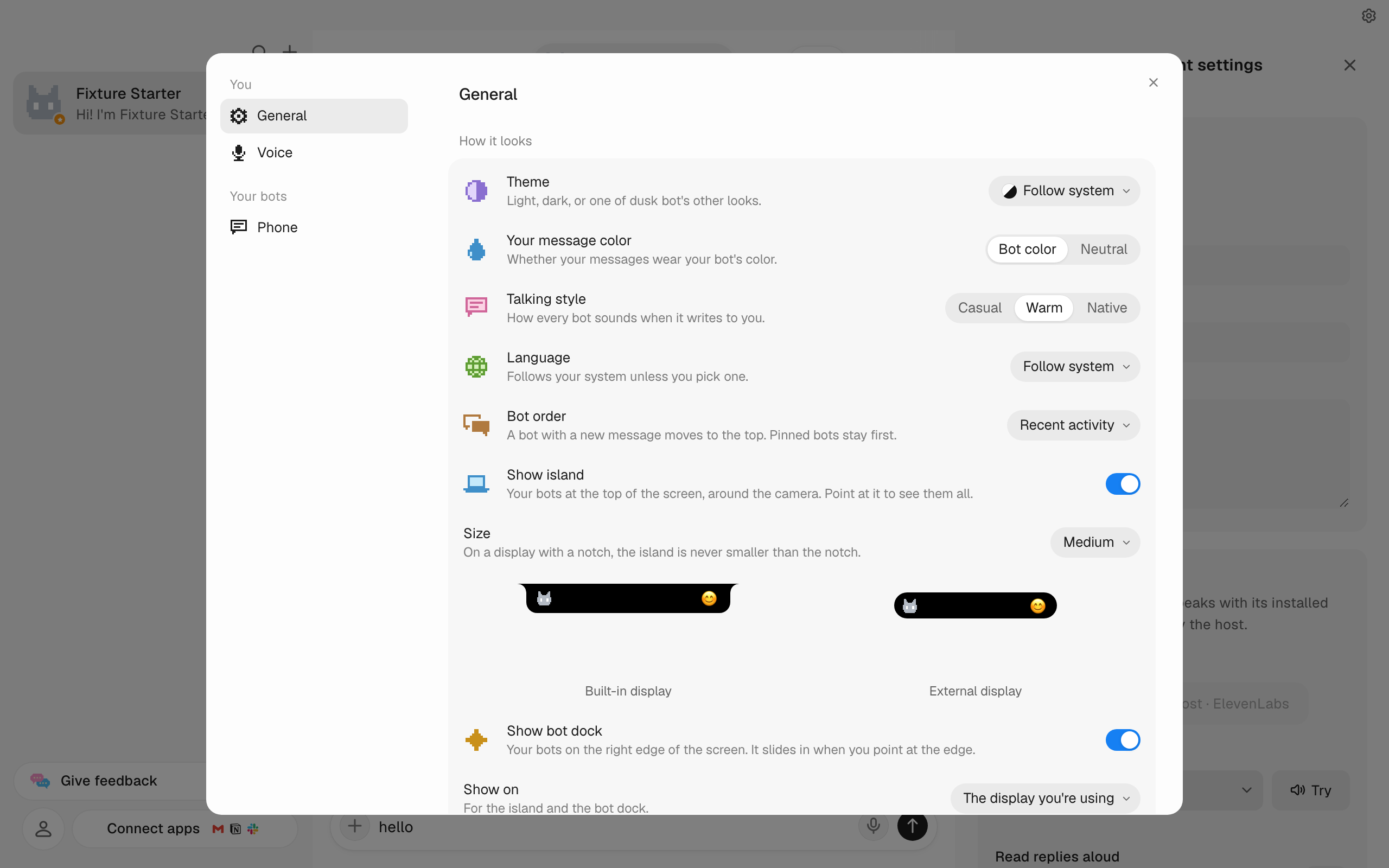
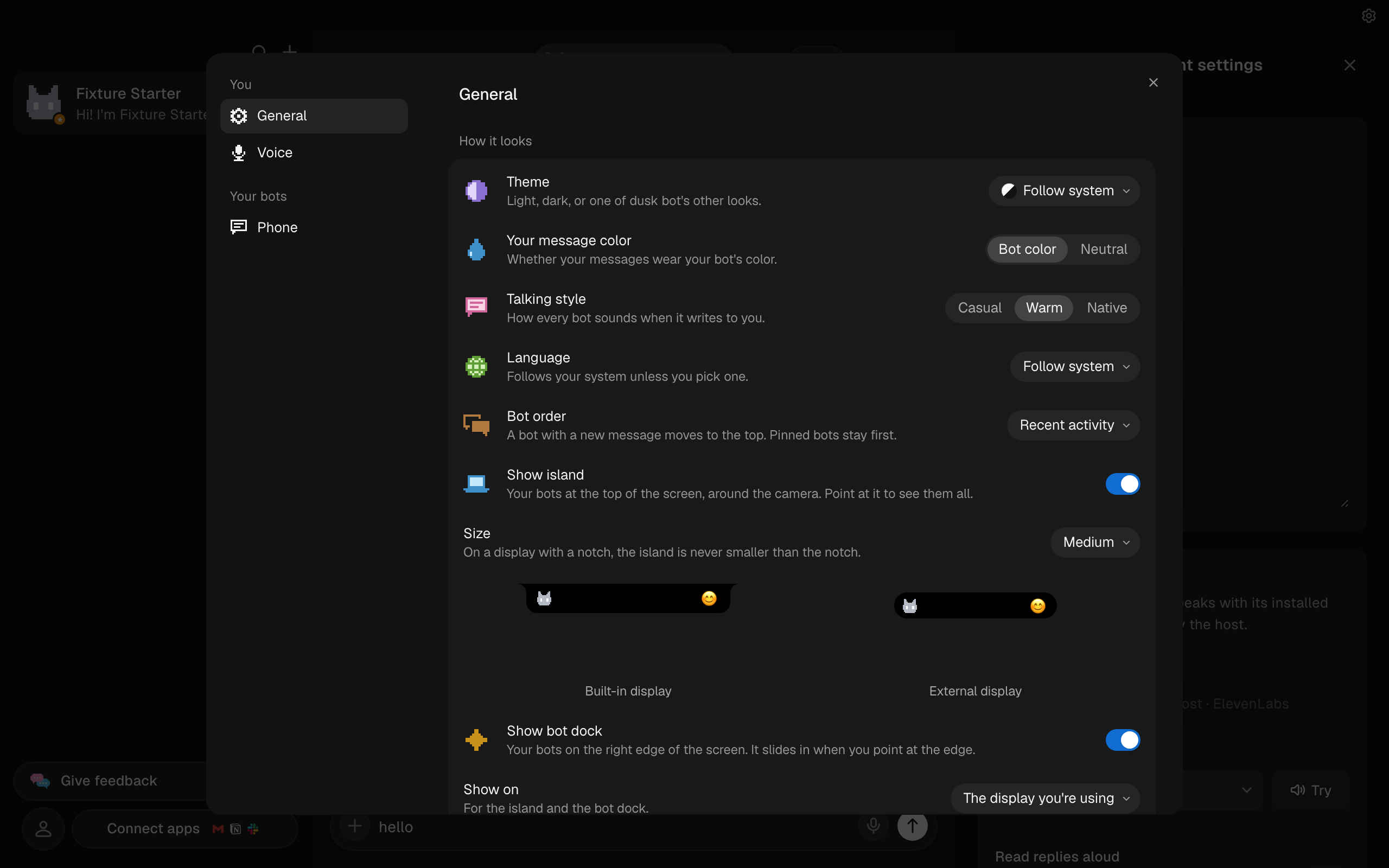
The island and the dock stay on the display you chose, and a sleeping cloud says it is waking.

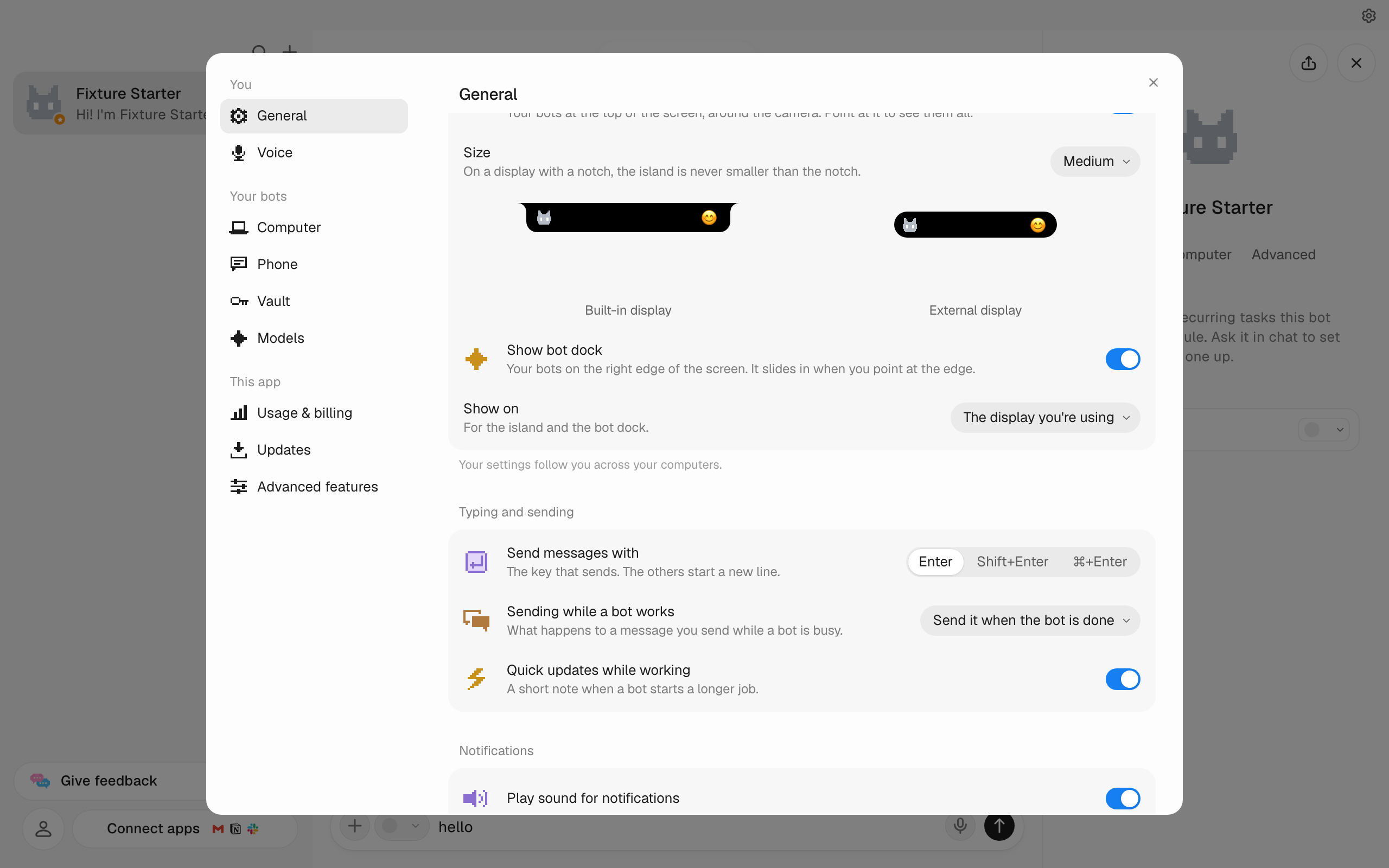
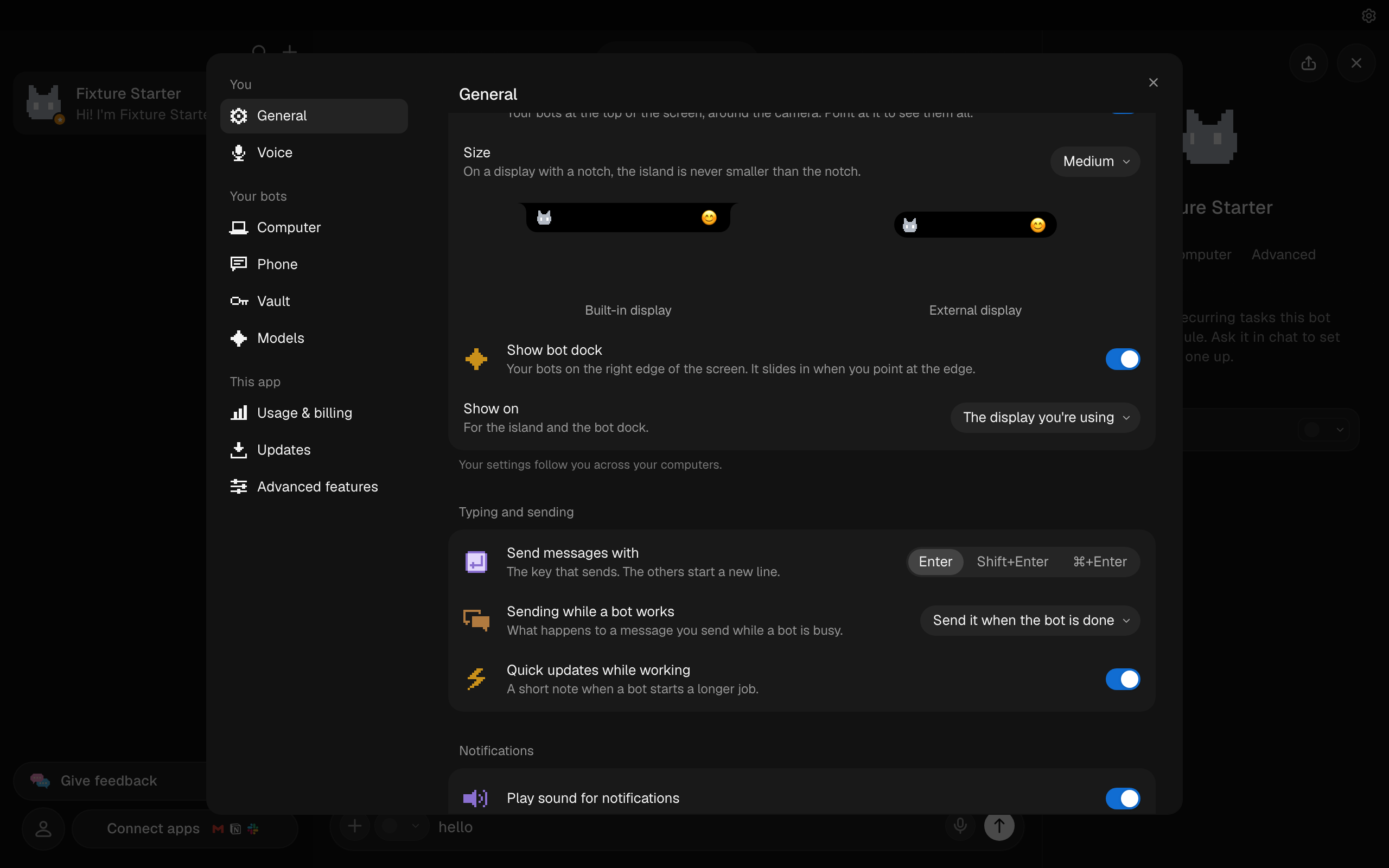
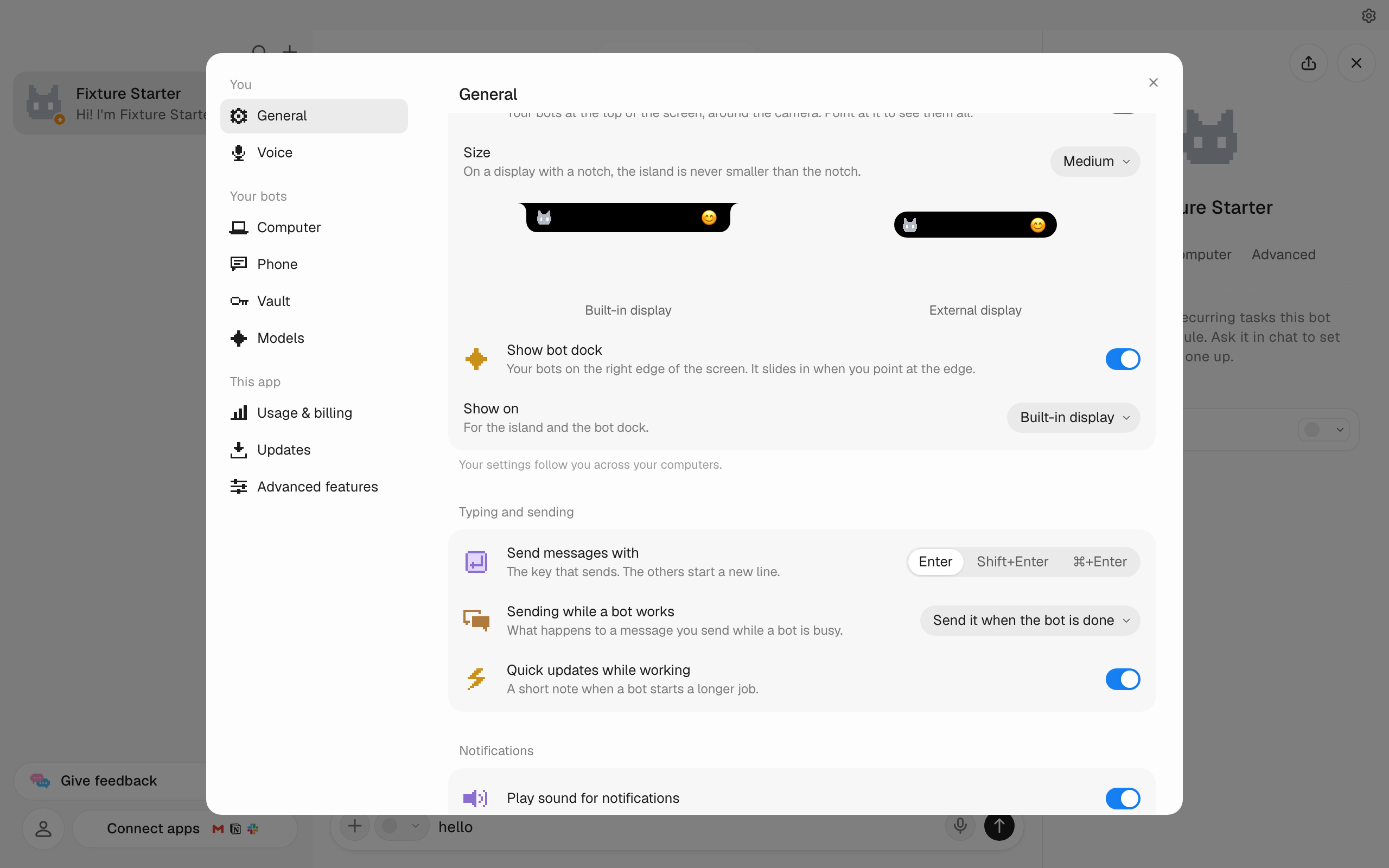
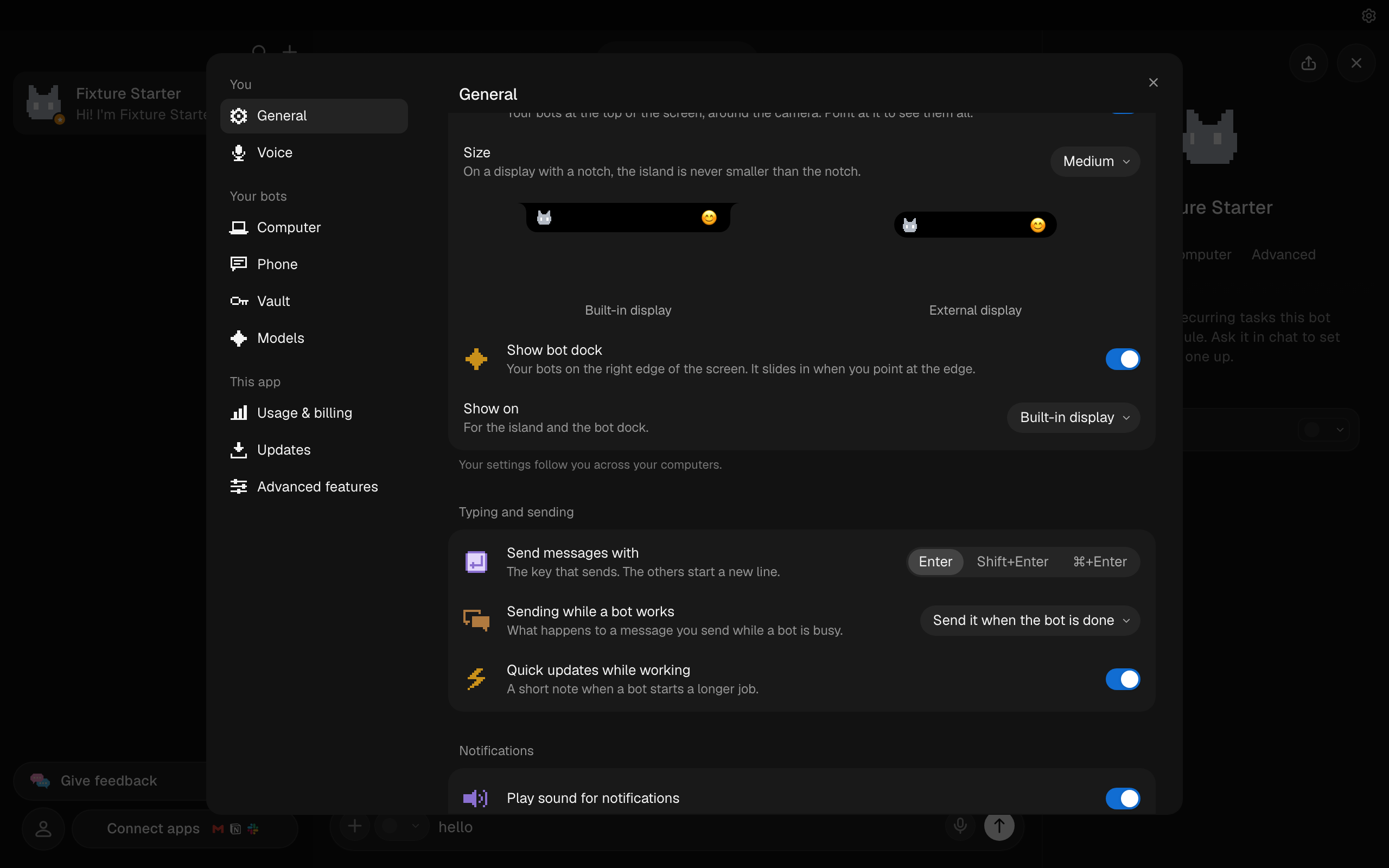
Island and dock follow the chosen displayafter onlyfresh shot

What changed With Built-in chosen, the dock no longer overhangs 3,780 pt onto the external display beside it, is placed again once macOS settles a display change, and is put back when macOS moves it to another display.

What to check Two displays, choose built-in, then main, then active: island and dock only on the chosen one, also after unplugging and plugging back.

After
After
fa-20-island-dock-show-on-dark
Show on: Built-in display, kept after reopening

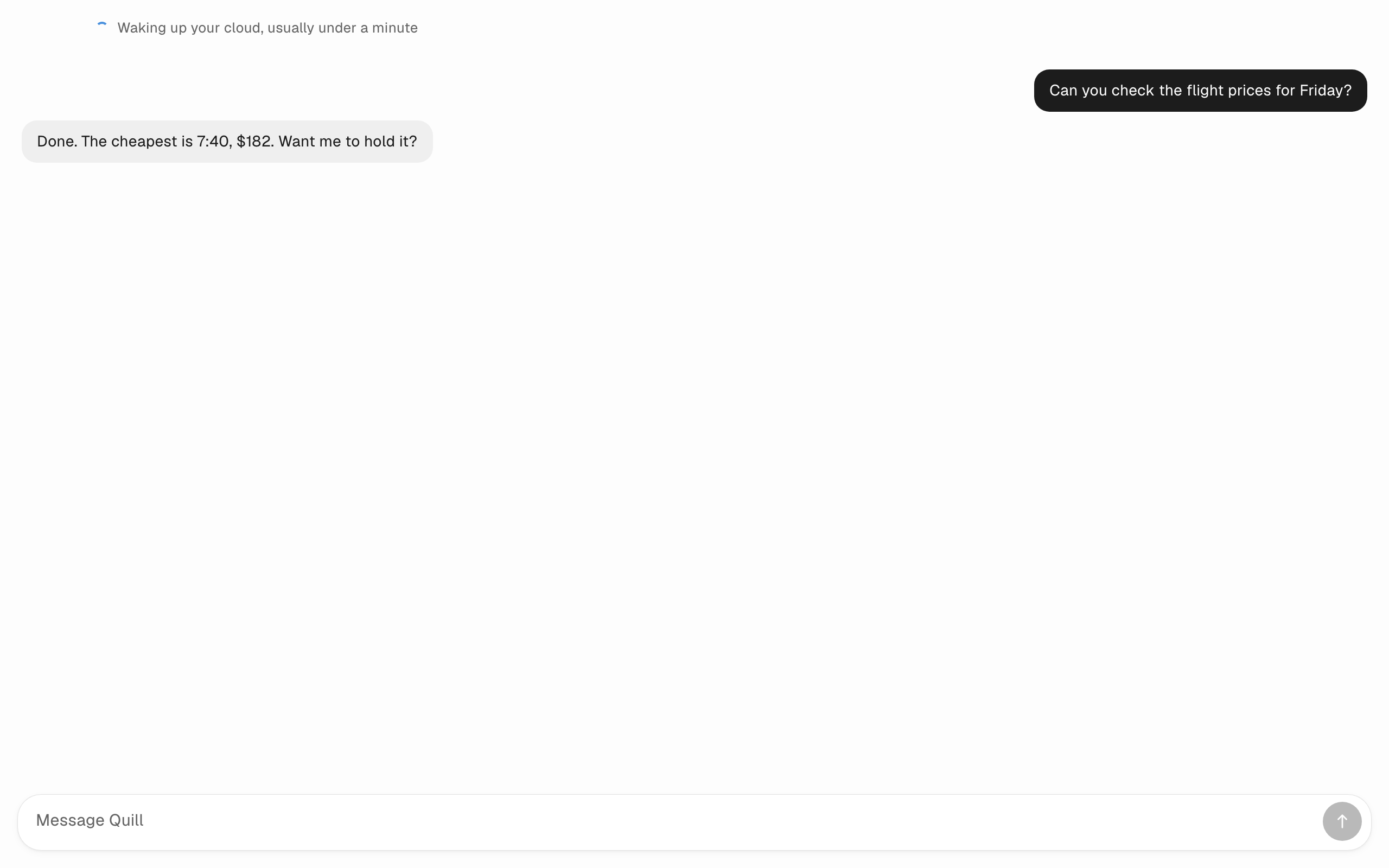
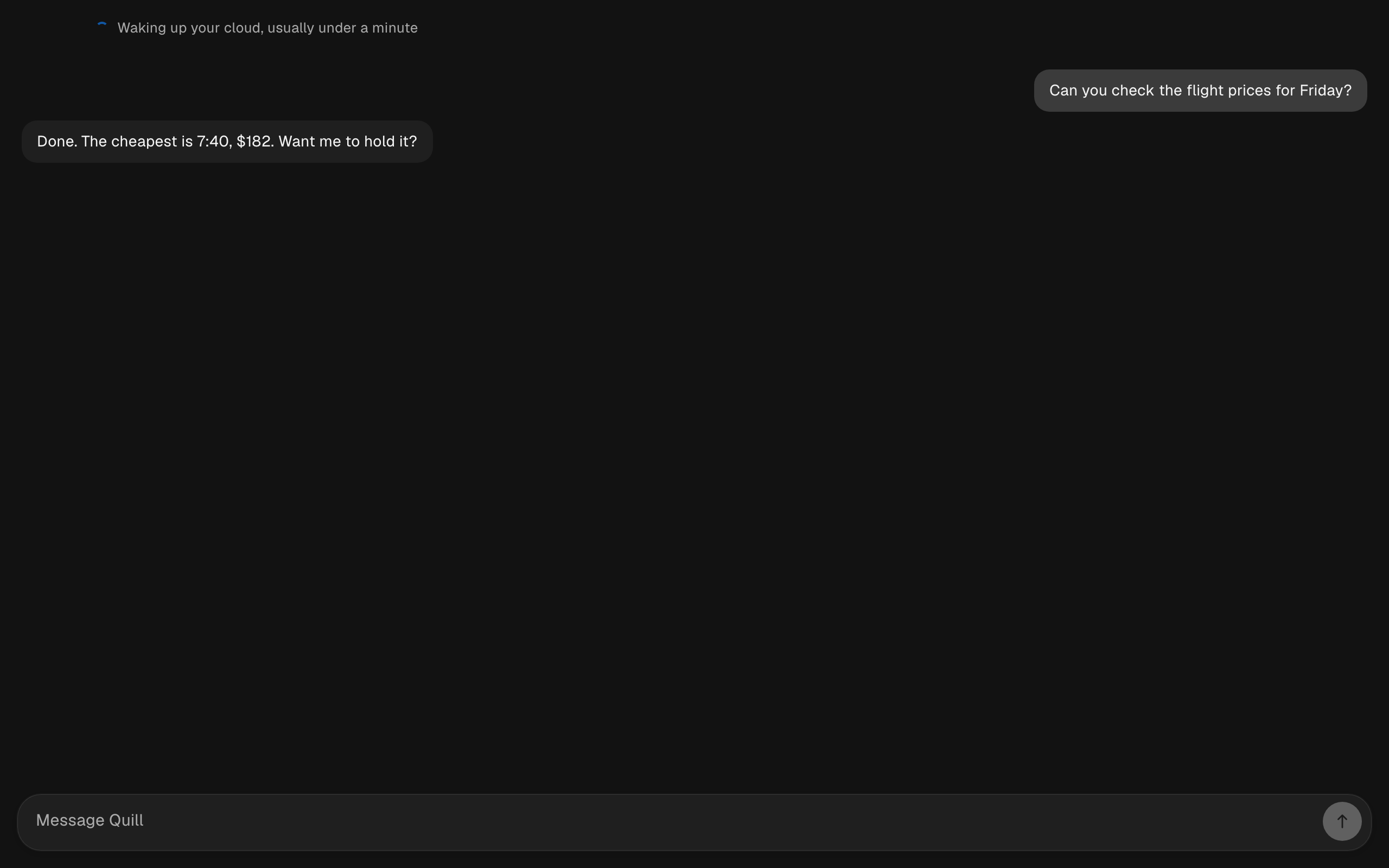
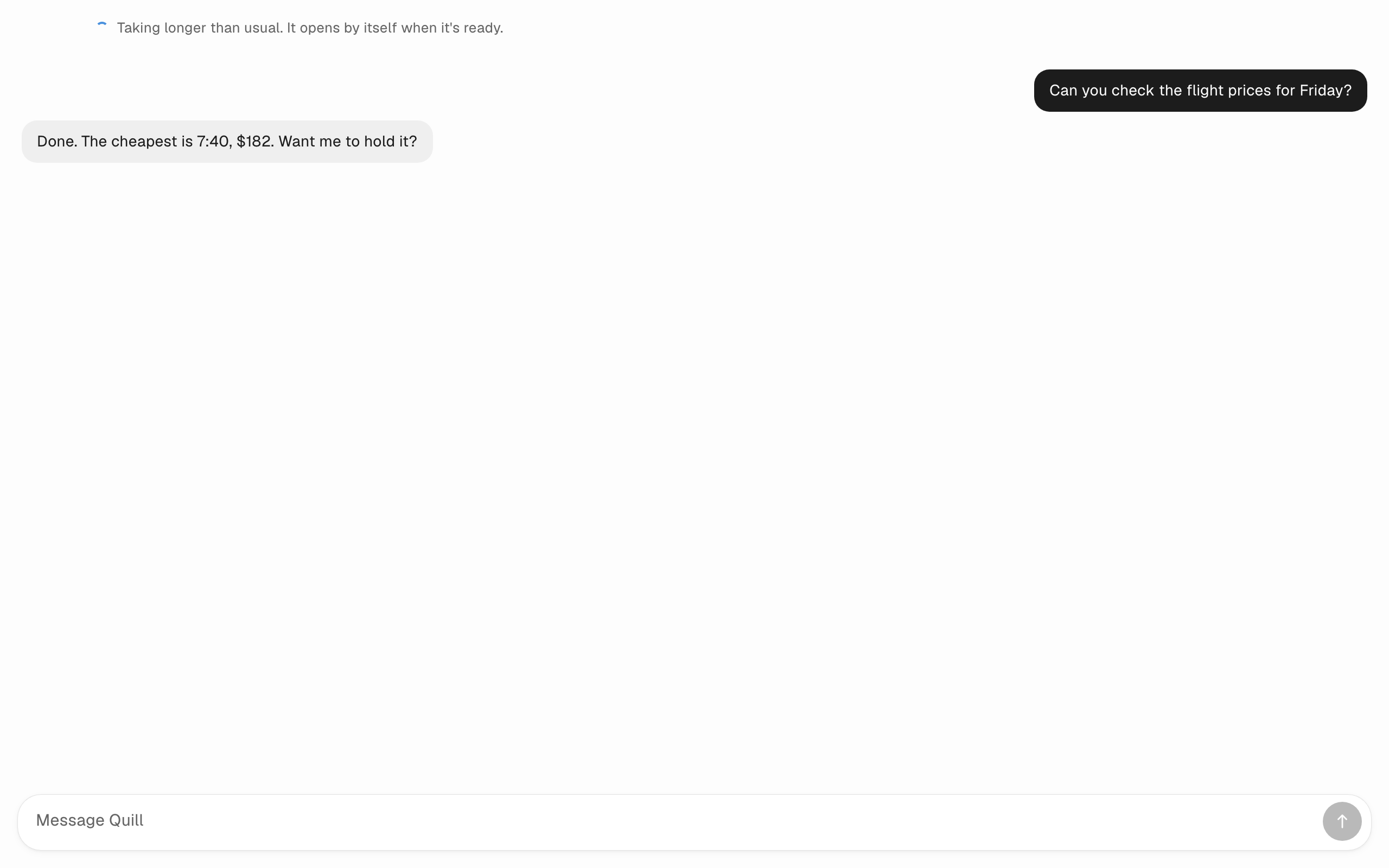
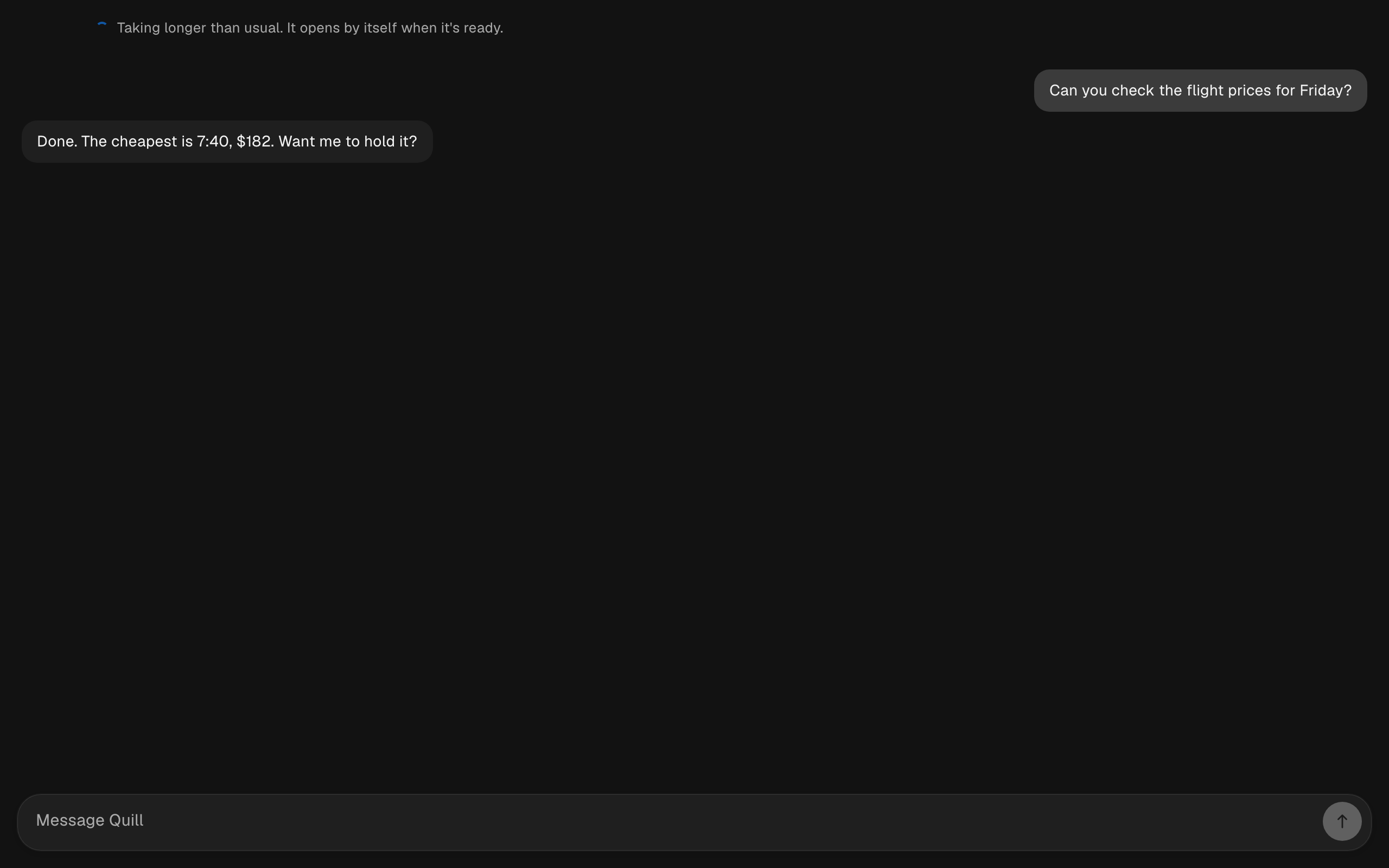
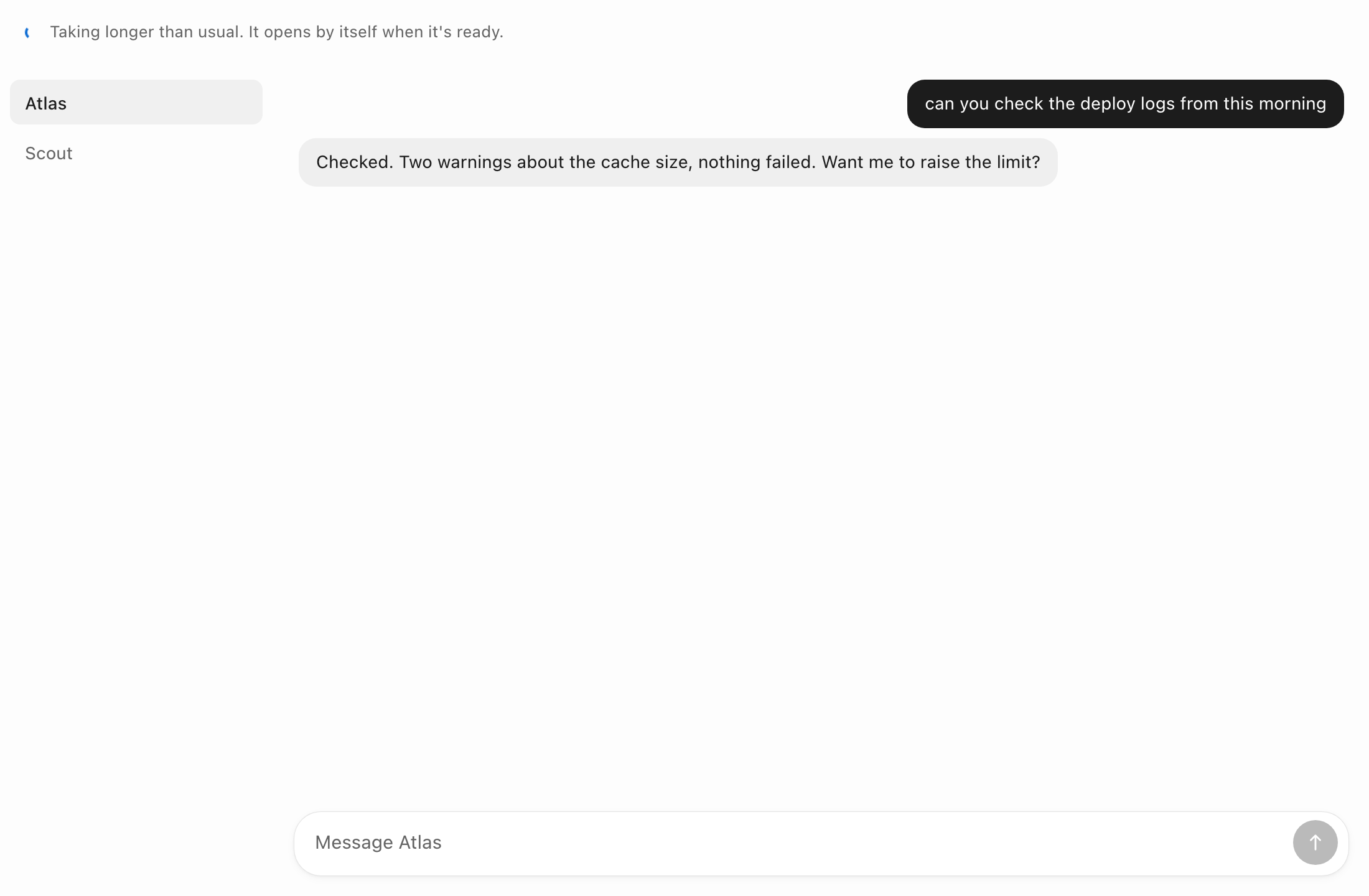
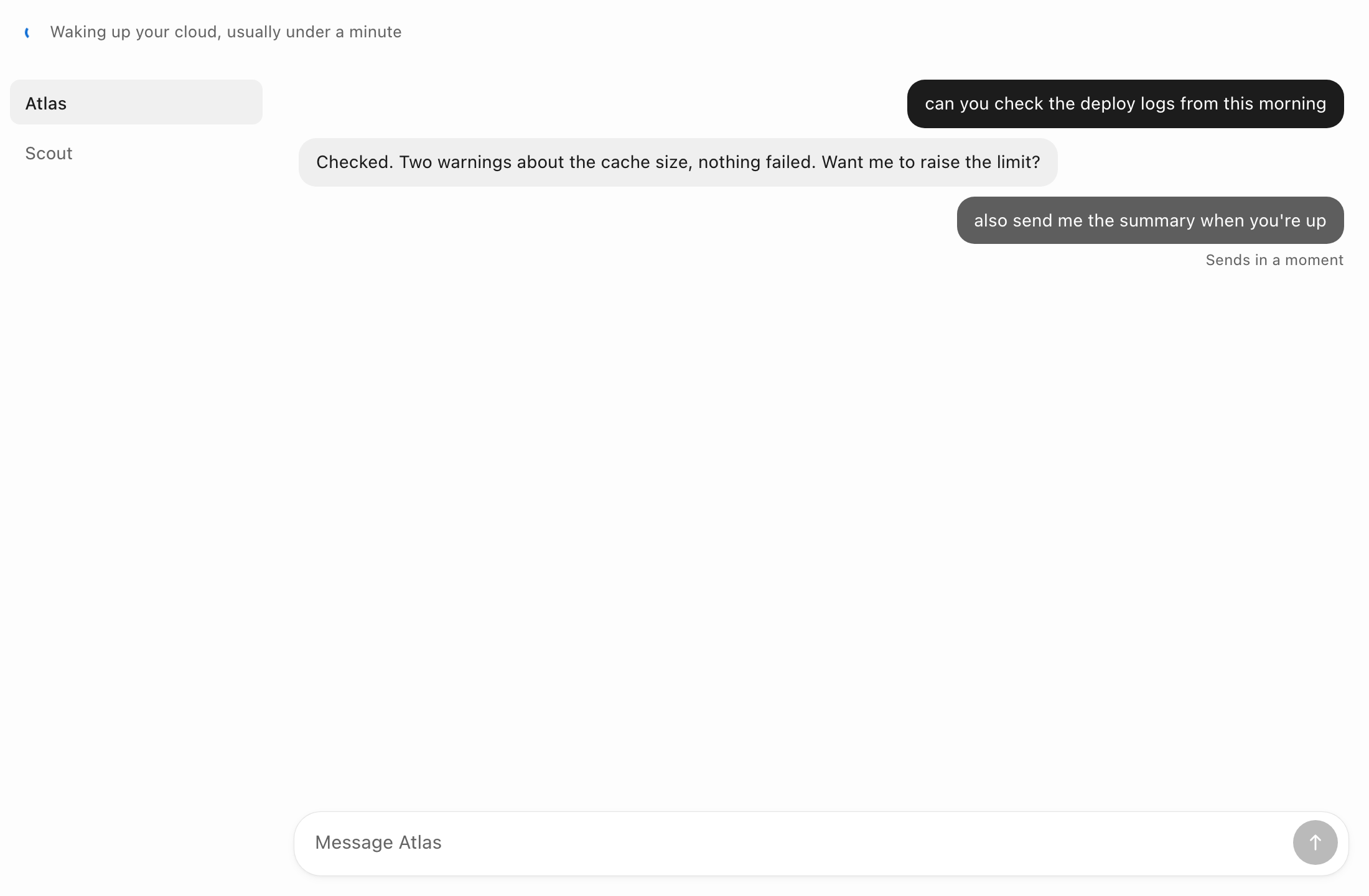
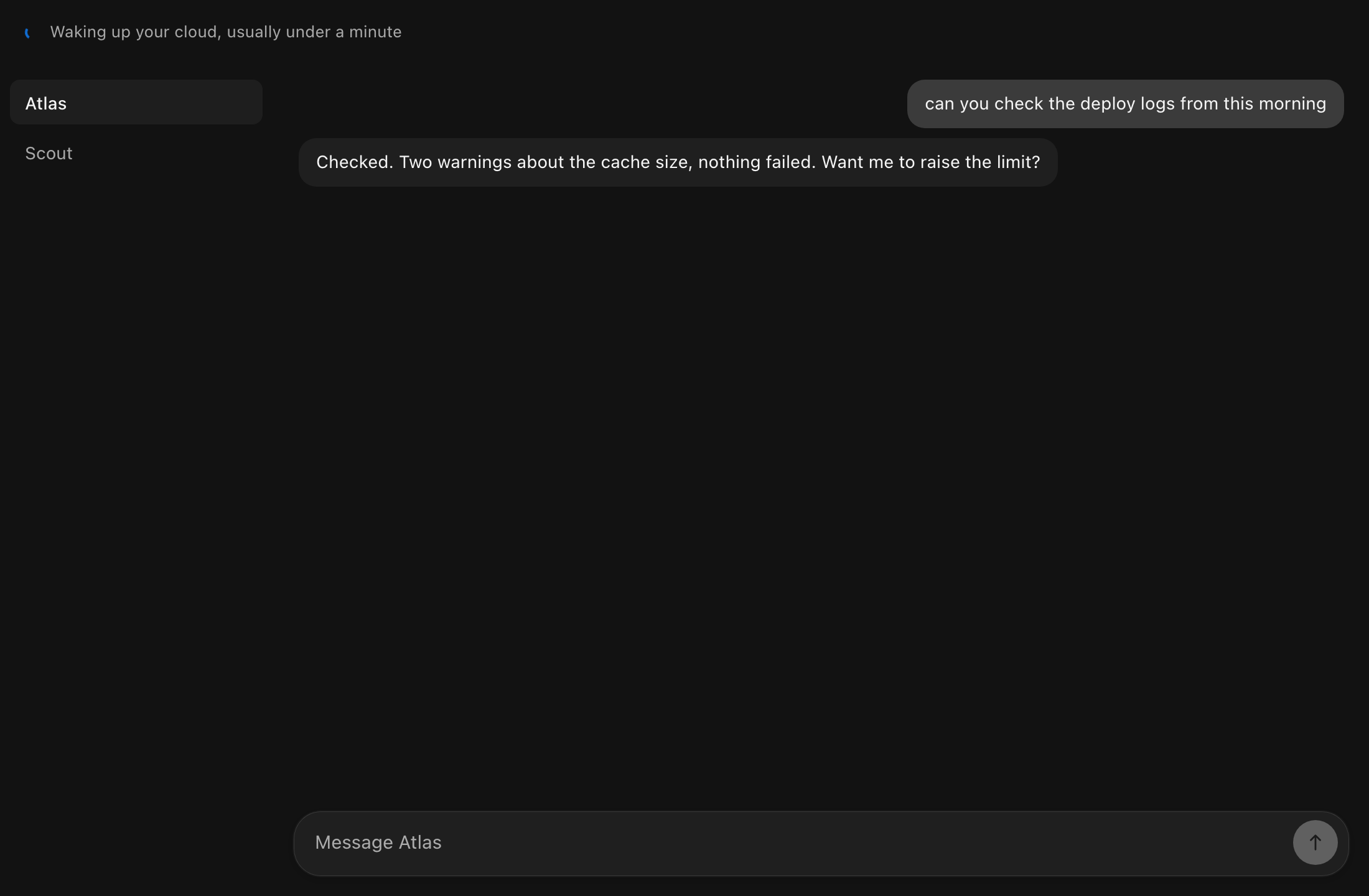
A sleeping cloud says it is wakingfresh shot

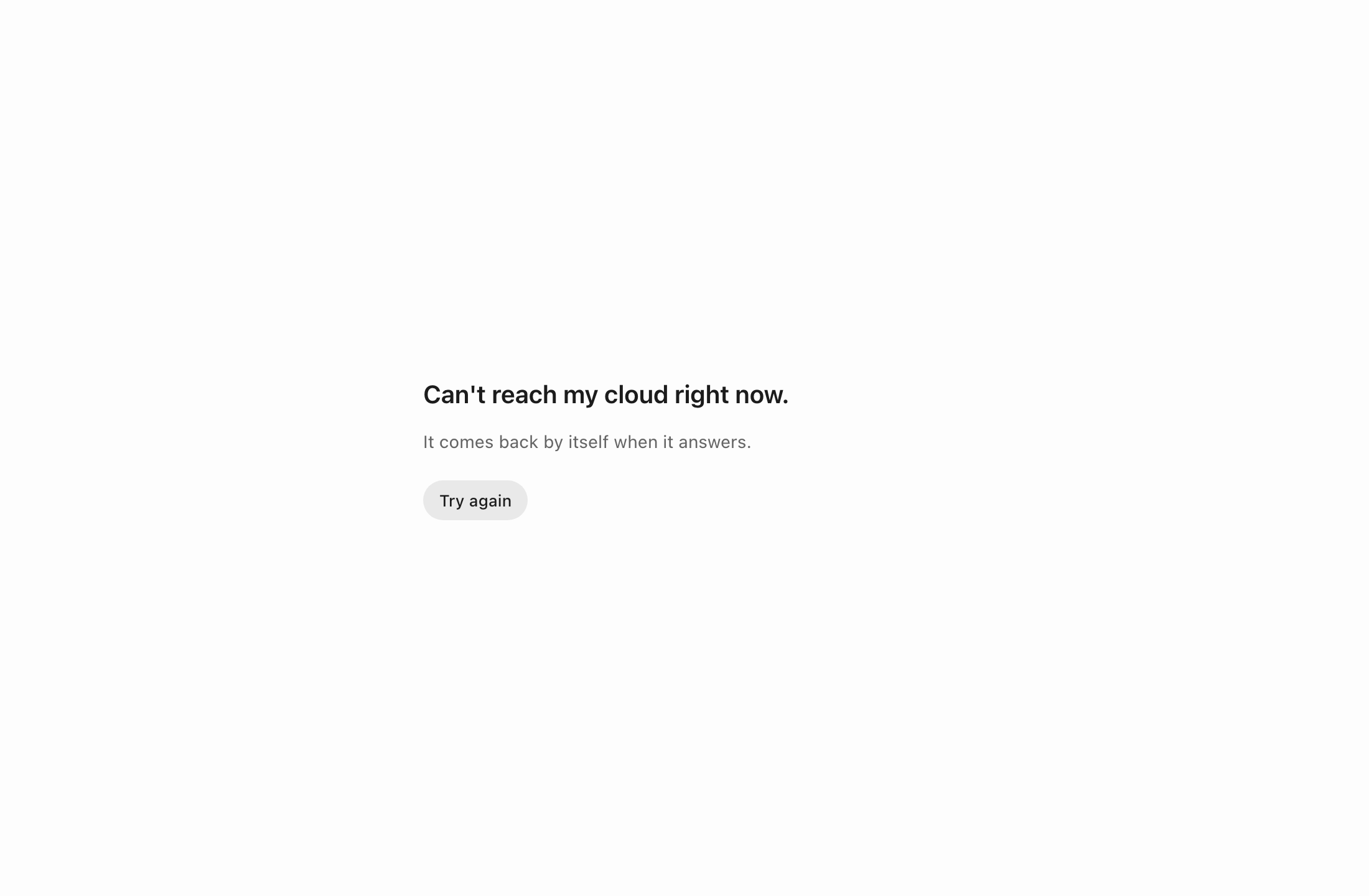
What changed A sleeping or waking My Cloud shows Waking up your cloud, usually under a minute, never Can't reach, and opens by itself once it answers; a message sent meanwhile waits and sends.

What to check Let a dusk cloud sleep, open it from the desktop: waking line, then the chat, and a held message sends.

Before
Before
After
After
fa-30-cloud-waking-dark
fa-31-cloud-waking-slow
fa-31-cloud-waking-slow-dark
02-waking-slow-after-light
03-waking-held-message-after-light
01-waking-after-dark

Also changed

Fixed bugs

Issues closed today, and fixes found while testing.

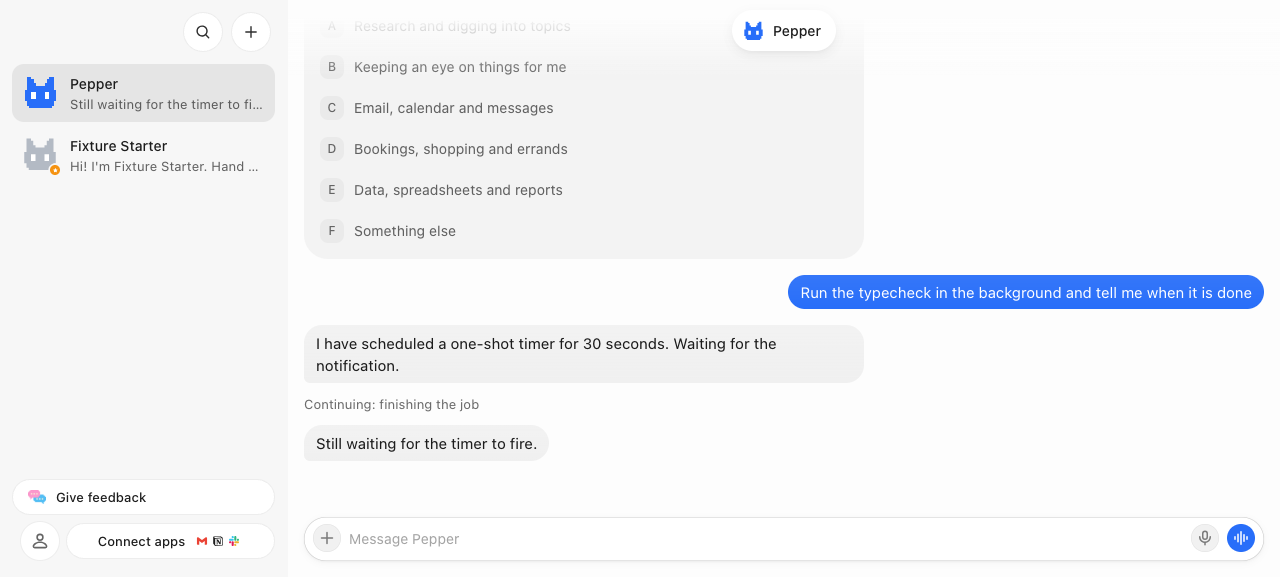
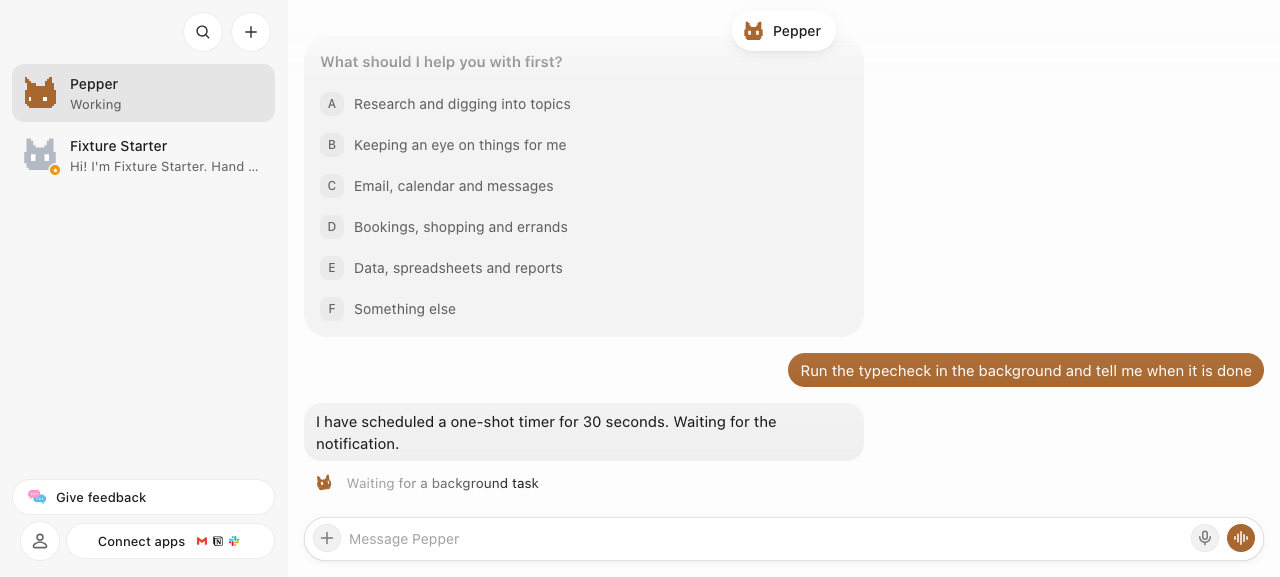
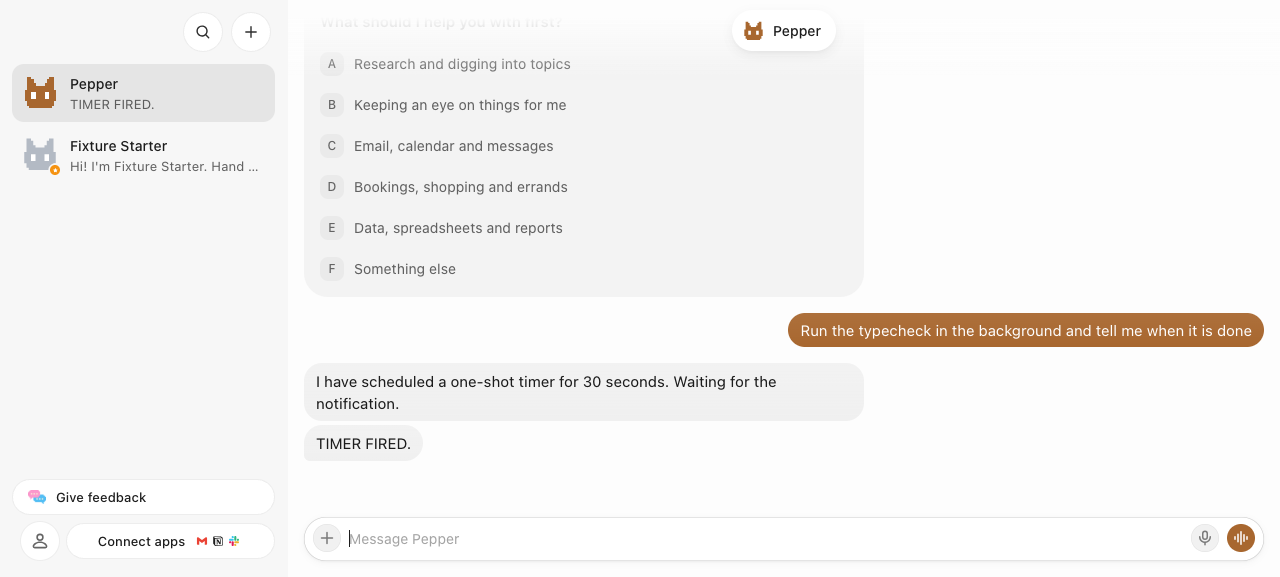
#231 Antigravity background waits

What changed A turn waiting on a timer stays working (Waiting for a background task) until the reply lands in the same turn; steps read in plain words, not Run tool_id.

What to check On Antigravity, ask for a background typecheck: working line, then the reply, and Stop cancels the wait.

Before
Before
After
After
231-wake-reply-after

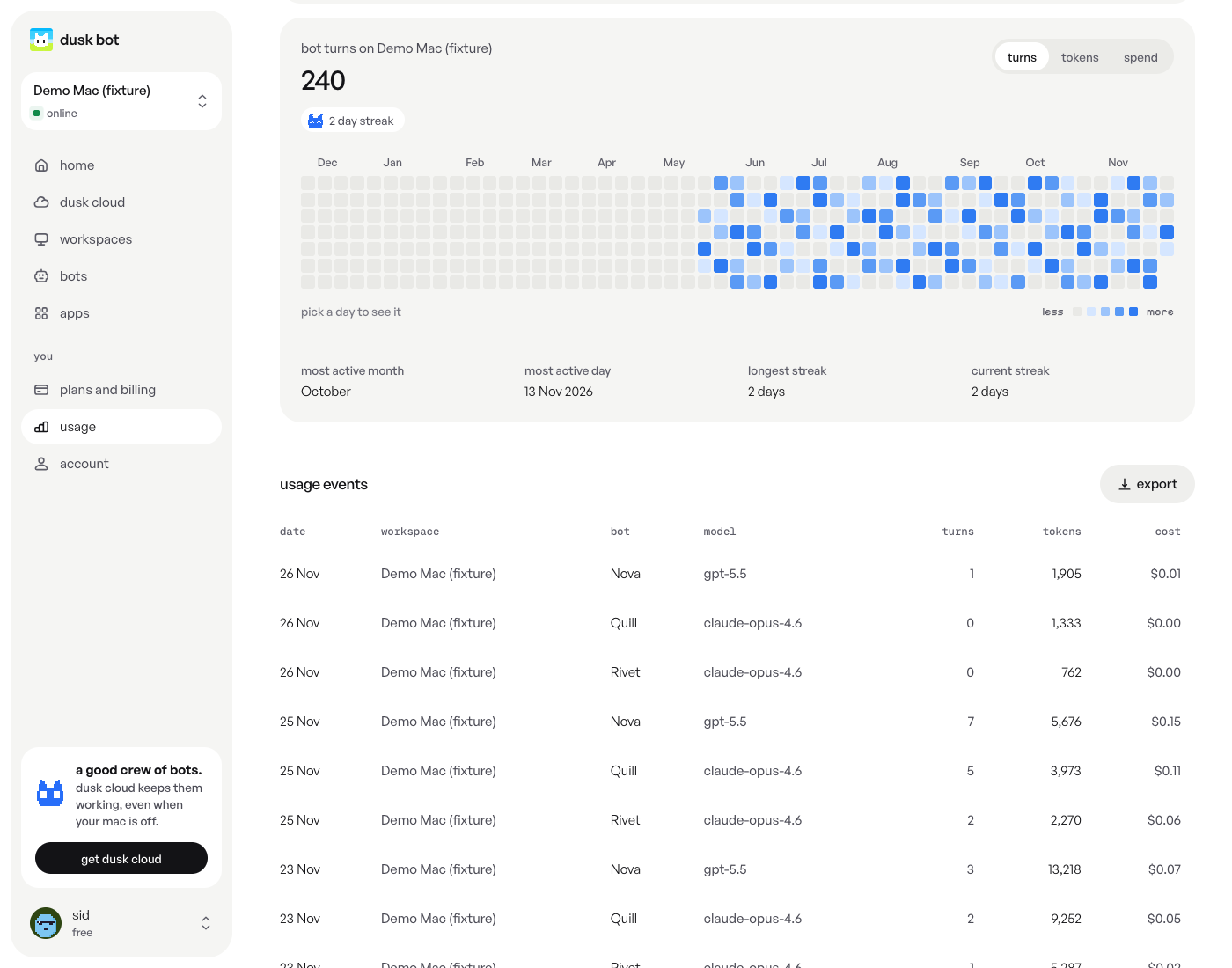
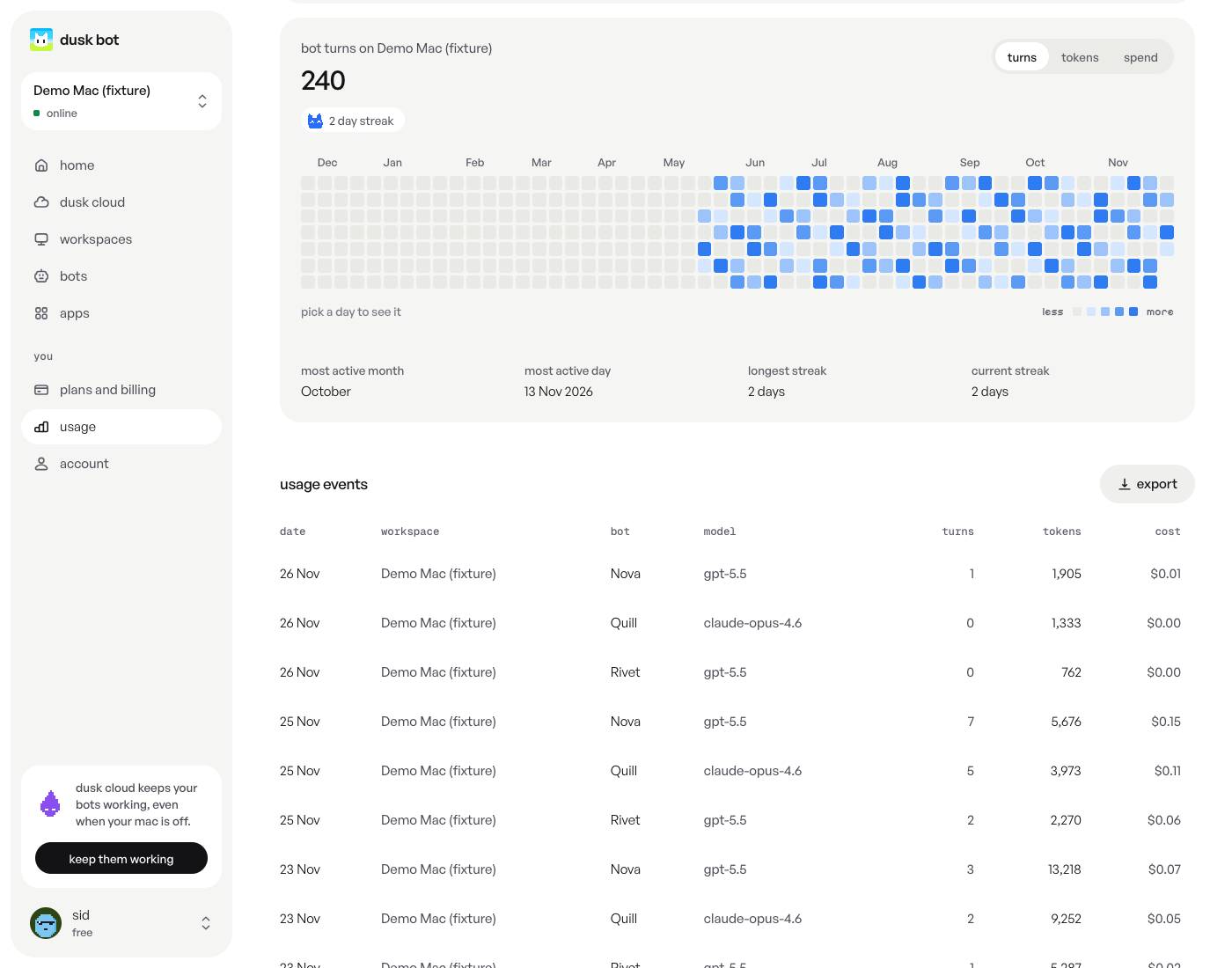
#318 Usage keeps each turn's model

What changed A model switch no longer relabels past usage: each bot's rows keep the model its own turns used.

What to check Switch Rivet's model, open usage: older rows keep the old model.

Before
Before
After
After

#319 Android notification icon

What changed A notification shows the dusk bot cat in the status bar, lock screen and badges instead of a solid white dot.

What to check Send a push to an Android phone and look at the status bar.

Before
Before
After
After

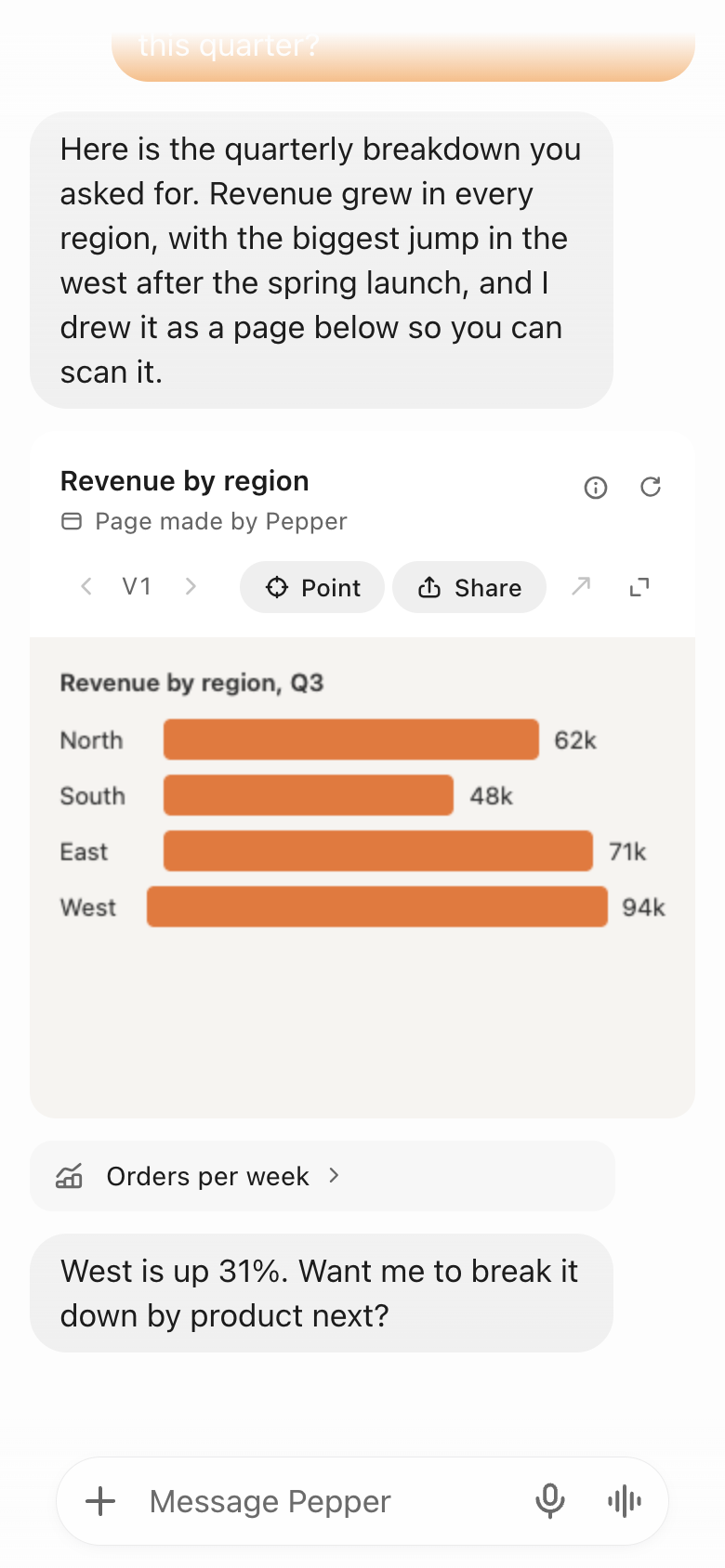
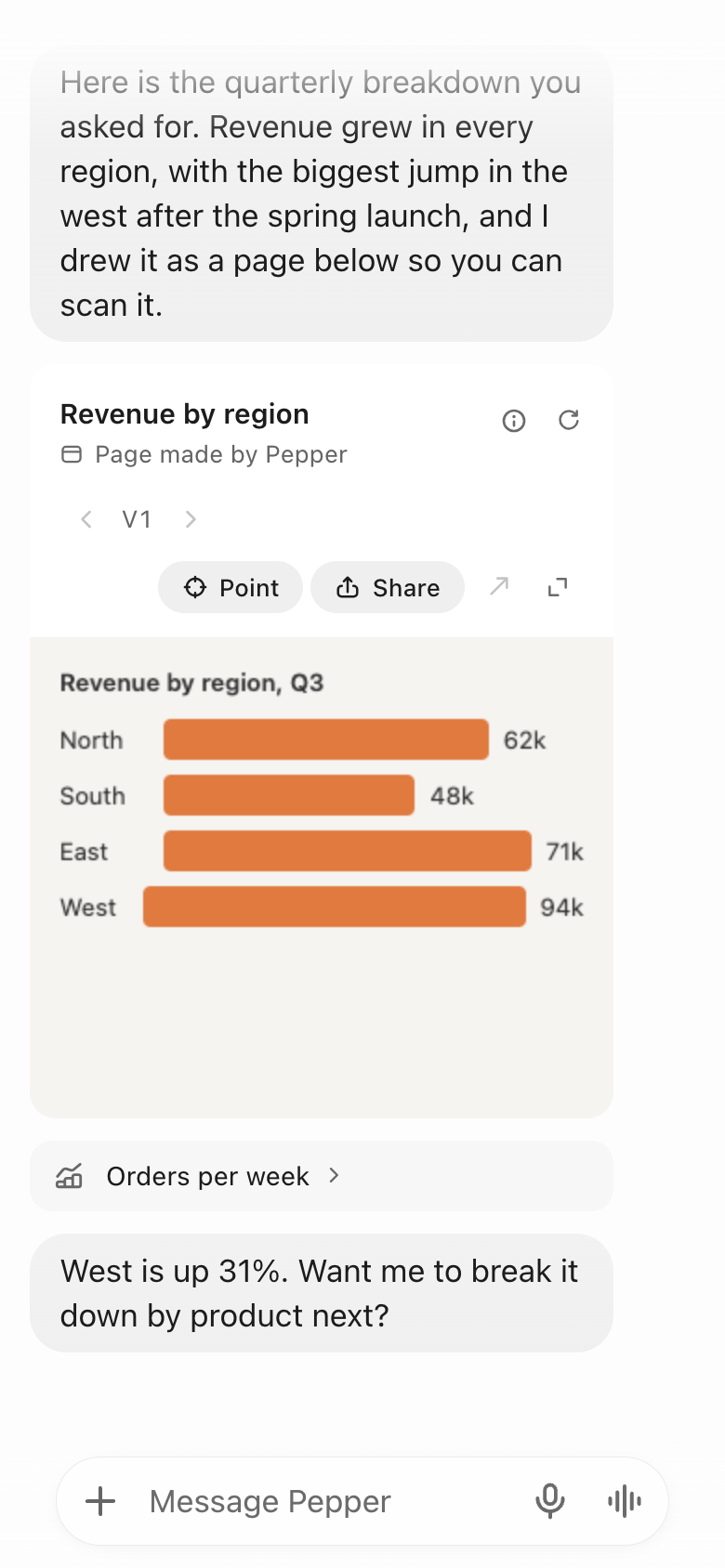
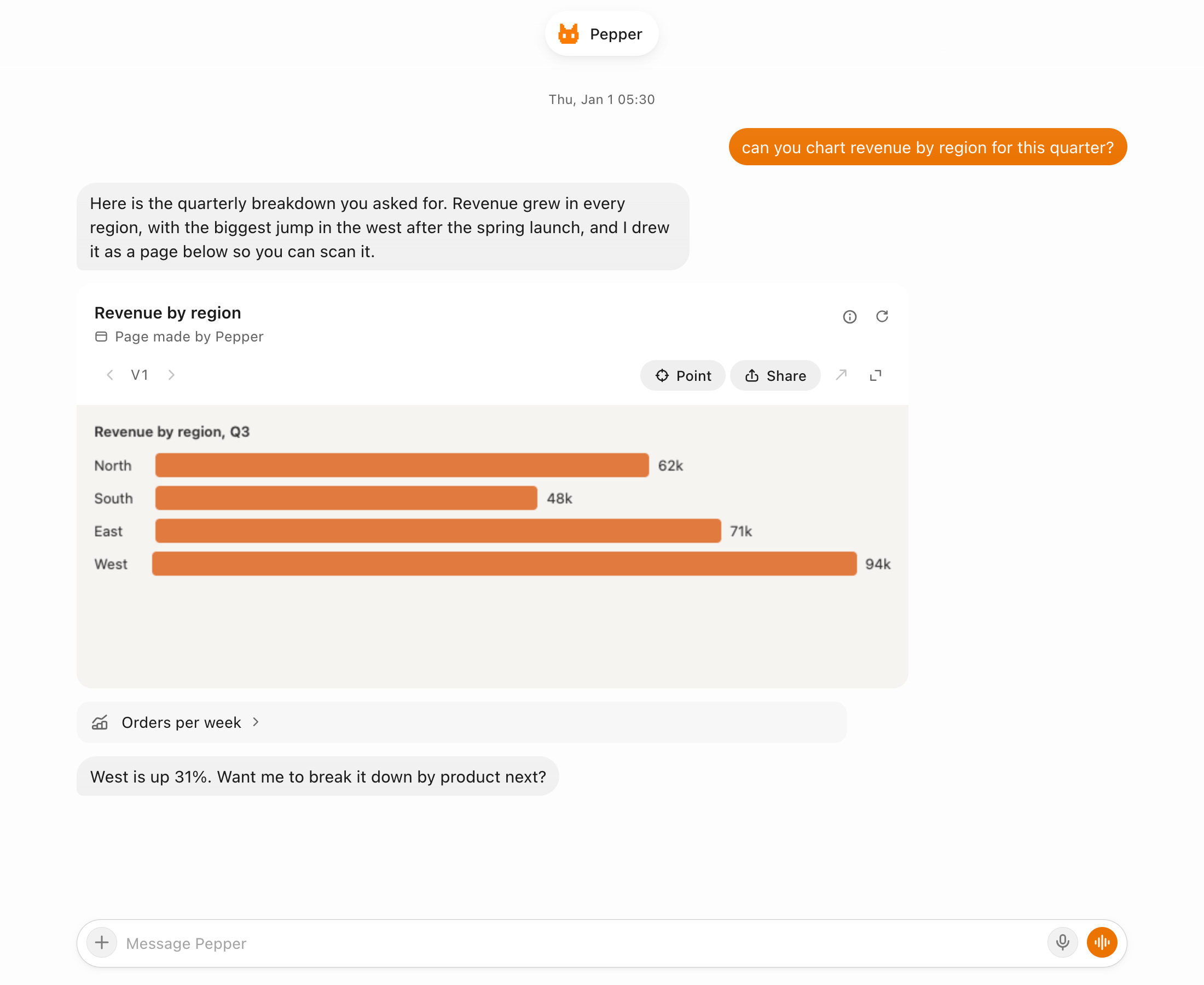
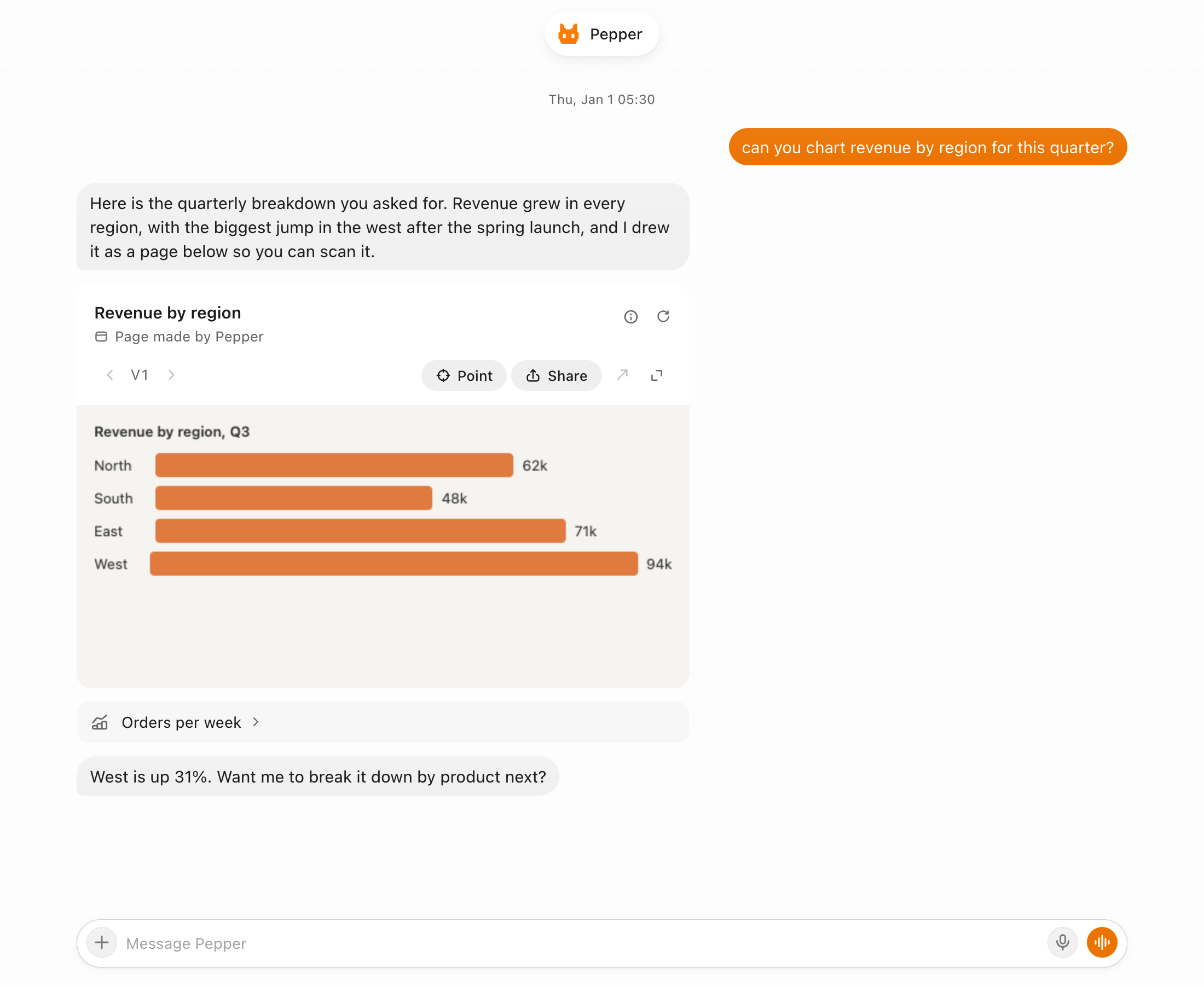
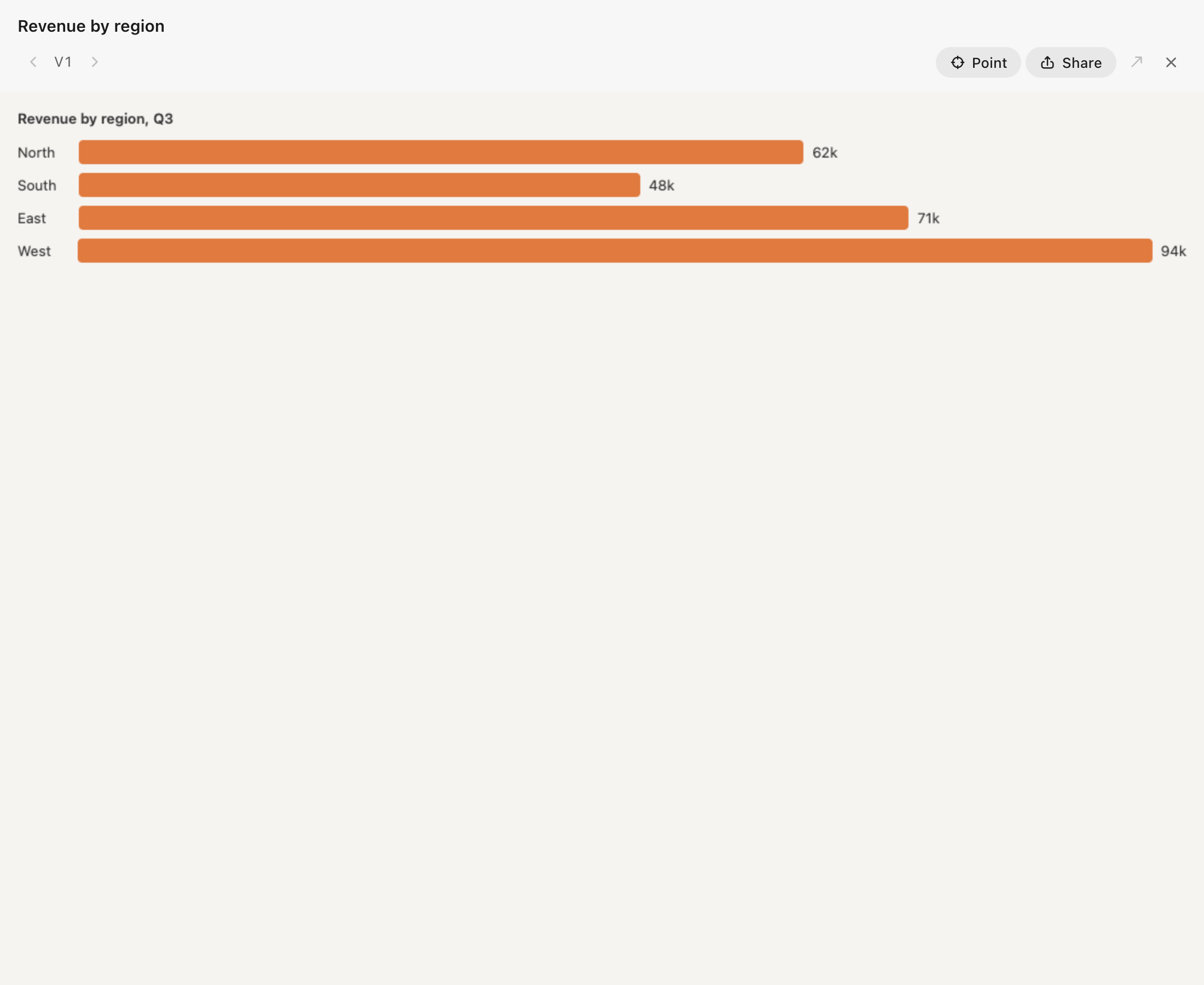
#340 Pages and charts fit the bubble width

What changed A page or chart a bot draws stops at a message bubble's width on desktop and phone; full screen still opens edge to edge.

What to check Ask for a chart: it lines up with the bubbles; full screen fills the window.

Before
Before
After
After
340-desktop-light-before
340-desktop-light-after
340-fullscreen-after

Also changed